Most “one-prompt = full film” tools can spit out 5-10 minutes of okay content. They almost always fall apart when you try to stretch that to 30-90 minutes.
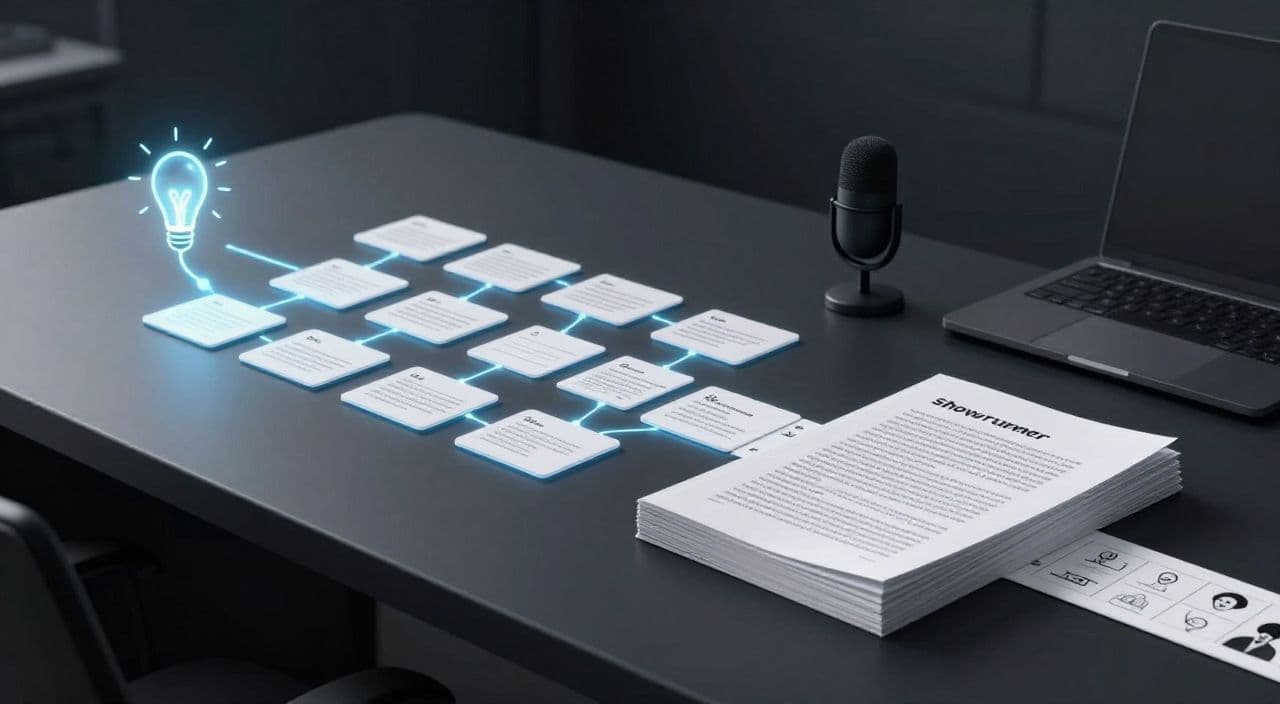
If you want real long-form documentaries, explainers, or sleep videos, you need a structured workflow: prompt → thesis → chapters → beats → voiceover script → scenes. Think like a showrunner, not a prompt button pusher.
Below is a practical, tool-agnostic workflow you can reuse for every video.
1. Start by Turning a Topic into a Thesis
A prompt like “AI and jobs” or “ancient Rome” is too vague. Long-form needs a sharp thesis.
Make the topic a question
Rewrite your idea as a focused question:
- “Will AI kill white-collar jobs or just change them?”
- “How did ancient Rome finance its empire?”
- Sleep doc: “What actually happens in your brain during deep sleep?”
This question becomes your north star. If a section doesn’t help answer it, cut it.
Choose an angle for your niche
Different faceless niches need different angles:
- Explainer / documentary: Analytical, evidence-driven, clear sections.
Example: “How sleep deprivation reshaped modern work culture.” - AI story / narrative doc: Character or event-driven, more tension.
Example: “One programmer’s 30-day experiment with total sleep deprivation.” - Sleep / bedtime content: Gentle pacing, low conflict, repetitive reassurance.
Example: “A slow journey through how every organ rests while you sleep.”
Define in one sentence:
“Who is this for, and how should they feel at the end?”
That drives tone and pacing.
Set constraints up front
Before you outline:
- Target length:
- 30 minutes ≈ ~4,000-4,500 words
- 60 minutes ≈ ~8,000-9,000 words
- 90 minutes ≈ ~12,000-13,000 words
(Assuming ~140-150 spoken words per minute.)
- Audience depth: Beginner vs intermediate. This affects how much context you add.
- Structure style: Linear timeline, problem → solution, or journey style.
Tell your AI: “I’m aiming for a 60-minute beginner-friendly explainer answering: ‘How sleep deprivation rewired modern work culture.’”
2. Build a Chapter-Based Outline Before Any Script
Long-form that holds attention is built like a book: chapters → sections → scenes.
How many chapters?
As a starting point:
- 30 minutes: 4-6 chapters
- 60 minutes: 6-9 chapters
- 90 minutes: 8-12 chapters
Think of each chapter as 5-10 minutes of watch time.
Prompt AI for a chapter outline
Example prompt:
“I’m creating a 60-minute YouTube documentary answering: ‘How did sleep deprivation reshape modern work culture?’
Audience: general, non-technical.
Propose 8 chapters, each with a title and 1-2 sentence description.
Make sure the chapters flow logically from past → present → future.”
Then iterate:
- Merge overlapping chapters.
- Rename vague ones (“The Future” → “Will We Ever Go Back to 8 Hours?”).
- Ensure there’s a clear beginning, middle, and end.
Check the narrative arc
You want:
- Hook: Why this matters now.
- Journey: History, mechanisms, consequences, case studies.
- Payoff: Clear answer, implications, or a calming landing (for sleep).
If your outline is just “history dump → more history → more history,” add contrast chapters: case studies, opposing views, or practical implications.
3. Expand Chapters into 3-7 Section-Level Beats
Now zoom in one level.
Turn each chapter into beats
For each chapter, ask AI:
“For Chapter 3: ‘The Science of Sleep Debt’, list 5-7 bullet-point subsections.
Each bullet should be a specific idea or question, not a vague label.”
Example beats:
- What is “sleep debt” scientifically?
- How quickly does it accumulate?
- Short-term cognitive effects (focus, memory).
- Long-term health effects (heart, metabolism).
- Misconceptions: “I can catch up on weekends.”
- A real-world example (night-shift nurse, coder, etc.).
This gives you a checklist to keep the script focused.
Avoid rambling and hallucinations
When you ask AI to expand beats into paragraphs:
- Remind it of the thesis every time:
“Stay focused on how sleep deprivation reshaped work culture.” - Set boundaries:
“Avoid medical advice; keep this educational and high-level.”
“No specific statistics unless you can explain them clearly.”
If a section feels generic, tighten the prompt:
“Rewrite this subsection using a concrete example from a typical office worker’s day.”
4. Convert Beats into a Voiceover-Ready Script
Now you’re writing the actual words that will be spoken.
Aim for the right word count
Use your target length and chapter count to estimate:
- 60 minutes (~8,500 words) / 8 chapters ≈ ~1,000-1,100 words per chapter.
- If a chapter draft is 2,000+ words, split it into two chapters or trim.
Write for the ear, not the eye
AI tends to write like a blog post. You want spoken-friendly:
- Shorter sentences and clear transitions.
- Periodic “re-engagement” lines:
- “But here’s where it gets strange…”
- “Let’s zoom out for a second.”
- For sleep content: slower, softer transitions:
- “Now, as your body sinks deeper into rest, let’s gently explore…”
Prompt example:
“Turn these bullet points into a 1,000-word voiceover script.
Write for a calm, documentary-style narrator.
Use simple language, short sentences, and clear transitions.
Do not add a YouTube-style intro; start directly with the content.”
Add soft CTAs and branding
Weave them in without breaking immersion:
- “If you’re finding this breakdown helpful, consider subscribing for more deep dives on sleep and the brain.”
- For sleep: place CTAs early, keep the last 30-40 minutes CTA-free and calming.
5. Break the Script into Scene-Level Units
This is where most creators fail: they have a wall of text and no idea how to visualize it.
Define scenes as 10-30 second chunks
Go through the script and mark scene breaks:
- Every 2-4 sentences, or
- Whenever the idea or time/place changes.
Tag them like:
- [SCENE] “19th-century factory workers trying to stay awake.”
- [SCENE] “Close-up of neurons firing during deep sleep.”
- [SCENE] “Office worker staring at a bright laptop at 2 a.m.”
Attach visual intent
For each scene, note:
- Type: stock b-roll, AI image, simple animation, text-on-screen.
- Mood: dark, calm, energetic, surreal (for dreams, myths, etc.).
This is essential for AI-based visual generation and for mapping stock footage later.
How AutoTube.pro Fits Into This Workflow
Once you’re thinking in thesis → chapters → beats → scenes, you can start compressing the busywork.
AutoTube.pro is built specifically for long-form faceless YouTube (5 minutes to 3 hours), so it doesn’t break when you go beyond 10 minutes. You can start with a single idea prompt, generate a chapter-based outline, and then expand that into a full script inside one pipeline. From there, you attach an AI voiceover (with multiple voice options suited to documentary, explainer, or sleep content), and map each script segment to visuals using AI-generated media plus integrated stock footage.
Because the workflow is scene-based, you can keep visual variety high over 30-90 minutes without manually juggling 5 different tools. AutoTube.pro also handles automated video rendering and includes a built-in thumbnail editor (a Canvas-style drag-and-drop tool), so your thumbnail angle can directly match your documentary thesis without opening Canva or Photoshop. In practice, that means: one prompt → structured outline → long-form script → voiceover → visuals → rendered video and thumbnail, all inside a single long-form-focused stack.
FAQs
Is AI-generated documentary content monetizable on YouTube?
Yes, AI-generated content can be monetized on YouTube if it follows YouTube’s policies and provides original value. Focus on unique structure, commentary, and curation rather than raw, unedited AI output, and always respect copyright and community guidelines.
Does YouTube penalize AI voiceovers?
YouTube does not automatically penalize AI voiceovers, but low-quality, spammy content can struggle to get traction. Use natural-sounding voices, ensure your script is engaging, and package it with solid visuals and thumbnails so the overall experience feels intentional, not automated.
How long should faceless YouTube videos be for good revenue potential?
For faceless channels, 20-90 minute videos often have strong potential because they can earn more watch time per viewer. Explainers, documentaries, and sleep videos work especially well in longer formats, as viewers tend to let them run in the background.
How do I stop AI from hallucinating in long scripts?
Give AI a clear thesis, strict boundaries, and work in smaller chunks like chapters or sections. Regularly restate the core question in your prompts, avoid asking for huge outputs in one go, and review each chapter before moving on to maintain consistency.
What’s the best way to structure a 60-minute YouTube documentary script?
Break the 60 minutes into 6-9 chapters, each 5-10 minutes long, and then divide each chapter into 3-7 beats. This chapter → beat → scene hierarchy keeps your narrative focused, makes AI outputs more reliable, and gives you clear units for visuals and editing.
If you’re ready to move from “AI wrote me 8 minutes” to a repeatable 30-90 minute documentary workflow, take one of your ideas, build the thesis → chapter outline using this process, and then test it end-to-end inside AutoTube.pro to see how much production friction you can remove.