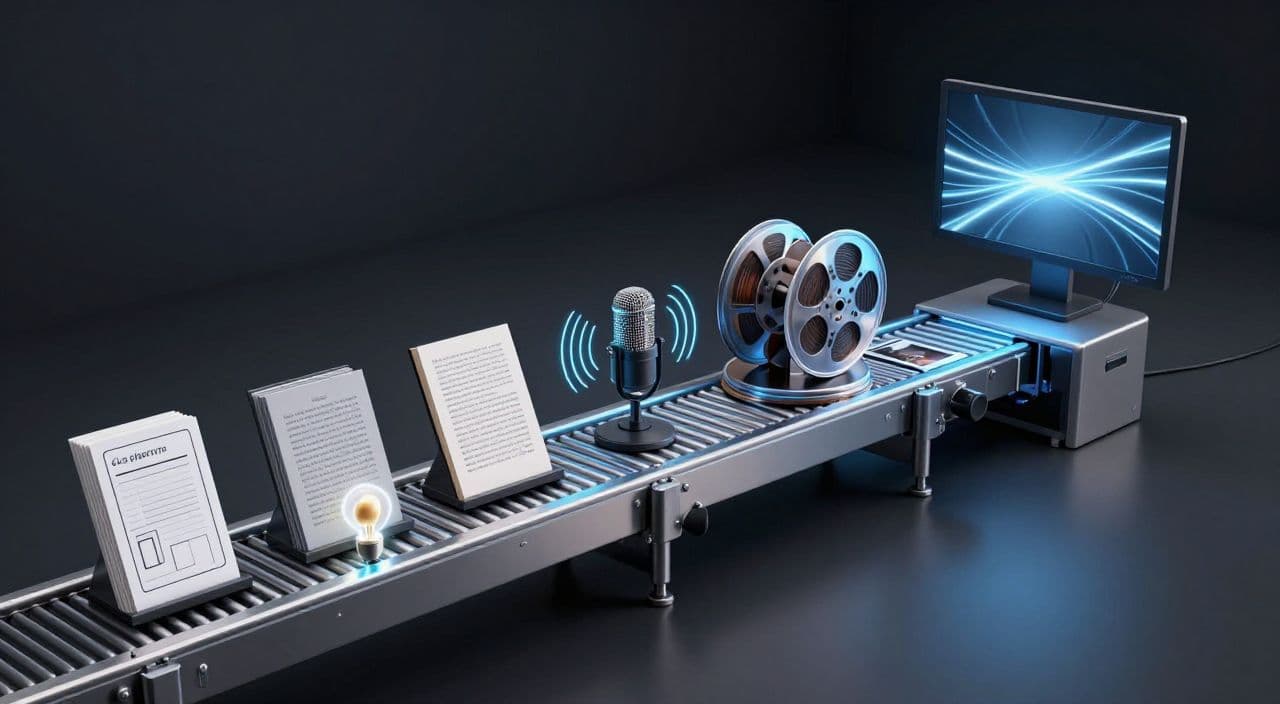
If you want a 30-60 minute AI documentary on YouTube from a single idea, the key is structure, not magic. You’re not trying to “one-click” a viral film; you’re building a repeatable system that turns one prompt into: outline → script → voiceover → visuals → rendered video.
Think of this as a factory: once the line is set up, you can feed it new prompts every week without touching a traditional editing timeline.
Why Long-Form AI Documentaries Are Worth the Effort
If you’re serious about YouTube automation, long-form is where the real leverage is.
Shorts can spike views, but they’re bad at building deep watch sessions. A 30-60 minute documentary on history, science, myths, or “sleepy” explainer content can:
- Run in the background while people sleep, study, or work.
- Stack more mid-roll ads.
- Build a loyal audience that actually remembers your channel.
You don’t need your face on camera. You need a clear topic, a structured narrative, and a workflow that doesn’t drown you in editing.
The Real AI Documentary Workflow (Tool-Agnostic)
For YouTube, a practical AI documentary video production workflow has five stages:
- Topic & angle ideation
- Structured outline and script
- Voiceover that matches your niche and length
- Scene-level visuals (AI images + stock)
- Automated assembly and export
If any of these steps is missing or chaotic, you end up with a flashy demo reel instead of a watchable documentary.
Step 1: Turn One Prompt into a Strong Outline
Your “single prompt” should be specific about:
- Topic
- Audience
- Tone
- Target length
Examples:
- “Outline a 45-minute, calm, sleep-friendly documentary on the fall of the Byzantine Empire for beginners.”
- “Outline a 60-minute, beginner-level explainer on the history of artificial intelligence, in a curious, non-technical tone.”
- “Outline a 30-minute storytelling documentary on the Norse creation myth, cozy bedtime tone.”
Then, force structure:
- Ask for 6-10 chapters.
- Ask for 3-5 sub-points per chapter.
- Ask for a narrative arc: setup → deeper context → conflict/tension → resolution → takeaway.
You’re aiming for segments of 3-7 minutes each. That gives you natural “beats” to attach visuals to later and makes it easier to keep viewers oriented.
Avoid generic listicle prompts like “Top 10 facts about X.” They tend to produce shallow, repetitive sections that collapse under long runtimes.
Step 2: Expand the Outline into a Retention-Focused Script
Once you have chapters, generate the script chapter by chapter. This gives you control and avoids a single giant blob of text.
Key things to bake into your prompts:
- Hooked intro: Ask for a first 30-60 seconds that frames a question or tension.
- Open loops: Ask the model to tease future sections (“Later, we’ll see how this decision doomed the empire”).
- Smooth transitions: Explicitly request transitions between chapters, not hard cuts.
Calibrate length using a simple rule of thumb: most AI voices read around 130-160 words per minute. So:
- 30 minutes ≈ 4,000-4,800 words
- 45 minutes ≈ 6,000-7,200 words
- 60 minutes ≈ 8,000-9,600 words
You don’t need to hit this perfectly, but you should know if your script is wildly too short or long.
Do light-touch editing where it matters most:
- First 2-3 paragraphs (hook and setup)
- Transitions between chapters
- Final 1-2 paragraphs (wrap-up and CTA)
Instead of rewriting everything by hand, improve your prompts and templates for the next video. That’s how you keep the “single prompt → full doc” idea alive while raising quality.
Step 3: Generate Voiceover That Can Carry 45 Minutes
Your voice choice is a business decision:
- Sleep / bedtime docs: Slow, soft, low-variation voice. Slightly slower speed than default.
- History / business / tech docs: Neutral, clear, moderately paced.
- Mythology / storytelling: A bit more expressive, but not cartoonish.
Always generate the full voiceover track (or at least full chapters) before visuals. Your narration length and pacing should drive scene timing, not the other way around.
If you tweak the script, only re-generate the affected segments. Don’t restart the whole thing each time; that kills your throughput.
Step 4: Convert the Script into Scene-Level Visuals (No Timeline Needed)
The mistake most creators make is going “one image per sentence” and ending up with a chaotic slideshow.
Instead, think in “beats”:
- Each chapter becomes several scenes.
- Each scene covers a coherent idea (20-40 seconds, sometimes longer in sleep content).
- One or two visuals per scene is usually enough.
For visuals:
- Use AI images for: abstract concepts, historical reconstructions, myths, speculative scenes.
- Use stock footage for: cities, landscapes, generic b-roll (offices, crowds, nature, time-lapses).
For 45-minute videos, visual fatigue is real. Vary:
- Shot types (wide, medium, close-up)
- Visual style (but keep a consistent overall look per series)
- Movement (slow pans, zooms, or subtle motion are enough)
Remember: in sleep and study niches, many viewers are primarily listening. Don’t over-animate just because you can.
Step 5: Automate Assembly and Export
If you hate editing timelines, design your workflow so you never open Premiere, DaVinci, or Final Cut.
The goal:
- Script segments are aligned with voiceover segments.
- Visual scenes are attached to those segments.
- A tool or pipeline automatically syncs and renders everything into a single video.
Set your defaults once (1080p, 24/25/30 fps, safe audio levels), then stop thinking about codecs. Your time is better spent on ideas and titles than on export settings.
Turning This into a Repeatable Documentary Machine
Once you have one working run, turn it into a system:
- Standardize your documentary template: intro pattern, chapter count, pacing, outro CTA.
- Batch ideation: brainstorm 4-6 prompts in a single session for one niche (e.g., “sleepy Roman Empire series,” “AI history series,” “mythology bedtime stories”).
- Batch production: generate outlines one day, scripts the next, voiceovers and visuals after that. Let rendering run while you handle titles, descriptions, and uploads.
This is how a single creator can sustain weekly long-form uploads without burning out.
How AutoTube.pro Fits Into This Workflow
If you don’t want to wire together five different tools and automations, AutoTube.pro is one way to run this entire workflow end to end.
It’s built specifically for long-form faceless YouTube videos (5 minutes up to 3 hours), including 30-60 minute documentaries and multi-hour sleep-style explainers. You feed in a topic prompt and target length, and the pipeline runs:
- Ideation & outline: Turn a single prompt into a chaptered documentary outline tuned for long-form.
- Script generation: Expand each chapter into a full script, with runtime targeting so you’re in the right 30-60 minute range.
- AI voiceover: Choose from multiple voice options and generate the full narration in the same place, no exporting/importing.
- Visuals: Generate AI images, pull in stock footage, and attach them to script segments as scenes.
- Rendering: Auto-assemble and render the finished video, synced to the narration, in YouTube-ready formats.
- Thumbnail: Use AI thumbnail suggestions and a built-in Canvas-style editor to design a clickable thumbnail without opening Canva or Photoshop.
The advantage is not “magic one-click virality”; it’s having the entire long-form pipeline - idea to finished video and thumbnail - in a single, predictable workflow.
FAQ: AI Documentaries and Long-Form Faceless YouTube
Is AI-generated documentary content monetizable on YouTube?
Yes, AI-generated documentaries can be monetizable if they follow YouTube’s policies and provide original value. Focus on unique scripts, clear narration, and meaningful transformation of information rather than dumping raw AI text on screen.
Does YouTube penalize channels that use AI voiceovers?
YouTube does not automatically penalize AI voiceovers; what matters is overall content quality and policy compliance. As long as your audio is clear, understandable, and part of an original, valuable video, AI narration is generally acceptable.
How long should faceless YouTube videos be for good RPM and watch time?
There is no perfect length, but many successful faceless channels target 20-60 minutes because it supports longer sessions and more mid-roll ads. Choose a length you can sustain consistently while keeping the script structured and engaging.
How do I avoid low-quality, repetitive AI scripts in long-form videos?
You avoid low-quality scripts by starting with a strong outline, generating chapter by chapter, and lightly editing key sections. Add your own angles, examples, and framing, and refine your prompts over time instead of accepting the first draft.
Do I need to learn professional video editing software for AI documentaries?
You don’t need traditional editors if you use a workflow or tool that handles assembly and rendering for you. Many creators skip timelines entirely by working at the script/scene level and letting their chosen platform handle syncing and export.
If you want to test this workflow without juggling multiple subscriptions and tools, take one 30-45 minute documentary idea and run it through AutoTube.pro from prompt to rendered video and thumbnail, then refine from there.