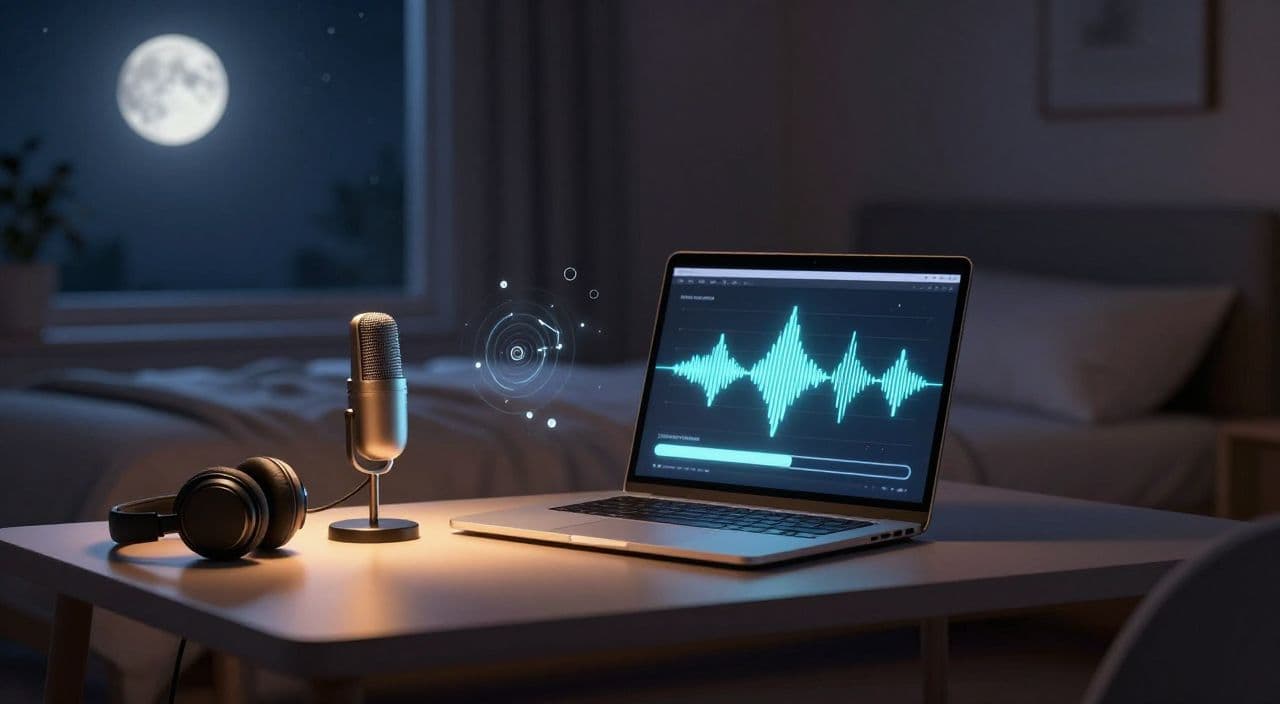
If you want to ride the “sleepy AI video” wave without being the 10,000th rain-sounds channel, narrated long-form is where the real opportunity is.
Instead of looping thunderstorms, you publish 1-3 hour sleepy history, myths, or science videos people actually listen to while drifting off. Same background behavior (they let it run for hours), but with content that’s more ad-friendly and harder to copy.
Let’s walk through how to build that as a repeatable, semi-automated system.
Why Narrated Sleep Channels Beat Generic Ambient Noise
Ambient channels (rain, lofi, fan sounds) are brutally saturated. The content is interchangeable, and the only “differentiator” is thumbnail and SEO. That usually means weaker brand and lower RPMs.
Narrated sleep content is different:
- You can niche down: sleepy Roman history, Norse myths, cozy space explainers, folklore for adults.
- The content has perceived value beyond “background noise,” which tends to attract better ads (education, wellness, productivity).
- You build an actual audience that comes back for the next episode, not just a random rain search.
Long-form (1-3 hours) is the leverage point. One viewer can generate hours of watch time in a single session. Shorts can’t touch that. YouTube’s monetization model is still heavily tilted toward long-form sessions and channels that keep people on-platform.
Pick a Sleep-Friendly Narrated Niche You Can Repeat 100+ Times
You’re not looking for “viral.” You’re looking for “repeatable and boring in a good way.”
Sleep-compatible topic types
Aim for low-stimulation but mildly interesting:
- “Boring but cozy” history: the evolution of street lighting, the postal system in ancient empires, the daily life of a medieval scribe.
- Mythology and folklore: soft retellings of Greek, Japanese, or Celtic myths without dramatic jump-scares.
- Slow science: astronomy, geology, biology explained like a bedtime story.
- Adult bedtime fiction: gentle slice-of-life fantasy, travel diaries, or slow adventure with low stakes.
Avoid true crime, high-stakes drama, and anything with sudden emotional spikes.
Validate demand quickly
Spend an hour on YouTube:
- Search terms like “sleep story,” “sleepy history,” “bedtime story for adults,” “science for sleep.”
- Filter for 1-3 hour videos.
- Look for:
- Channels posting consistently in the last 6-12 months.
- Videos with steady, not spiky, view counts.
- Similar structures across multiple uploads (they’ve found a format).
If you see multiple channels running similar long-form sleepy concepts, that’s a good sign. You’re not trying to invent a new category; you’re trying to execute a proven one with your own angle and workflow.
Define a series format upfront
Decide on a template you can reuse:
- “3 Hours of Sleepy History: [Empire/City/Theme]”
- “Bedtime Myths: [Culture] Legends for Sleep”
- “Falling Asleep to Space: [Planet/Phenomenon] Explained Slowly”
Lock in:
- A consistent intro structure.
- A chapter pattern (e.g., 6-10 sections per video).
- A naming scheme for titles and thumbnails.
This reduces decision fatigue and makes automation easier later.
How to Structure a 1-3 Hour “Sleepy” Script
Think in terms of “can someone fall asleep at any point and not miss anything critical?”
Core structure
A solid sleepy script usually looks like:
-
Soft intro (2-5 minutes)
Set expectations, reassure the viewer they don’t need to pay full attention, invite them to close their eyes. -
Long, slow middle (90-160 minutes)
Chaptered content with gentle transitions. No cliffs, no big twists. Lots of description, low stakes. -
Gentle landing (5-10 minutes)
Gradually wind down; avoid loud music or sudden calls to action at the end.
Pacing and language
- Use long sentences and descriptive passages: “Imagine you’re walking through…” rather than “First, second, third.”
- Avoid rapid-fire facts; group them into soft narratives.
- Reuse phrases: callbacks and repetition are good here; they create a lull.
Using AI for long scripts (without sounding like a bot)
For a 2-hour video, you’re looking at roughly 12,000-18,000 words depending on speed. Writing that from scratch every time will burn you out.
A practical workflow:
-
Outline first
Define 6-10 chapters (e.g., “Early Rome,” “Republic,” “Empire,” “Daily Life,” etc.). -
Generate per-chapter drafts with AI
Prompt for “slow-paced, descriptive, bedtime-style explanation” rather than generic info-dumps. -
Human edit for sleep-friendliness
- Remove jargon and overly technical tangents.
- Soften transitions (“Now, let’s slowly move to…”).
- Sprinkle occasional relaxation cues without turning it into a meditation script.
You’re using AI as a first draft machine, not a final product.
Choosing and Tuning AI Voiceovers That Don’t Wake People Up
The voice is the product. If it’s grating after 5 minutes, no one will last 2 hours.
What to look for in a sleep voice
- Mid-to-low pitch, neutral tone.
- Stable pacing, minimal emotional swings.
- Soft consonants; sharp “S” and “T” sounds can get annoying at scale.
Test for 2-hour viability
Don’t just sample 10 seconds. Generate 5-10 minutes and listen while doing something else.
Ask:
- Does this voice disappear into the background?
- Are mispronunciations frequent enough to break immersion?
- Would you personally fall asleep to this?
Dial the speed slightly slower than “normal narration” and keep volume consistent. Avoid music that rises and falls; if you use ambience, keep it very low and flat.
Visuals: Low-Stimulation and Easy to Produce
Most viewers will either minimize the tab or close their eyes. Visuals are there to signal “safe, calm, high quality,” not to entertain.
Good visual approaches
- Static or slow-moving scenes: starfields, galaxies, candle-lit rooms, cozy libraries, misty forests.
- Soft, painterly AI art for myths and history.
- Slow stock loops: night skies, ocean waves (without aggressive motion), aerial shots of cities at night.
Keep:
- Very few cuts: 30-120 seconds per shot is fine.
- Gentle transitions: cross-fades, slow dissolves.
- Minimal or no on-screen text.
You’re optimizing for render simplicity and non-distracting visuals, not cinematic editing.
Handling 1-3 Hour Renders Without Losing Your Mind
Long videos are technically annoying in traditional editors: huge timelines, crashes, endless exports.
To keep it sane:
- Stick to 1080p unless your niche truly needs 4K.
- Use 24-30 fps; anything more is wasted on slow visuals.
- Keep your visual track simple: a small set of loops that repeat with soft transitions.
- Render once; avoid constant re-exports by locking your format and templates early.
If you’re stitching multiple voice and visual segments, keep a consistent naming convention and chapter structure so you can batch-assemble without confusion.
How AutoTube.pro Fits Into This Workflow
Once you know your niche and format, the bottleneck is execution: turning “3-hour sleepy Greek myths” into consistent uploads without five different tools.
AutoTube.pro is one way to do that in a single pipeline, specifically for long-form faceless YouTube (5 minutes to 3 hours).
Here’s how it can map onto the workflow above:
-
Ideation and series planning
Use prompts to spin one niche (e.g., “sleepy Roman history,” “Norse myths for adults”) into dozens of episode ideas and structured outlines. -
Long-form script generation
Generate chaptered scripts sized for 60-180 minutes, then lightly edit inside your writing tool of choice. The system is built with long runtimes in mind, so you’re not fighting text limits designed for Shorts. -
AI voiceover tuned for sleep
Pick from multiple voices and set slower pace and calm delivery, then generate the full narration directly from your script. You avoid exporting/importing dozens of audio files by keeping it in one environment. -
Low-stimulation visuals and stock integration
Create AI images to match your topic (myths, history, space) and mix them with stock footage. You can set long scene durations and gentle transitions so the visuals stay sleepy and the timeline stays simple. -
Automated long-form rendering
Because the platform supports up to 3-hour videos, you can assemble script, voice, and visuals and kick off a single render to get a YouTube-ready file, instead of wrestling with a desktop editor. -
Thumbnail creation without extra tools
When you’re done, you can design calm, consistent thumbnails in the built-in drag-and-drop thumbnail editor instead of bouncing to Canva or Photoshop. This keeps the entire process - idea to video to thumbnail - inside one workflow.
The real benefit is mental: you can focus on picking good sleepy topics and refining your format, not on wiring together a tech stack.
FAQs About Narrated AI Sleep Channels
Is AI-generated narrated content monetizable on YouTube?
Yes, AI-generated narrated content can be monetized on YouTube as long as it complies with YouTube’s policies and provides original value. Focus on unique scripts, useful or entertaining information, and avoid simply reusing copyrighted material or low-effort compilations.
Does YouTube penalize AI voiceover?
YouTube does not automatically penalize AI voiceover; it cares more about policy compliance and viewer satisfaction. If your videos keep people watching, follow guidelines, and don’t spam reused content, AI narration is generally treated like any other voiceover.
How long should sleep videos be for good watch time and RPM?
For sleep channels, 60-180 minutes is a strong range because it matches actual sleep or study sessions. Longer videos mean fewer clicks per night and higher total watch time per viewer, which can help both algorithm performance and ad revenue potential.
How many narrated sleep videos do I need before I see meaningful income?
There’s no fixed number, but expect to need a library of consistent uploads - dozens of videos, not just a handful - before you see stable income. Think in terms of building a catalog of series episodes that can be played on repeat rather than chasing a single hit.
Do I need to show my face for a narrated sleep channel?
No, you don’t need to show your face; sleep content works very well as fully faceless channels. As long as your narration, visuals, and branding feel consistent and trustworthy, viewers care more about the experience than the on-camera personality.
If you’re serious about testing a narrated AI sleep channel and don’t want tooling to be the bottleneck, try building your first 60-180 minute episode end-to-end inside AutoTube.pro and use that as the template for a scalable, long-form faceless channel.