Long-form faceless videos rarely fail because a creator could not generate enough images. They fail because the visuals arrive as a pile: good-looking clips with no assigned role in the story, a narrator moving on before the image has made its point, and a sequence that changes style every few minutes.
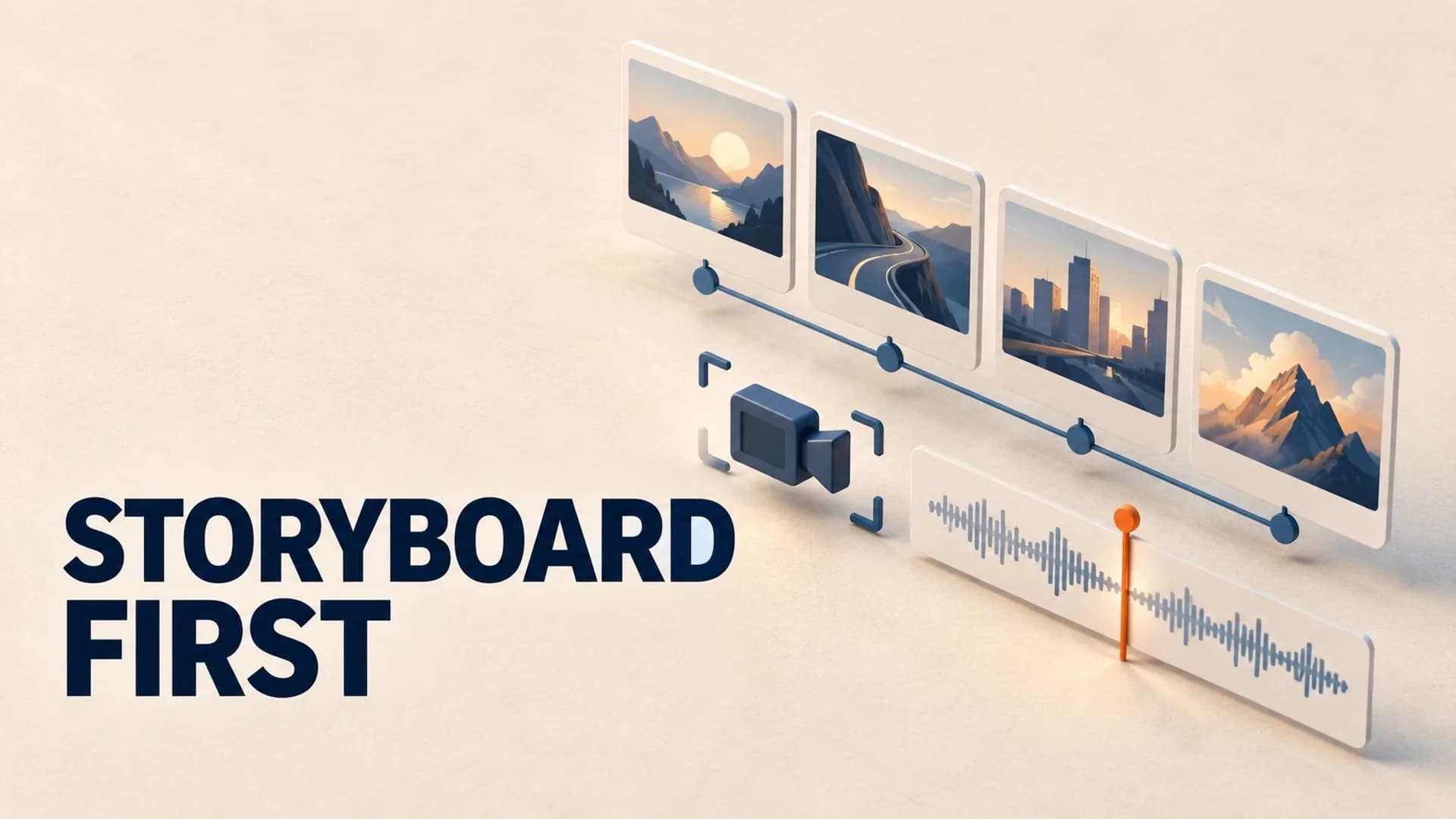
That is what a storyboard fixes. For a long YouTube video, it does not need to be a traditional grid of drawings. It needs to be a decision document between the script and production: what the viewer should see, why that visual belongs there, how long it should hold, and what must remain consistent when the next scene begins.
AI makes the first draft of that document much faster. It does not remove the need to direct it.
Start With the Script's Promises
Do not ask an AI tool to turn a finished script into dozens of panels and call the result a plan. That produces an illustrated transcript. A useful storyboard starts by finding the promises the script makes to the viewer.
Read the script once and mark four kinds of beats:
- Claim: a fact, argument, or explanation that needs evidence or a clear metaphor.
- Change: a new chapter, reversal, escalation, or answer to a question raised earlier.
- Place: a location, era, system, or environment the viewer needs to understand.
- Emotion: suspense, scale, relief, curiosity, or a pause where the image should do more than the words.
Those are your visual beats. A single paragraph may contain two; a one-minute passage may contain none if the narration is already doing the work. The goal is not a cut every few seconds. The goal is to avoid leaving an important promise unsupported.
For example, imagine a 24-minute video explaining why a famous business failed. The opening might need one bold visual question, then a clear image of the company at its peak. The next two minutes may need an annotated timeline and a diagram of the underlying business model. When the script reaches the turning point, the visual grammar should change - fewer decorative shots, more documents, dates, headlines, or cause-and-effect diagrams.
That is direction. An AI image prompt is only one production input after that choice is made.
Build a Visual Ledger, Not a Gallery
A long-form storyboard is easier to operate as a table than as a wall of thumbnails. Give every beat one row and force it to answer the same questions.
| Time | Narration job | Visual job | Asset type | Continuity note |
|---|---|---|---|---|
| 0:00-0:18 | Set up the unanswered question | Create tension without explaining it | Hero image plus title treatment | Use the channel's primary color and one recurring motif |
| 0:18-1:10 | Establish the subject | Orient the viewer in time and place | Map, archival still, or generated establishing frame | Lock the era, wardrobe, and palette |
| 1:10-2:30 | Explain the mechanism | Make an abstract idea visible | Diagram, labeled sequence, or restrained animation | Reuse the same symbols for the same concepts |
| 2:30-3:15 | Introduce the reversal | Signal that the story has changed | Contrast frame, document, or before/after composition | Deliberately shift contrast, not the entire visual style |
The ledger exposes two expensive problems before generation begins. First, it shows where you are relying on a generic âperson looking thoughtfulâ visual because the script has no visual idea. Second, it reveals when you are using five distinct image styles to tell one coherent story.
AI can draft the first pass. Feed it one chapter at a time and ask for a table with the narration beat, visual purpose, asset type, and continuity rule. Then edit the table as a producer. If a row cannot explain what the visual adds beyond repeating the voiceover, merge it with another row or replace it with a useful diagram, source, map, or pause.
Use Fewer Visual Families Than You Think
The most common long-form AI-video problem is not repetition. It is uncontrolled variety. A generated wide shot, a photorealistic close-up, a flat infographic, a vintage engraving, and a glossy 3D animation can all look good in isolation while making the finished video feel assembled from five channels.
Choose two or three visual families before you make assets. For a history documentary, that might be cinematic establishing images, labeled maps, and archival-style documents. For a business explainer, use clean diagrams, source material, and one restrained 3D metaphor. For a story channel, use character scenes, environmental inserts, and a consistent transition device.
Write the rule in the storyboard, not in your head. A practical version is: âGenerated images establish place and mood; diagrams explain mechanisms; sourced material supports named events.â That rule gives you a fast answer each time a new paragraph needs a visual.
It also stops a costly failure mode: generating ten attractive images for a passage that really needed one chart and a 15-second hold. Not every visual unit should have the same duration. Establishing frames may linger while the viewer absorbs a place; evidence visuals should stay long enough to read; a transition can be brief because its job is simply to reset attention.
Give AI Constrained Jobs
Generic prompt: âCreate a cinematic image for this paragraph.â
Useful storyboard instruction: âCreate a 16:9 editorial establishing frame for a 1970s newsroom at night. One empty desk, stacks of dated newspapers, amber practical light, muted blue shadows, documentary realism. No readable newspaper text, no people, no logos. This begins a chapter about reporting pressure; preserve this palette for the next three location frames.â
The second instruction includes subject, visual role, composition, restrictions, and a continuity hook. That is enough constraint to produce material that can survive editing, while leaving room for a tool to contribute ideas.
For every visual beat, include five fields:
- What must the viewer understand? One sentence, written without visual jargon.
- What should they see? The subject and the action or relationship in frame.
- What is the visual role? Establish, explain, prove, transition, or create emotion.
- What must stay consistent? Character, era, palette, type treatment, camera distance, or recurring symbol.
- What must be avoided? Readable fake text, logos, anachronisms, distorted hands, an unnecessary face, or a style break.
This turns AI from a random-image machine into a fast assistant working against a production brief.
Plan the Hook and Chapter Boundaries by Hand
The first minute and each chapter boundary deserve more human attention than the middle of a stable sequence. These are the moments when a viewer decides whether the video is still going somewhere.
For the opening, storyboard three beats before generating anything: the promise, the proof that the promise matters, and the question that keeps the viewer watching. Do not spend the opening on a logo montage or a sequence of generic generated images. A viewer needs orientation and a reason to care.
At a chapter boundary, change one meaningful variable: location, scale, evidence type, pacing, or question. Do not change everything at once. If the narration moves from a personal story to a systems explanation, move from intimate scenes to a diagram or map. The viewer feels the transition without losing the visual language they learned at the start.
After publication, use the video-level audience-retention report to review those planned moments. YouTube specifically recommends experimenting with storytelling techniques and using retention at key moments to understand how viewers respond. A dip is not automatically a storyboard mistake, but it gives you a precise place to compare the narration, visual assignment, and transition rather than guessing across the entire video.
A Lean Review Before You Generate Everything
Before you commit to a full batch, review one chapter with a simple three-question pass:
- Can someone describe the chapter's visual logic after looking only at the ledger?
- Does every important claim have an intentional visual role - proof, explanation, place, or emotional framing?
- Would two adjacent frames still look like they belong to the same video?
Then make a small test set: the hook, one explanatory sequence, and one chapter transition. This is the cheapest time to discover that the selected style is too busy for diagrams, the palette turns dark on mobile, or the narration moves more quickly than the planned shots. Fix the rule, then scale the pattern. Do not repair 80 generated assets one by one.
Where AutoTube.pro Helps With the Handoff
If your real bottleneck is moving from an approved visual plan into production, AutoTube.pro is one practical option for long-form faceless channels. Its research-backed script generation gives the storyboard a stronger source structure to work from, rather than asking visuals to rescue a vague outline. Its automatically timed AI and stock visuals can then be mixed to the narration, which is useful once you have defined the visual families and asset roles above.
It is not a replacement for directing the board. The important work is still deciding which beats deserve evidence, where a chapter turns, and what consistency rule holds the video together. But a reusable channel preset lets a creator keep a chosen voice and visual approach consistent while producing the next episode, instead of rebuilding the same production setup from scratch.
Turn the Next Script Into a Production Brief
For your next long-form video, do not begin by generating images. Mark the script's promises, make a visual ledger for one chapter, choose two or three visual families, and test the hook plus one transition. You will generate fewer disposable assets, make faster editing choices, and end up with a video whose images appear to belong to the narration rather than merely accompany it.