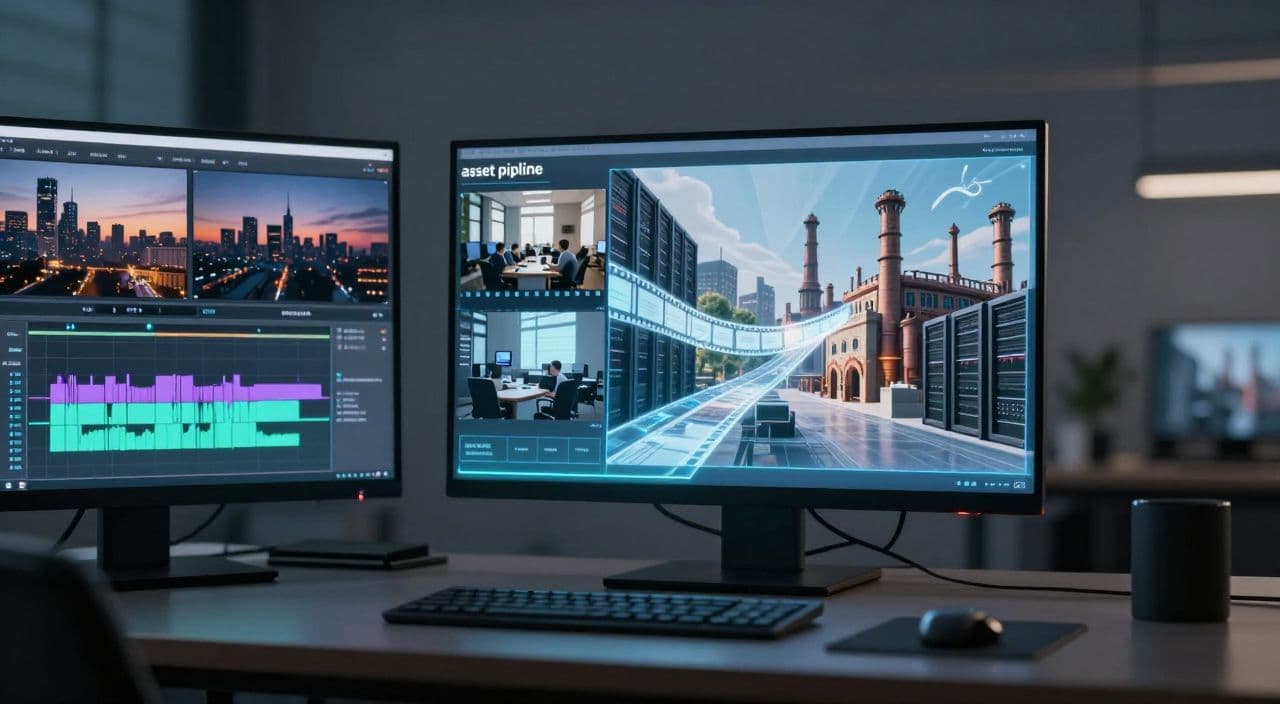
Most faceless documentary creators fail in one of two ways: either the video looks like a lazy slideshow, or it takes so long to assemble that they burn out after three uploads.
You don’t fix that with “more AI.” You fix it with a clear visual strategy and a repeatable workflow: where stock footage carries the realism, AI visuals fill the gaps, and your script is written to drive both.
This guide walks you through that, step by step, for 20-40+ minute business, tech, and history documentaries.
Why Long-Form Documentaries Are Perfect for Faceless Automation
If you’re going to invest in a workflow, build it for long-form. A 5-minute clip won’t justify all the research, scripting, and editing effort the way a 30-60 minute documentary can.
Why business/tech/history docs are worth it
Business, finance, and history breakdowns attract viewers who stick around and who are used to longer content: company stories, economic events, tech evolutions. That’s exactly the kind of audience advertisers value.
On top of that, these niches are naturally “voiceover + visuals” formats. You don’t need to be on camera, and you don’t need original footage if your narrative is strong.
You don’t need to film anything
Look at successful faceless docs: they lean on three things:
- Stock footage (cities, offices, factories, trading floors)
- Archival or illustrative images
- A steady, credible narration
Your edge isn’t owning a RED camera. It’s picking angles, structuring a story, and publishing consistently.
Why short-form tools don’t translate
Most AI video tools are tuned for Shorts and Reels: fast cuts, templates, one-click “from a prompt” outputs. That’s the opposite of what you need for a 40-minute documentary.
Long-form demands:
- Scene-level control (what’s on screen for each paragraph)
- Stable rendering for 20-180 minutes
- A workflow that doesn’t collapse under the weight of 300+ assets
So think in scenes and sequences, not in “clips and memes.”
The Core Visual Strategy: Stock Footage + AI Images Together
The main question: what should be real footage, and what should be AI-generated?
When to use stock footage
Use stock wherever you need grounded, real-world context:
- Business docs: office interiors, boardrooms, city skylines, manufacturing lines, people working, trading floors.
- Tech docs: generic data centers, programmers at computers, server rooms, robotics labs.
- History/econ docs: modern shots of locations you mention (ports, railroads, government buildings), crowds, landscapes.
Stock gives you:
- Instant motion (no static slideshow feel)
- Credibility (real places, real people)
- Relatability (viewers recognize the world)
When AI visuals are actually better
AI images shine where stock can’t go:
- Historical reconstructions: 19th-century factories, ancient ports, early computers.
- Abstract concepts: “the cloud,” algorithms, inflation, network effects, AI “brains.”
- Counterfactuals and metaphors: domino effects, house-of-cards markets, data as flowing light.
Use AI for:
- Scenes that don’t exist anymore
- Scenes that never existed
- Visual metaphors that make your explanation click
Avoiding the “random montage” look
The biggest mistake is dropping random clips on top of a finished script. Fix it by:
- Matching each visual to a specific line or beat in the narration, not just a keyword.
- Keeping a consistent AI image style (same aspect ratio, similar color palette, photo-real if you’re mixing with stock).
- Using stock as the backbone and AI as accents:
- Stock: long b-roll sequences during broader explanations.
- AI: punchy cutaways when you introduce a key idea, date, or metaphor.
If you can’t explain why a specific shot is on screen for a specific sentence, it’s probably filler.
Structuring Your Script for Visuals (Not Just Reading)
Most scripts are written like blog posts. That kills you in production. You want a script that already thinks in scenes.
Start with a scene-based outline
Take a 30-minute doc on “How Company X Disrupted Industry Y.” Turn it into 8-12 scenes:
- Opening hook and present-day impact
- Founder backstory
- Early product and first traction
- Funding and growth
- Competition and market reaction
- Crises, scandals, or pivots
- Current position
- Future risks and opportunities
For each scene, define:
- Narration goal: what the viewer should understand by the end.
- Visual intent: “early-2000s office,” “warehouse automation,” “abstract network effect graphic,” etc.
Write with visual cues inline
As you draft, drop simple tags into the script:
[STOCK: night skyline of San Francisco][STOCK: factory assembly line close-up][AI: stylized map showing shipping routes across the Atlantic][AI: conceptual image of data flowing through cables]
You’re not locking in assets yet; you’re marking where visuals must do work. This makes production 10x faster and prevents “wall of talking” sections.
A Repeatable Visual Pattern for 20-40 Minute Docs
You don’t want to reinvent the wheel every episode. Define a basic scene template.
A simple, scalable scene template
For most documentary niches, this works well:
- 20-40 seconds of narration per scene
- 1-2 stock clips (10-20 seconds each)
- 1-2 AI images with slow zoom/pan
- Optional: simple text overlay for key dates, names, or numbers
Example for a tech explainer:
- Narration: “In 2006, Amazon quietly launched a side project called AWS…”
- Visual 1 (stock): exterior of Amazon offices, 10-15 seconds.
- Visual 2 (AI): conceptual cloud with interconnected servers, 8-10 seconds.
- Text overlay: “2006 - AWS Launches”
Once you like a pattern, reuse it across the channel so every episode feels consistent.
Sourcing stock footage efficiently
To avoid spending hours on stock sites:
- Search by emotion + context, not just objects: “tense boardroom,” “busy trading floor,” “optimistic startup team.”
- Build reusable collections: “generic tech b-roll,” “Wall Street pack,” “factory pack,” “startup offices.”
- Reuse clips across episodes as long as they’re not tied to a specific brand or event.
Prompting AI images that actually match
Tie prompts to your script’s specificity:
- Bad: “office”
- Better: “open-plan startup office in 2010 with bulky CRT monitors, muted colors, 16:9, photo-realistic”
Keep:
- Aspect ratio at 16:9
- Style realistic if you’re mixing with real footage
- Color palette reasonably consistent across the video
Voiceover and Pacing: Making It Feel Like a Real Documentary
AI voiceover is fine if you choose and use it well.
- Match voice to niche:
- Business/finance: calm, authoritative, mid-tempo.
- History: warm, storyteller tone.
- Tech: clear, neutral, slightly faster.
- Avoid reading like a listicle. Write in full sentences with natural pauses.
- Visually, aim for 5-15 seconds per shot. Let the viewer actually see what’s on screen.
Long stretches of a single static image kill perceived quality. Even a slow zoom or subtle movement helps.
How AutoTube.pro Fits Into This Workflow
You can stitch this workflow together with 6-8 tools, or you can run it in one place. AutoTube.pro is one option built specifically for long-form faceless YouTube, from 5 minutes up to 3 hours.
Here’s how it maps to the process above:
- Scripts: Start with a topic like “How Netflix Changed Streaming” and generate a chaptered, long-form script. You can guide the AI to include visualizable beats and then adjust the outline into scenes.
- Voiceover: Convert the script to AI narration inside the same interface, testing different voices for business, history, or tech until the tone fits your niche.
- Visuals: For each scene, pair the narration with:
- Integrated stock footage search for real-world b-roll.
- AI image generation for historical, abstract, or metaphorical shots. You’re working scene-by-scene instead of juggling downloads and imports.
- Assembly and rendering: Attach visuals to scenes, preview pacing, then render the full 20-40 minute (or multi-hour) documentary in one pass - no traditional timeline editor required.
- Thumbnails: Finish with a cover using the built-in Canvas-style thumbnail editor, so you don’t have to jump to Canva or Photoshop just to ship.
The core advantage: you’re building a repeatable, long-form pipeline that covers ideation, script, voiceover, visuals, rendering, and thumbnail in a single workflow instead of a fragile stack of tools.
FAQ: AI Visuals and Stock Footage for YouTube Documentaries
Is AI-generated content monetizable on YouTube?
Yes, AI-generated content can be monetized on YouTube as long as it follows YouTube’s policies and adds original value. Focus on unique scripts, coherent storytelling, and responsible use of stock and AI visuals rather than pure “auto-generated” spam.
Does YouTube penalize AI voiceover?
YouTube does not penalize AI voiceover by default; it cares about policy compliance and viewer experience. If your narration is clear, understandable, and part of original, useful content, AI voiceover is generally acceptable.
How long should faceless YouTube documentaries be for good RPM?
There is no magic length, but many successful faceless documentary channels publish in the 20-40+ minute range. Longer, high-retention videos can support more mid-roll ads and build stronger watch sessions, which can help overall revenue potential.
Can I make documentaries without any original footage?
Yes, you can create full documentaries using only stock footage, AI-generated images, and narration. The key is strong research, structured storytelling, and careful visual selection so the video feels intentional, not like a random clip compilation.
How do I keep my AI and stock visuals from looking cheap?
Use a consistent visual style, avoid overly cartoonish AI art in otherwise realistic videos, and match every shot to a specific line in your script. Limit yourself to a curated set of stock packs and repeatable AI prompt styles so your channel develops a coherent look.
If you’re ready to test a long-form faceless documentary channel without hiring editors or buying cameras, try building your next 20-40 minute episode inside AutoTube.pro and see how a single, end-to-end workflow changes your output.