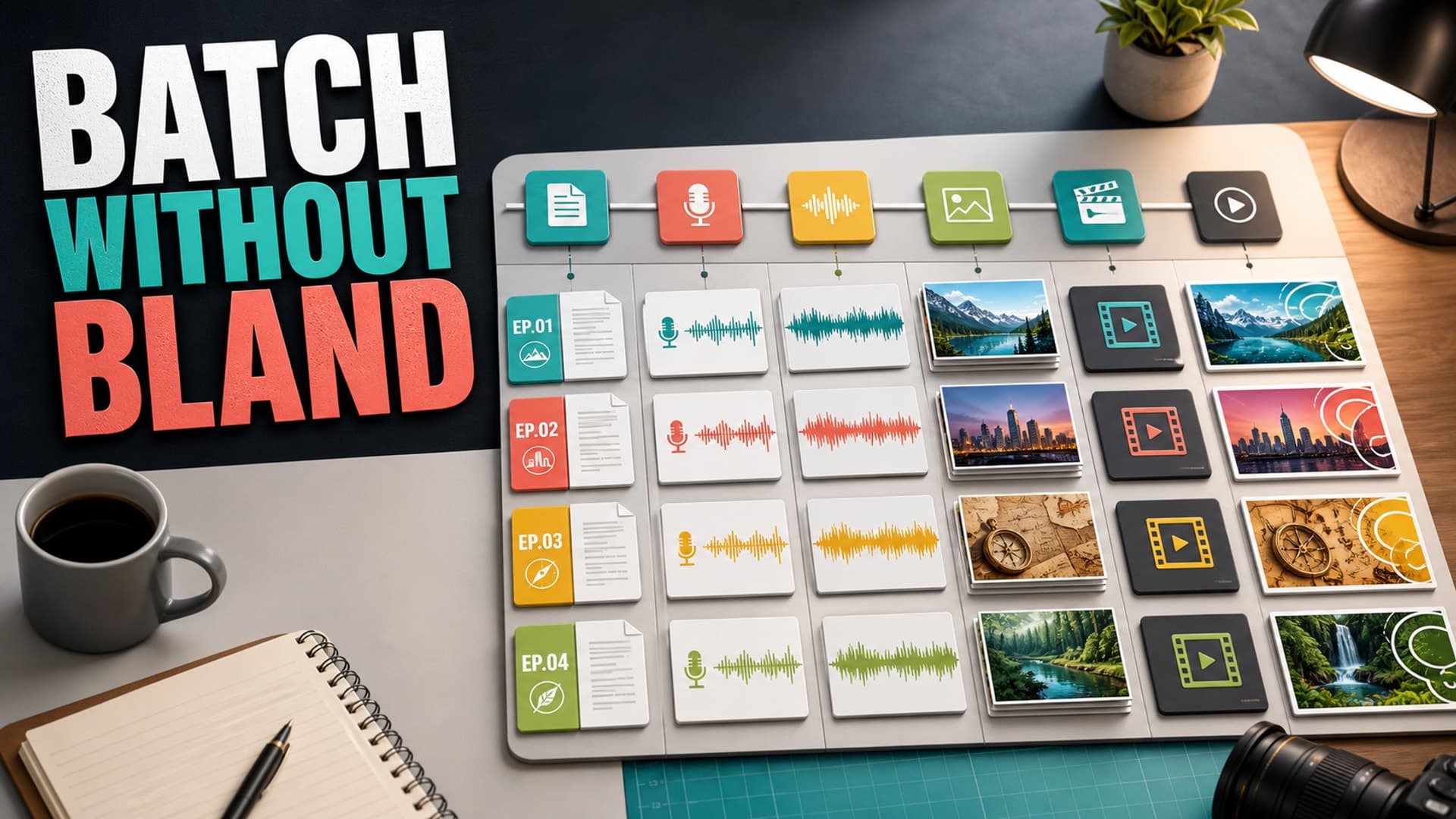
Batching is one of the most useful production habits a faceless YouTube creator can build. It turns a chaotic upload process into a repeatable system. Instead of writing one script, finding one voice, building one set of visuals, editing one timeline, then starting from zero again, you move similar work into focused blocks.
But batching has a dark side. If you batch the wrong way, every video starts to feel like a template with different nouns swapped in. The intros sound the same. The visual rhythm repeats. The voiceover has the same emotional temperature. The channel may upload more often, but the viewer feels less reason to click the next video.
The goal is not to mass-produce sameness. The goal is to standardize the boring parts so you have more energy for the parts viewers actually notice.
Why Batch Production Works for Long-Form Channels
Long-form faceless videos have more moving parts than most beginners expect. A single video can involve topic research, outline design, scriptwriting, fact checks, voiceover direction, music, images, stock clips, pacing, chapters, rendering, metadata, and thumbnails.
When every stage happens manually inside one giant project, the work becomes fragile. You forget why a topic was chosen. You revise the script after the voiceover is done. You change visual style halfway through a timeline. You render a 50-minute video and then notice a small structural issue that should have been fixed in the outline.
Batching helps because similar tasks use similar thinking. Researching five related topics in one session is usually easier than reopening the niche from scratch five separate times. Drafting three outlines with the same format creates momentum. Reviewing multiple scripts together makes weak patterns easier to spot.
For long-form channels, batching also protects the upload schedule. If every video depends on perfect daily energy, the channel becomes unstable. A batch gives you a buffer, and a buffer gives you room to improve instead of only reacting.
The Mistake: Batching the Finished Video Instead of the Decisions
Many creators think batching means making five complete videos as fast as possible. That is where repetition creeps in.
The better approach is to batch decisions, not just outputs. Before production begins, decide what each video is supposed to do for the viewer. One episode might explain a strange historical event. Another might compare two theories. Another might walk through a mystery chronologically. These are different viewer promises, even if they belong to the same channel.
A useful batch plan should define:
- The viewer question each video answers
- The emotional tone of the episode
- The structure of the script
- The visual language for the topic
- The expected length range
- The production risk that needs extra review
This keeps the system from flattening everything into one generic format. You still reuse process, but each episode has a reason to exist.
Build a Batch Around Formats, Not Random Topics
A strong batch usually starts with a format family. For example, a faceless documentary channel might batch three videos around “rise and fall” stories, while a sleep history channel might batch four calm episodes built around forgotten daily life in different eras.
The format gives the production system stability. The specific topic gives the viewer novelty.
Good batch formats include:
- Chronological story: beginning, turning point, consequence
- Explainer: question, misconception, answer, takeaway
- Case file: event, evidence, uncertainty, interpretation
- Ranked analysis: criteria, examples, final judgment
- Sleep documentary: soft hook, slow sequence, gentle recurring resets
The danger is using the same script skeleton too literally. If every video opens with the same sentence shape, the same chapter rhythm, and the same closing line, regular viewers notice. Keep the format, but vary the entry point.
A simple rule helps: every video in a batch should have one deliberate difference. One might open with a person. Another with a place. Another with a surprising number or object. Another with a conflict. That small variation can make a familiar channel style feel intentional rather than mechanical.
Separate Reusable Assets From Reusable Thinking
Reusable assets are helpful. A shared music library, lower-third style, caption style, thumbnail type system, prompt library, and export preset can save hours.
Reusable thinking is even more important. That means reusable questions:
- What would make a viewer stay past minute three?
- Where does the script slow down?
- Which visual moments need custom generation instead of generic footage?
- Does the voiceover need warmth, suspense, neutrality, or calm?
- What makes this episode different from the last three?
This is where many AI workflows go wrong. They reuse prompts but do not reuse judgment. A prompt can create a draft, but it cannot decide whether the channel is drifting into sameness. You need a review step that looks across the batch, not only at each individual video.
Add a Repetition Check Before Voiceover
The best time to catch repetition is before voiceover, because voiceover turns script problems into expensive production problems.
Before recording or generating narration, compare scripts in the batch side by side. Look for repeated hooks, repeated section headings, repeated metaphors, repeated transitions, and repeated conclusions. If you are making documentary or explainer content, also check whether every episode has the same density of facts and the same emotional pacing.
For AI-assisted scripts, this review matters even more. AI systems often produce clean, competent, familiar writing. That is useful for speed, but risky for channel identity. The more videos you batch, the more you need a human taste pass.
A practical review checklist:
- Rewrite any hook that could fit another video in the batch
- Replace generic transitions with topic-specific turns
- Add one original observation per major section
- Remove repeated summary language
- Mark any claim that needs source review before production
You do not need to make every script wildly different. You need enough specificity that each video feels chosen.
Use Visual Variation Without Breaking Channel Identity
Visual consistency is good. Visual sameness is not.
A faceless channel should usually have a recognizable visual system: color grading, title cards, image style, pacing, and thumbnail language. But within that system, each episode needs visual contrast. Otherwise, viewers feel like they have already watched the video before.
For batch production, create a visual brief for each episode before generating media. Include the main setting, recurring motifs, camera feel, color notes, and scenes that deserve custom visuals. A history video about trade routes should not look identical to a history video about palace life. A science explainer about deep oceans should not share the same visual rhythm as one about sleep and memory.
Also decide where stock footage is enough and where generated visuals matter. Stock footage can carry transitions, atmosphere, and simple context. Generated visuals are more useful for scenes that need specificity: unusual historical moments, fictionalized story beats, abstract concepts, or consistent characters and locations.
Keep YouTube Policy in the Workflow
Batching should not mean uploading low-effort variations. YouTube’s monetization guidance has long pushed creators toward original, valuable, non-repetitive work, and its synthetic content guidance asks creators to disclose realistic altered or synthetic material when required.
That does not mean AI-assisted faceless videos are automatically a problem. It means your workflow needs evidence of originality: research, commentary, structure, editing decisions, visual direction, and clear viewer value. A batch process should make those decisions more consistent, not erase them.
The safest mindset is simple: if a viewer watched three videos from the batch in a row, would they feel each one taught them something distinct? If the honest answer is no, the batch needs more editorial work before production.
How AutoTube.pro Fits Into This Workflow
Once the batch decisions are clear, an all-in-one production system can remove a lot of operational drag. AutoTube.pro is built for long-form faceless creators who want to move from idea to script, voiceover, media, render, and thumbnail without stitching together five separate tools.
The advantage is not just speed. It is continuity. When the script, narration, visuals, rendering, and thumbnail live in one workflow, it is easier to keep each video aligned with its original promise. You can build repeatable production habits without constantly exporting files between unrelated apps.
For batch production, that matters because the bottleneck is usually handoff friction. A creator plans several videos, then loses time moving between a script doc, a voiceover tool, an image generator, editing software, stock assets, render settings, and a thumbnail editor. Every handoff creates another chance for the episode to drift.
With AutoTube.pro, the better workflow is to define the batch at the editorial level first, then run each episode through the same production pipeline while preserving topic-specific instructions. For long-form content, especially documentary, explainer, story, and narrated sleep formats, that combination of structure and variation is the difference between sustainable output and repetitive output.
FAQ
Can faceless YouTube videos be monetized if they use AI?
Yes, AI-assisted faceless videos can be monetized when they provide original value and follow YouTube’s policies. The risk is not “AI” by itself; the risk is repetitive, reused, low-effort content that does not add meaningful commentary, structure, or creative work.
Does YouTube penalize AI voiceover?
YouTube does not automatically penalize a video because it uses AI voiceover. Viewers still judge pacing, clarity, emotion, and trust. A poor AI voice can hurt retention, while a well-directed voice that fits the topic can work well.
How many long-form videos should I batch at once?
For most beginner creators, three to five videos is enough. That gives you efficiency without making the batch so large that mistakes repeat across the entire channel. Larger batches are better once your format, review process, and visual style are already proven.
How long should faceless videos be for good RPM?
There is no universal best length, because RPM depends on niche, audience, geography, advertiser demand, and viewer behavior. Long-form videos often create more ad opportunities, but only if people actually watch. Choose a length your topic can support without padding.
How do I stop batched videos from sounding the same?
Compare scripts before voiceover and look for repeated hooks, transitions, conclusions, and generic phrasing. Give every episode one distinct promise, one distinct opening angle, and at least one original observation per major section.
Batching should make your channel calmer to run, not flatter to watch. If you want a long-form faceless workflow that keeps the whole process in one place, try AutoTube.pro and build your next batch around stronger decisions from the start.