Best YouTube Automation Software for Long-Form Videos: A Workflow-First Guide
YouTube automation software can make a long-form channel faster to operate, but it cannot make the channel’s editorial judgment automatic. The best setup reduces repetitive production work while keeping the decisions that create a worthwhile episode—topic selection, evidence, story, visual relevance, and final approval—visible to a human.
That distinction matters more than it used to. YouTube’s monetization policy says that content made with automated tools or templates still needs to show the creator’s own creative vision and provide educational or entertainment value. It also describes mass-produced or repetitive content as ineligible for monetization. The question is therefore not “which tool can publish the most videos?” It is “which software helps us make a better repeatable show?”
This guide compares the major kinds of YouTube automation software for long-form videos, explains where each fits, and gives you a practical way to choose a stack without buying overlapping tools.
Quick answer: choose the workflow, not the biggest feature list
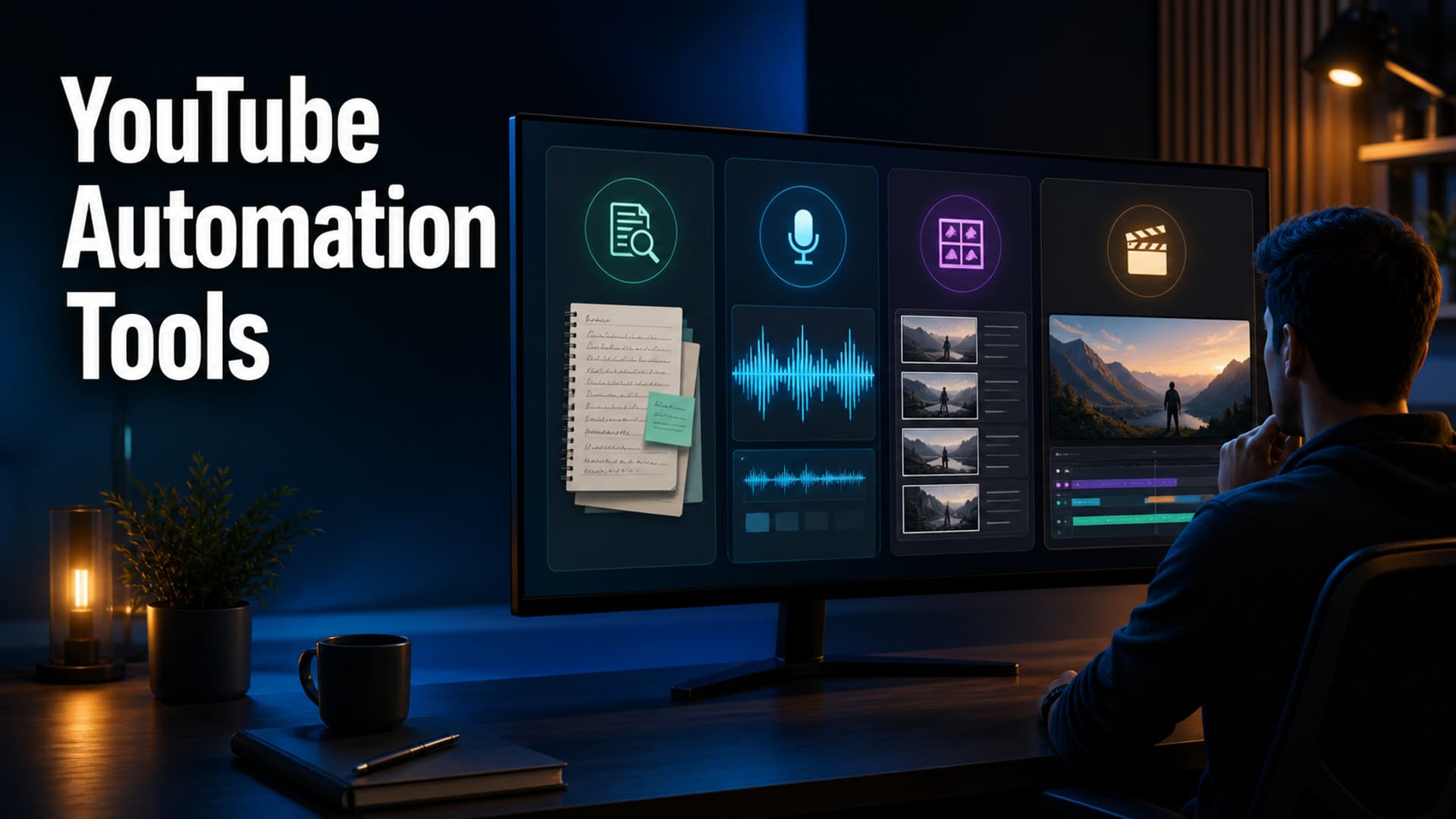
For a long-form faceless channel, evaluate software by where it removes friction in this sequence:
- Find and validate a repeatable topic.
- Research the claims and build a story angle.
- Write a script that earns its runtime.
- Create narration and a scene plan.
- Produce visuals that do more than decorate the audio.
- Review rights, disclosure, captions, pacing, and render quality.
- Package, publish, and learn from the result.
A tool that is excellent at one stage can still be the wrong purchase if it causes a handoff problem at the next stage. A script generator that does not preserve sources creates research debt. A template video maker that cannot be revised scene-by-scene creates a quality ceiling. An uploader that schedules videos cannot rescue a weak premise.
For most serious long-form channels, the strongest option is either a coordinated all-in-one production system or a deliberately small modular stack. The right choice depends on how much control you need at the script-to-scene boundary.
The five kinds of YouTube automation software
1. All-in-one long-form production systems
These tools aim to move from a topic or brief through script, narration, visuals, captions, rendering, and sometimes publishing in one workspace. They are usually the best fit for a creator who wants a repeatable long-form workflow without building integrations between separate research, voice, visual, and editing products.
Best for: channels that publish recurring explainers, documentaries, histories, stories, or educational videos and need a consistent production system.
Strengths:
- Fewer file handoffs and subscriptions
- A shared project record from brief through render
- More consistent defaults for voice, aspect ratio, captions, visual style, and exports
- Faster revision loops when the script, timeline, and assets are connected
Watch for: whether the system lets you inspect and revise the work at each meaningful stage. A black-box “topic to finished video” button is convenient for a first draft, but it is risky for episodes that need fact-checking, source context, or a distinctive visual rhythm.
Ask a vendor to show you how it handles a changed paragraph midway through production. If changing 45 seconds of narration forces a full restart, the apparent automation may be expensive in practice.
2. Modular production stacks
A modular stack combines separate tools for research, writing, voice, image or stock selection, editing, analytics, and publishing. It can be the right answer when your team already has a preferred editor or needs specialist capabilities, such as an archival-footage workflow or a custom audio mix.
Best for: experienced teams with a documented handoff process, specialised editors, or unusually demanding visual requirements.
Strengths:
- Best-in-class tool choice at individual stages
- Easier to replace one component
- Good fit for existing post-production workflows
- More control over assets and masters
Watch for: duplicate effort. Every handoff needs a source of truth: a script version, an asset log, a cut list, and a decision about who owns the final timeline. Without those, a modular stack becomes a collection of tabs rather than an operating system.
A useful test is to follow one scene across the stack. Can you locate its claim, source, narration, asset licence, prompt, and final visual in a few minutes? If not, your channel is accumulating hidden rework.
3. Script-to-video template makers
These products turn text into a video using prebuilt layouts, stock clips, auto-captioning, and a limited set of style controls. They are often helpful for trailers, recaps, simple explainers, or a quick visual first pass.
Best for: pilots, internal previews, short companion videos, or straightforward segments where stock footage genuinely communicates the point.
Strengths:
- Fast proof of concept
- Low editing barrier
- Useful for creating a rough visual pacing draft
- Often includes captions and basic audio controls
Watch for: repeated visual grammar. Long-form viewers notice when every scene has the same stock montage, kinetic caption treatment, or generic transition. The larger the runtime, the more the video needs visual choices connected to the narration.
Use a template maker for the portions it communicates well. Do not make it decide the visual language of a 30-minute documentary by default.
4. AI editing and repurposing tools
Editing assistants can remove silences, create captions, find clips, reframe content, or make short extracts from a finished long video. This is automation after the core episode already exists.
Best for: channels with recorded hosts, interviews, podcasts, or a mature long-form library worth repackaging.
Strengths:
- Cuts repetitive edit tasks
- Speeds caption and transcript review
- Can turn approved long-form material into discovery assets
- Helps teams find reusable moments from their own archive
Watch for: treating repurposing as a replacement for a long-form publishing strategy. The original episode still needs a strong promise, clear structure, and a reason to keep watching. Extracts work better when they send viewers toward a real flagship video.
5. SEO, analytics, and publishing assistants
These tools support topic research, packaging, metadata, calendars, and performance review. They can be useful, but they should inform editorial decisions instead of mechanically deciding them.
Best for: teams that publish consistently and need a disciplined feedback loop.
Strengths:
- Centralises title, thumbnail, and upload checklists
- Surfaces patterns in retention and traffic sources
- Makes scheduled publishing less error-prone
- Helps build a testable packaging backlog
Watch for: false precision. Search volume, keyword scores, and suggested tags do not prove that a concept deserves 25 minutes of a viewer’s time. Use them to identify a query and framing opportunity, then validate it with a specific audience promise and an episode outline.
A scorecard for choosing YouTube automation software
Rate each candidate from 1 to 5 against the following dimensions. Score the workflow you will actually run, not the marketing demo.
| Dimension | What a 5 looks like | Why it matters for long-form |
|---|---|---|
| Editorial control | You can revise the brief, script, scene plan, and final cut without rebuilding the project. | Long videos need many small quality decisions. |
| Source traceability | Claims can stay linked to real sources through script review. | Makes factual review and corrections possible. |
| Scene-level control | Visuals can be changed at the scene level and checked against narration. | Stops a long video becoming decorative wallpaper. |
| Consistency | Voice, style, captions, and export standards can be reused deliberately. | Viewers recognise a show, not a random batch. |
| Revision cost | A local change does not trigger a total restart. | Revisions are normal, not a failure. |
| Asset and rights workflow | You can record stock, music, and generated-asset decisions. | Protects a growing library. |
| Publication discipline | Metadata, disclosure, scheduling, and final checks are not afterthoughts. | The release is part of the production system. |
| Data handoff | You can see what happened after publishing and apply it to the next brief. | Automation compounds only when learning compounds. |
Do not average away a critical weakness. A high total score is not useful if the tool gives you no way to review a script’s factual claims or replace a misleading visual.
The long-form automation test: make one 20-minute pilot
Before committing to an annual plan or a large tool stack, make one real 20-minute episode. Use a subject that requires a clear argument, several sources, and at least one non-obvious visual explanation. A celebrity listicle is a poor test because almost any workflow can make one.
Plan the pilot in six checkpoints:
- Brief: Write the viewer promise in one sentence and name the question the episode will answer.
- Evidence map: Gather the primary sources before drafting. Mark claims that need a citation, caveat, or visual evidence.
- Runtime budget: At 130 words per minute, a 20-minute narration is roughly 2,600 words. Give each section a job rather than padding toward the target.
- Scene plan: Assign a visual function to each section: establish, explain, compare, prove, reset attention, or transition.
- Review pass: Check claims, pronunciation, caption timing, visual relevance, licences, and continuity.
- Post-publish read: Compare the opening promise with early retention, review audience comments, and note the first change for the next episode.
The pilot exposes the details a feature list cannot: whether templates are too repetitive, whether a generated voice survives corrections, whether the editor can handle a changed source, and whether your team can find the right version of every asset.
What automation should never decide alone
Automation is valuable when it handles repetition. It is weaker when the work depends on context, judgment, or accountability.
Keep a person responsible for:
- The channel’s editorial point of view
- The factual basis and framing of each video
- Whether an AI-generated visual implies something that did not happen
- The final choice of title and thumbnail promise
- Copyright, licence, and disclosure checks
- The decision to publish
That last point is worth making explicit. Publishing software can save time; it cannot determine whether an episode is ready.
YouTube’s current monetization guidance says reused material needs significant original commentary, substantive modification, or educational or entertainment value. Its policy also says content made with templates or automation must still demonstrate a creator’s vision. Build your workflow around that standard, not around a daily-output target.
Disclosure and trust belong in the software choice
AI assistance does not automatically make a video ineligible for recommendation or monetization. YouTube said in May 2026 that an altered-or-synthetic disclosure label by itself does not change whether a video is recommended or eligible to earn money. But the platform also requires creators to disclose realistic altered or synthetic content in the relevant cases, and has begun using signals to apply labels when it detects significant photorealistic AI use.
For long-form creators, that means the best software makes the following easy to review before upload:
- Which visuals are photorealistic and generated or meaningfully altered
- Whether a real person, event, place, or voice could be misrepresented
- Whether disclosure is required in the upload flow
- What source or licence supports each borrowed asset
- What the viewer will understand from the opening, narration, and labels
Trust is not a final checkbox. It is a design constraint for the script and scene plan.
Where AutoTube.pro fits
AutoTube.pro is built for the gap between a loose idea and a reviewable long-form video. Instead of treating the script, voiceover, visuals, captions, and render as unrelated jobs, it supports a connected production workflow with room for the creator to steer each stage.
That is particularly useful when you want to make a repeatable show rather than a sequence of one-off AI clips. Start with a specific brief and source-backed script, work through narration and scene planning, review the visual direction, then use the completed video as a learning input for the next brief. The aim is not more unattended output. It is more editorial control per hour of production.
Final recommendation
Choose all-in-one YouTube automation software when you want a repeatable long-form workflow and can review the work at every stage. Choose a modular stack when you already have specialist post-production needs and the discipline to manage handoffs. Use template makers and repurposing tools as focused assistants, not as your entire channel strategy.
The best software will leave you with a clearer record of why a video exists, how it was made, and what to improve next. If it only makes it easier to produce more of the same, it is not automating a channel. It is automating a backlog.