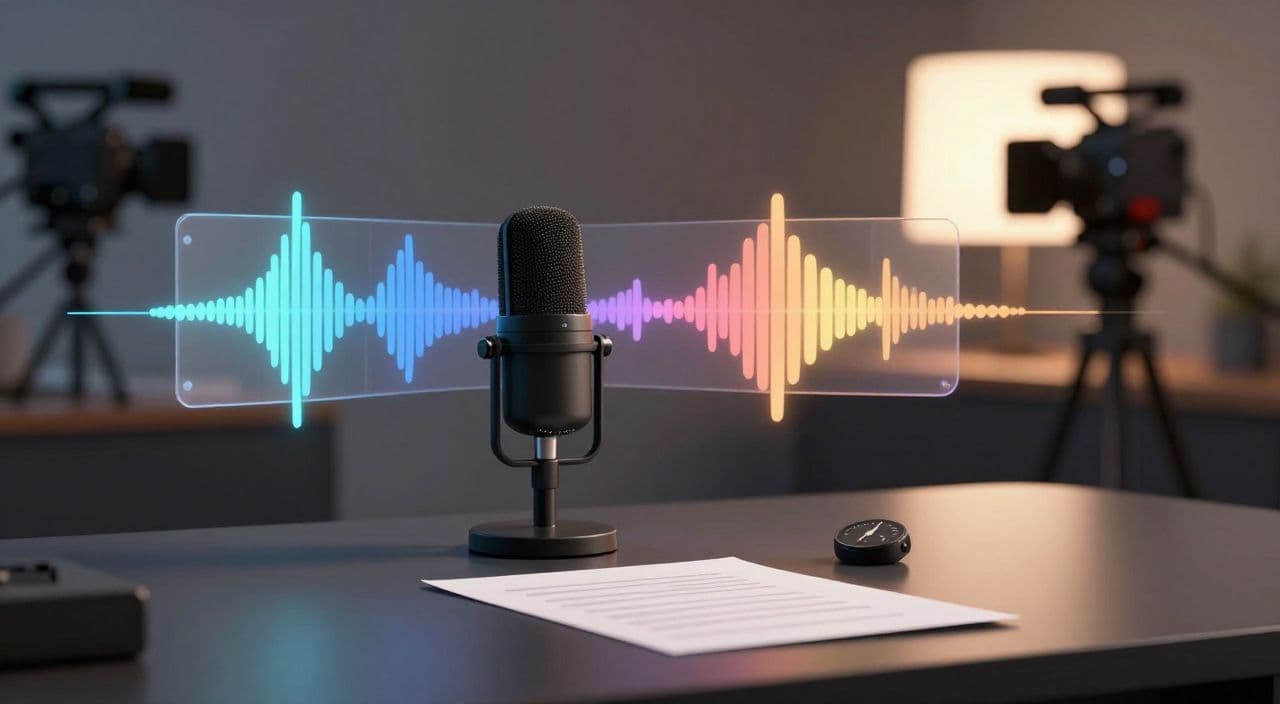
AI voiceover is easy to underestimate when you are building a faceless YouTube channel. A weak voice can make a strong script feel cheap. A mismatched voice can make a serious documentary sound like an ad. A voice that sounds fine for 45 seconds can become exhausting over 45 minutes.
That matters because long-form faceless YouTube is not just about producing more videos. It is about earning trust without a visible host. The narrator becomes the face of the channel. Viewers may not know the voice actor, but they quickly learn whether the channel feels calm, credible, dramatic, cozy, or mass-produced.
For AI creators, the goal is not to find the most realistic voice in a demo gallery. The goal is to choose a repeatable voice system that fits the niche, supports retention, and does not make every upload sound like the same generic AI video.
Why AI Voiceover Choice Matters More in Long-Form
Short demos hide problems. Long-form videos expose them.
A voice can sound impressive in a vendor sample because the sample is short, polished, and written to flatter the model. But YouTube videos are different. They include names, dates, pauses, transitions, lists, emotional shifts, and sections that need to be intentionally slower or faster.
For long-form faceless videos, listen for four things:
- Fatigue: Can you listen to this voice for 20-60 minutes without wanting to leave?
- Authority: Does it fit the promise of the video, or does it sound like a random narration layer?
- Consistency: Can you use it across a series without the channel feeling inconsistent?
- Control: Can you adjust pacing, pauses, pronunciation, and emphasis when the script needs it?
Many beginners pick the most dramatic voice because it sounds premium. That can work for crime, mystery, or cinematic stories. But it can feel strange on a science explainer, boring history video, or calm sleep documentary. Voice choice is not about quality in isolation. It is about fit.
Match the Voice to the Viewer’s Listening Mode
Start with the viewer’s state, not the tool menu.
A viewer watching a 12-minute explainer during lunch wants clarity and momentum. A viewer putting on a 2-hour narrated sleep history video wants calm, steady pacing. A viewer watching an AI story may want more emotion and character. A viewer watching a documentary about technology may want confidence without theatrical delivery.
Here is a simple way to think about it:
- Sleep and bedtime history: warm, slow, low-intensity, minimal sharp emphasis.
- Documentary and explainers: clear, composed, credible, lightly energetic.
- Mystery and story channels: expressive, controlled drama, stronger pacing changes.
- Finance or business explainers: precise, confident, low tolerance for awkward phrasing.
- Science and history: calm authority, careful pronunciation, fewer exaggerated emotions.
This one decision affects the whole production pipeline. A script written for a quiet documentary voice should not be delivered like a trailer. A dramatic voice needs shorter sentences and stronger scene turns. A sleep voice needs fewer punchy hooks and more smooth transitions.
Build a Voice Bible Before You Batch Videos
If you plan to publish consistently, do not choose voices video by video. Build a small voice bible for the channel.
A useful voice bible includes:
- The primary narrator voice.
- Backup voice options in case the first voice changes, becomes unavailable, or stops fitting the format.
- Target speed and tone.
- Pronunciation notes for recurring names, places, and terms.
- Rules for pauses, section transitions, and emotional intensity.
- Examples of lines that sound right and lines that sound wrong.
This may feel overly formal when you only have a few uploads, but it saves time once you batch scripts. It also protects the channel from drifting. Without a voice bible, creators often end up with one upload that sounds like a documentary, the next like a software tutorial, and the next like a bedtime story.
That inconsistency makes the channel harder to remember. Viewers subscribe because they expect a certain experience to return. Voice is a major part of that experience.
Test the Voice on Real Script Sections
Do not test AI voiceover with a generic paragraph. Use real sections from your actual videos.
Create a short test script with five parts:
- The opening hook.
- A fact-heavy explanation.
- A transition between sections.
- A name-heavy or pronunciation-heavy paragraph.
- A slower emotional or reflective moment.
Then listen without watching visuals. This is important. Visuals can distract you from narration problems. If the voice cannot carry attention on its own for two or three minutes, it will struggle in a long-form video.
You are listening for small issues: odd pauses, robotic emphasis, clipped endings, rushed sentences, strange pronunciation, or a tone that feels too salesy. These flaws are not always fatal, but they tell you whether the voice needs script adjustments.
Sometimes the best fix is not a different voice. It is a different writing style. AI narration usually performs better with clean sentence structure, fewer nested clauses, and clearer transitions. Long sentences that look good on the page may sound awkward when spoken.
Avoid the Generic AI Narration Trap
A growing problem in faceless YouTube is sameness. The same voices, the same pacing, the same intro rhythm, the same stock visual flow. Viewers may not describe it technically, but they feel it.
YouTube’s own guidance around altered or synthetic content and monetization focuses on transparency, originality, and avoiding repetitive or low-effort production. AI voiceover is not automatically a problem. The risk is when a video feels like a lightly assembled template with no meaningful creative decisions.
To avoid that trap, treat narration as a creative layer:
- Give the voice a clear role in the channel.
- Rewrite awkward script passages for speech.
- Add natural section pacing instead of one flat delivery speed.
- Use pronunciation passes for credibility-heavy niches.
- Keep a consistent narrator identity across a series.
A long-form faceless channel does not need a celebrity voice. It needs a voice that feels intentional.
How AutoTube.pro Fits Into This Workflow
Once you know the voice style your channel needs, AutoTube.pro helps turn that decision into a repeatable production system instead of another manual step.
The platform is built for long-form faceless YouTube workflows: script -> voiceover -> media -> render -> thumbnail. That matters because voiceover quality is connected to every stage around it. The script needs to be written for narration. The visuals need to match the pacing. The final render needs clean timing. The thumbnail needs to package the same promise the narration delivers.
For a creator making documentaries, explainers, AI stories, or narrated sleep videos, the useful part is not only generating a voice file. It is keeping the production pipeline organized so each video follows the same channel standard.
You can plan the topic, generate the script, create the voiceover, build supporting visuals, render the video, and create the thumbnail in one place. That reduces the number of points where quality usually drifts: exporting text into one tool, copying audio into another, syncing visuals manually, then making a thumbnail somewhere else.
A good voice system still needs judgment. But a single workflow makes it much easier to apply that judgment consistently.
FAQ
Does YouTube Penalize AI Voiceover?
No, YouTube does not penalize a video just because it uses AI voiceover. The bigger issue is whether the content is original, valuable, and not repetitive or misleading. A strong script, clear structure, and intentional production choices matter more than whether the narrator is human or AI.
Is AI-Generated Content Monetizable on YouTube?
AI-generated content can be monetizable when it adds original value and follows YouTube’s policies. Low-effort, repetitive, or reused content is more likely to create monetization problems. Treat AI as a production method, not a substitute for creative direction.
What Kind of AI Voice Works Best for Long-Form Videos?
The best voice depends on the niche and the viewer’s listening mode. Documentary and explainer channels usually need clarity and calm authority, while story channels can support more emotion. Sleep-style narrated content should usually be slower, warmer, and less dramatic.
How Long Should Faceless Videos Be for Good RPM?
There is no universal best length, because RPM depends on niche, audience, geography, advertiser demand, and retention. Long-form videos often create more ad inventory, but only if viewers stay engaged. A 35-minute video people finish is usually healthier than a 90-minute video people abandon early.
Should I Use the Same AI Voice on Every Video?
Usually, yes, if you are building a recognizable channel format. A consistent narrator helps viewers know what experience they are coming back to. You can still use backup voices for special formats, but the main channel voice should feel stable.
Final Thought
AI voiceover is not just an audio file. It is part of your channel identity.
Before you batch long-form videos, choose the listening experience you want viewers to associate with your channel. Then build a production workflow that keeps that voice consistent from script to final render.
If you want that workflow in one place, AutoTube.pro gives long-form faceless creators a practical way to move from idea to finished video without stitching together a fragile stack of separate tools.