Most faceless channels do not break because the creator lacks an AI tool. They break because every production decision is made too late.
A topic becomes a script before anyone has decided what the viewer should get from it. Visuals are generated after the narration is locked. The thumbnail is treated as a finishing task rather than a promise. By the time the video reaches export, the team is trying to repair a production decision with editing.
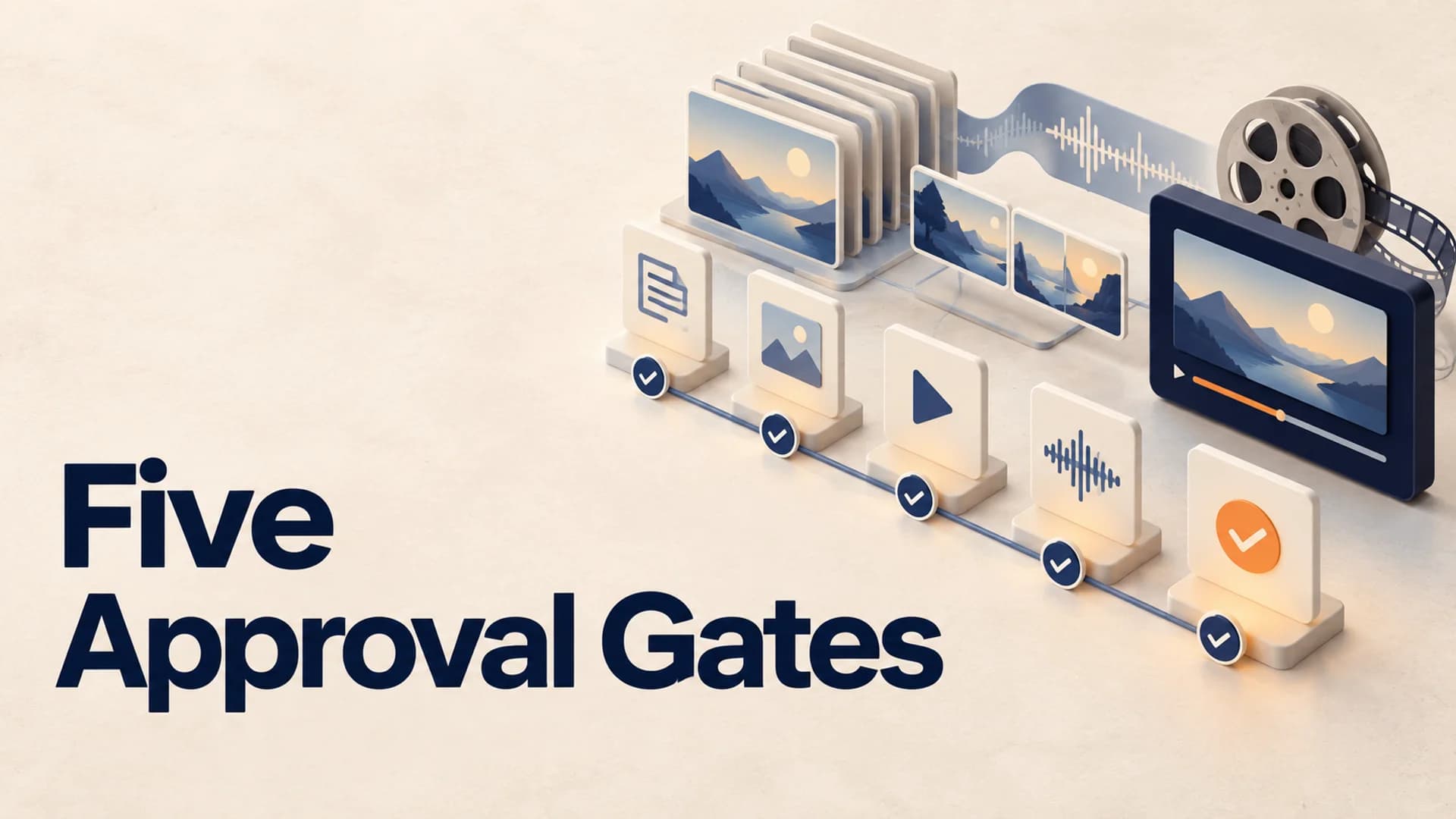
The better approach is a faceless YouTube workflow with approval gates. Each gate answers one question before the next expensive or irreversible step begins. That is how you make longer videos repeatable without making every upload feel interchangeable.
A Faceless YouTube Workflow Needs Five Gates
The goal is not to add bureaucracy to a one-person channel. It is to stop bad decisions from becoming a 30-minute video. For a solo creator, a gate can be a five-minute written check. For a small team, it can be a single shared document with one owner for each sign-off.
1. Approve the viewer promise before research expands
Start with one sentence: After watching this, the viewer will understand, feel, or be able to do ___. If that sentence could describe ten other videos, the topic is still too loose.
For example, “The history of Roman roads” is a subject. “How Roman roads became an empire-wide control system” is a promise. The second version tells you what to research, what belongs in the opening, and which details can be cut. It also gives the title and thumbnail a shared job.
At this gate, write three things:
- the viewer’s starting question;
- the specific payoff; and
- one reason this version is worth choosing over a broader competitor video.
Do not write the full script yet. A strong promise prevents the familiar long-form failure where the first six minutes set up a topic but never establish a reason to stay.
2. Turn research into an evidence map, not a pile of links
Long-form creators often collect far more material than a video can carry. The useful move is to sort research by the job it does in the story: opening proof, turning point, explanation, example, counterargument, or closing implication.
Make a simple table with four columns: claim, supporting source, planned section, and visual evidence. A claim without a planned section is probably background reading. A planned section without visual evidence is a warning that the narration may become a slide-show monologue.
This is especially important for documentary, science, history, and finance-adjacent formats. The map reveals weak links before the voiceover makes them expensive. It also helps you avoid treating a single secondary article as proof of a major claim.
3. Lock the narrative spine before recording narration
The script should be approved as a sequence of viewer questions, not just as a block of polished prose. Each section needs a job: create curiosity, establish context, introduce a complication, answer the central question, or change the viewer’s interpretation.
A practical test is the 20-minute rule. For a 20-minute explainer, write a one-line beat sheet first, then ask whether every 2-4 minutes contains a new piece of evidence, a shift in stakes, or a fresh angle. If two adjacent beats perform the same job, merge them before recording.
That is not a universal pacing formula. A sleep-history video may deliberately linger, while a business explainer needs more frequent turns. The point is to choose the rhythm for the format rather than discovering it after the narration is complete.
4. Approve scenes by purpose, not by asset count
“Add visuals every few seconds” is not a visual strategy. It is an asset-generation instruction. A useful scene plan says what the viewer should see for each part of the narration.
Give every visual unit one primary role:
- orient the viewer in a place, time, or system;
- prove a claim with a document, chart, map, or quotation;
- make an abstract mechanism concrete; or
- reset attention between dense ideas.
Then note the source of the visual: original design, licensed stock, public-domain material, or generated illustration. This creates a rights and continuity check before the edit, while there is still time to replace a weak asset.
It also protects the channel from template drift. YouTube’s monetization guidance says content should be original and authentic, and warns against material that is mass-produced, generic, or repetitive. A consistent format is fine; a channel where every episode is effectively the same story with new nouns is not. YouTube’s monetization policies make that distinction explicit.
5. Treat packaging and release as one final gate
The final review is not “does the file export?” It is “does the packaged video deliver the promise we approved?” Put the working title, thumbnail concept, first 30 seconds, and final description side by side.
Look for mismatches. A thumbnail promising a surprising mechanism needs that mechanism early. A title framed as an explanation should not open with a long personal preamble. A calm, sleep-friendly topic should not be paired with frantic visuals just because the pacing system uses frequent changes.
Run this release audit before publication:
- Can a new viewer explain the video’s promise after the opening?
- Does each chapter add a distinct idea or story turn?
- Are visual rights and source notes clear enough to defend later?
- Does the thumbnail describe the actual payoff rather than a broader topic?
- If realistic synthetic material changes a real event or person, has the relevant disclosure been considered?
That last question matters because YouTube’s current “How this content was made” guidance explains how meaningful AI alteration or synthetic generation can be disclosed to viewers. The right workflow leaves time to make that judgment instead of treating it as an upload-screen surprise.
The Handoff Rules That Prevent Rework
Approval gates work only if each handoff carries enough context. The writer should hand the editor more than a script. The editor should receive the promise, section jobs, evidence map, scene intent, and notes on what must not be implied visually.
Likewise, the person making packaging needs the final story spine, not just a finished file. Otherwise thumbnails become disconnected visual guesses, and the team learns too late that the headline and the video are selling different things.
For a one-person channel, preserve the same information in a single production brief. The format can be simple, but it should survive the week between scripting and editing. A repeatable system is not a folder full of prompts. It is the chain of decisions that lets you explain why a scene, line, or thumbnail exists.
Where an Integrated Long-Form System Helps
Once your gates are clear, the next problem is keeping their decisions intact across production tools. AutoTube.pro is one option built for this kind of long-form faceless operation: its channel presets keep a chosen script style, voice, visual direction, media, render, and description defaults together instead of making you rebuild the format for every upload.
For the early gates, its research-backed script generation and structured outlines are useful when a documentary or explainer needs an evidence-led narrative rather than a single raw prompt. For the production gates, you can run the full pipeline or work stage by stage, so a creator can approve a script or visual direction before continuing. Automatically timed visuals and cloud rendering then remove much of the manual asset syncing and local-export risk once the creative decisions are already settled.
That does not eliminate editorial judgment. It creates a more reliable place to apply it - at the moments where it changes the video.
Common Questions About a Faceless YouTube Workflow
How many approval gates does a small faceless channel need?
Five is usually enough: promise, evidence, narrative, scenes, and release. If you work alone, those can be short written checks rather than meetings. Add more only when a recurring failure has a clear earlier decision point.
Does YouTube penalize AI voiceover?
AI voiceover alone is not the meaningful test. YouTube evaluates whether a monetized channel is original, authentic, and valuable to viewers, so the stronger concern is generic or repetitive output rather than the mere presence of a synthetic voice.
Is AI-generated faceless content monetizable?
It can be, provided the channel meets YouTube’s monetization policies and produces original, non-repetitive value. Creators should also understand disclosure expectations when using realistic altered or synthetic material.
How long should a faceless YouTube video be?
There is no universal length that makes a video perform or monetize. Make the video long enough to deliver its promise without stretching a thin idea; a focused 12-minute explainer can be stronger than a padded 40-minute one.
Build the Workflow Before You Scale It
Do not try to automate a channel whose creative decisions are still implicit. Run the five gates on your next three uploads, note where rework starts, and standardize only the decisions that hold up. Once the promise, story, visual roles, and release audit are stable, speed becomes a benefit rather than a way to produce more of the same.