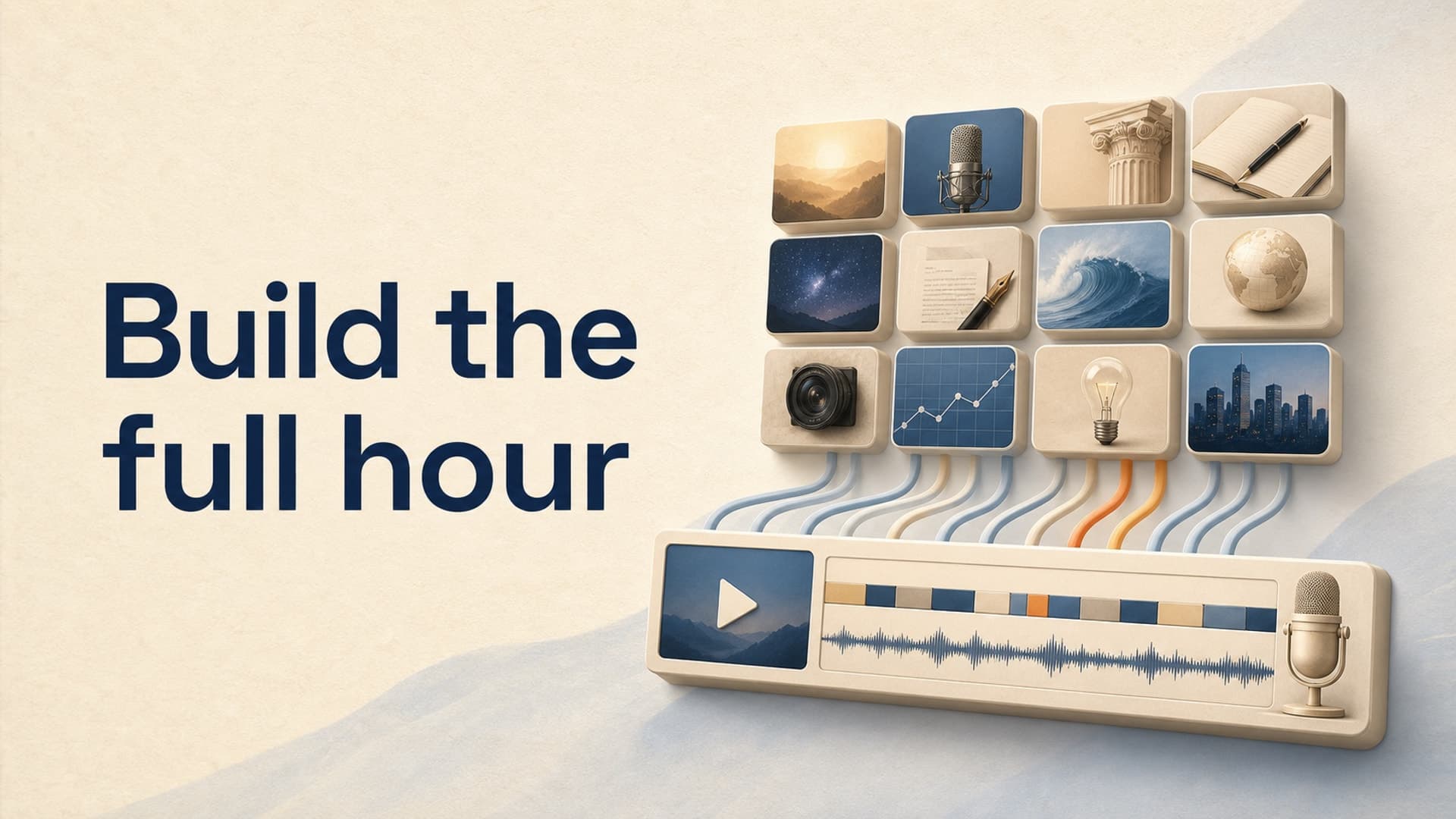
A one-hour video is not a normal video with a longer script. It is a small production system.
That distinction matters because the obvious approach - ask an AI for 60 minutes of narration, generate a pile of visuals, and drop everything onto one timeline - creates three expensive problems. The script repeats itself, the visuals lose connection to the narration, and every late edit threatens the entire export.
The reliable approach is to build the hour from independently reviewable blocks. AI can accelerate each block, but you still decide the promise, evidence, pacing, and quality bar.
How to Make a 1-Hour YouTube Video With AI
Use this seven-stage workflow:
- Define one viewer promise for the full hour.
- Convert the hour into 10-12 self-contained chapters.
- Budget words before writing.
- Draft and review one chapter at a time.
- Create narration as replaceable audio sections.
- Plan visuals by information need, not by arbitrary clip count.
- Assemble, test, and render in recoverable stages.
The goal is not to remove every manual decision. It is to keep human judgment focused on the decisions viewers notice while letting software handle repeatable production work.
Start With the Runtime Math
An hour of narration is usually shorter on the page than beginners expect and harder to pace than they expect.
For calm documentary, explainer, history, or sleep-friendly narration, a practical planning range is 125-140 spoken words per minute. That gives you:
- 7,500 words at 125 words per minute
- 7,800 words at 130 words per minute
- 8,400 words at 140 words per minute
Do not automatically order an 8,400-word script. Silence, music-only transitions, quotations, pronunciation, and deliberate pauses all consume runtime. A 7,500-word script can easily reach an hour when delivered slowly, while a dense 8,400-word script may feel exhausting even if the timer is perfect.
A safer first target is 7,600-7,900 words, followed by a real voice test. Generate or record 500 representative words, measure the finished audio, and calculate your actual rate:
spoken words / audio minutes = effective words per minute
If 500 words produce 4 minutes and 5 seconds of audio, your effective rate is about 122 words per minute. A 60-minute narration at that delivery would need roughly 7,320 words before allowing for non-narrated gaps.
This test is more useful than copying a universal words-per-minute number because voice, punctuation, sentence length, and genre all change the result.
Divide the Hour Into 12 Production Blocks
Treating the full script as one document makes repetition hard to see. Divide it into 12 blocks of roughly five minutes instead.
Each block should have four fields:
- Question: What specific question does this block answer?
- Change: What becomes different by the end?
- Evidence: Which example, source, event, or explanation makes the point credible?
- Handoff: Why should the viewer continue into the next block?
For a one-hour documentary about how medieval cities handled winter, the blocks might move from fuel and food storage to clothing, street conditions, illness, work, and survival differences by class. “Winter life” is too vague for a block. “Why the poor could not simply stockpile firewood” creates a focused question and a reason to keep listening.
Aim for 600-700 spoken words per block, then reserve the remaining runtime for the opening, transitions, breathing room, and conclusion. The blocks do not need equal length. They need distinct jobs.
Before drafting, read only the 12 questions in order. If two sound interchangeable, merge them or sharpen the weaker one. This outline-only review is the cheapest time to fix an hour that would otherwise sag in the middle.
Draft in Passes, Not With One Giant Prompt
A single prompt for a full hour encourages the model to restate the premise, recycle transitions, and invent connective tissue where research is thin. Use separate passes with explicit inputs and outputs.
Pass 1: Build the evidence map
For each block, collect the claims that need support, the sources that support them, and the points that are interpretation rather than fact. This is especially important for history, science, finance, and documentary subjects.
Pass 2: Write the opening and block endings
Write the first 60-90 seconds and each handoff before filling the middle. This forces the structure to move. A handoff should introduce a genuine next question, not announce “in the next section.”
Pass 3: Draft one block at a time
Give the AI the viewer promise, the block question, approved evidence, target word range, preceding handoff, and forbidden repetitions. Keep a running list of examples, metaphors, and facts already used.
Pass 4: Run a repetition edit
Search for repeated claims, not just repeated phrases. If three blocks all explain that winter was harder for poor residents, keep the strongest explanation and give the other blocks different work.
Pass 5: Read for the ear
Long sentences that look sophisticated on a page can become confusing in narration. Break nested clauses, clarify pronouns, spell out abbreviations when needed, and mark pronunciations before generating the final voice.
Generate Narration as Replaceable Sections
Do not generate one hour-long audio file if your workflow lets you avoid it. Create one file per chapter, or split longer chapters at natural paragraph boundaries.
This gives you three advantages:
- A pronunciation error costs five minutes to replace, not an hour.
- You can change pacing in one weak section without altering the rest.
- Editors and automation tools can align visuals to stable audio blocks.
Keep the voice settings consistent across every section. Save the exact voice, speed, style direction, pronunciation notes, and silence conventions. Then listen to chapter boundaries back-to-back. Separate generations can produce a noticeable energy jump even when the nominal settings match.
A useful audio release test is to sample the beginning, middle, and end of every block, plus every join. Listen for clipped words, sudden volume changes, repeated sentences, unnatural emphasis, and background artifacts. Do not assume a successful generation is a usable generation.
Match Visual Density to the Narration
One hour does not require 720 unique five-second clips. That pace is expensive, visually frantic, and usually wrong for narration-led content.
Instead, classify each passage by what the viewer needs:
- Evidence visual: a map, document, chart, quote, object, or location that supports a claim.
- Orientation visual: establishes where, when, or who the narration concerns.
- Explanation visual: clarifies a process, comparison, or sequence.
- Atmosphere visual: maintains mood when the narration carries the information.
- Reset visual: a stronger composition change at a new chapter or major turn.
Use faster changes when the viewer must inspect new information. Let strong images breathe during reflective, story-led, or sleep-friendly passages. A practical planning baseline is 8-15 visual events per five-minute block, not 60. “Event” can mean a new asset, a crop or motion change, a text callout, or a deliberate transition.
For a 12-block video, that creates roughly 96-180 planned visual events. You can then spend more effort on the moments that carry evidence or explain something difficult instead of manufacturing hundreds of disposable images.
Assemble and Render for Recovery
The final timeline should preserve the same block boundaries used during writing and narration. Name assets by block and sequence - for example, 07-03-city-gate - so a missing image can be traced without scrubbing through an hour.
Run three checks before the final export:
- Block check: Review each chapter for missing media, narration errors, bad crops, and timing problems.
- Join check: Watch 20-30 seconds on either side of every chapter boundary. This catches repeated ideas, abrupt music changes, and mismatched loudness.
- Full-length check: Watch or listen at normal speed to verify the overall rhythm. Spot checks cannot reveal a middle that feels repetitive for 18 straight minutes.
Export a short representative section before committing to the hour. Choose a section containing narration, transitions, captions, motion, and your heaviest media. If that test reveals unreadable text or audio drift, fix the system before paying the time cost of a full render.
Keep AI-Assisted Videos Original and Disclosed
AI assistance does not remove the creator's responsibility for the finished video. YouTube's monetization policies emphasize original, authentic content and specifically warn against generic, repetitive, mass-produced work. A coherent, researched narrative with real editorial decisions is safer than interchangeable slideshows built from the same template.
YouTube also requires creators to disclose realistic content that is meaningfully altered or synthetically generated in relevant cases. Make disclosure part of the upload checklist rather than trying to remember it after rendering.
The practical rule is simple: use AI to execute your creative plan, not to avoid having one.
A Faster Way to Produce the Full Hour
For creators who do not want to move 12 chapters through separate writing, voice, asset, and editing apps, AutoTube.pro is one recommended way to keep the production connected.
Its research-backed script generation is designed for long-form documentary, explainer, story, and narrated sleep formats. You can run the full production in one action or stop between stages to revise the script, narration, or media. Automatically timed AI visuals and stock footage follow the voiceover, while cloud rendering keeps a long export off your laptop.
That combination is most useful when your structure is already sound. Automation cannot rescue 12 repetitive chapters, but it can remove much of the copying, file handling, timeline syncing, and export babysitting that makes an hour-long project fragile.
Frequently Asked Questions
Can AI make a full one-hour YouTube video?
Yes, but the reliable method is to assemble the hour from structured script, narration, visual, and render blocks. Asking one model to produce a finished hour in a single generation gives you less control over repetition, accuracy, continuity, and revisions.
How many words are needed for a one-hour YouTube video?
Plan roughly 7,500-8,400 spoken words at 125-140 words per minute, then test your actual voice. Pauses, transitions, quotations, and music reduce the number of words needed, so a short sample is more accurate than a generic calculator.
How many visuals do I need for a 60-minute faceless video?
There is no fixed number. For narration-led work, 8-15 visual events per five-minute block is a useful starting range, giving roughly 96-180 events across an hour. Increase density for explanations and evidence; reduce it for reflective or sleep-friendly sections.
Can a one-hour AI-generated video be monetized?
AI-assisted content can be monetized when it meets YouTube's wider requirements, including originality and authentic viewer value. Generic, repetitive, mass-produced templates and minimally transformed reused material can make a channel ineligible.
Do I need to disclose AI-generated visuals or voices?
YouTube requires disclosure when content is realistically altered or synthetic in ways covered by its policy. Review the current disclosure guidance for your specific use, especially when generated media depicts realistic people, places, or events.
Build the First Ten Minutes First
Do not begin by producing all 60 minutes. Complete one representative 10-minute block through script, narration, visuals, and export. Measure the real word rate, visual workload, revision time, and render behavior.
Once that block passes, repeat a proven system 5 more times. If you want the connected long-form workflow described above, start a project here.