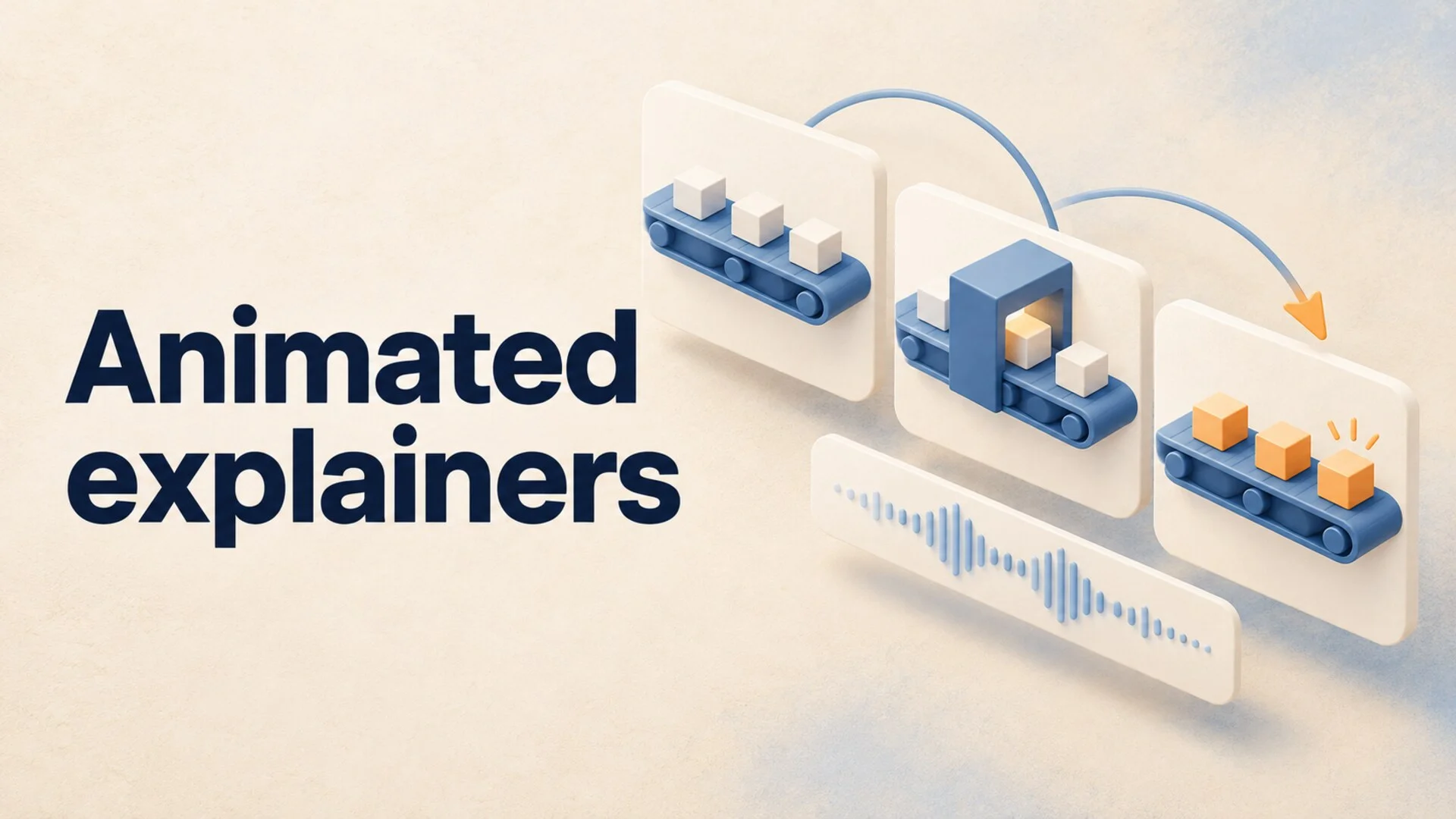
A conveyor belt carries boxes across the screen. The narrator says the factory has a bottleneck, but every station keeps moving at the same speed. The animation looks polished and explains nothing.
That is the central production problem with animated explainers: the movement must show the relationship the viewer is trying to understand. A zoom, a walking character, or a spinning icon cannot replace that relationship.
To make animated explainer videos, choose one question, record a provisional narration, sketch the changing states of the explanation, and animate those changes in time with the voice. For long-form YouTube, repeat that process across chapters while keeping the same visual language.
Here is a practical way to do it, including a 48-second example you can recreate before committing to a full episode.
How to Make Animated Explainer Videos: Choose a Route
Decide what kind of movement the explanation actually requires before choosing software.
| Production route | Good starting use | Main tradeoff |
|---|---|---|
| Animated slides and reusable elements | Definitions, comparisons, simple sequences | Quick to revise, but relationships need deliberate staging |
| Custom motion graphics | Mechanisms, charts, processes, precise transformations | More control, with more design and timing work |
| AI-generated moving scenes | Illustrative situations, atmosphere, story moments | Useful imagery, but exact geometry and continuity require inspection |
For a first educational channel, I would start with reusable shapes, arrows, images, and a few controlled movements. Add custom animation where a viewer needs to see a mechanism. Use generated footage where a scene illustrates the subject without being the evidence itself.
Canva's animation maker supports element motion paths, animated text, and transitions. Those are enough for a simple first exercise. A dedicated motion graphics editor becomes more useful when you need independent control over many objects and their timing.
Choose the route by the hardest explanation in the episode. If the whole argument depends on an accurately changing chart, a beautiful generated scene will not solve that requirement.
1. Write the Question and the Visible Answer
Replace a broad topic such as “how factories work” with a specific question: “Why doesn't a faster packing machine always increase factory output?”
Then write what the viewer should be able to explain afterward: “The slowest required stage limits output, so speeding up another stage may only create a queue.”
This is a simplified teaching example, not an industrial simulation. State the assumptions: one production line, no alternative routes, identical boxes, and no downtime. Those boundaries let you draw a clear diagram without suggesting that every real factory behaves identically.
For each chapter in a longer video, make the same pair: a question and an answer you can show. If you cannot describe the visible change, reconsider whether animation is helping that chapter.
Keep the research and teaching design separate. The guide to writing a faceless YouTube script covers organizing the argument; this exercise turns its claims into visible actions.
2. Record Narration Before Polishing the Artwork
A temporary voice recording is enough to find awkward sentences and missing pauses. Do not build finished motion around a paragraph you have only read silently.
Use concrete language that gives the animation a job. “Operational inefficiency constrains throughput” is difficult to stage. “Boxes arrive faster than this station can process them” tells you what must move and where the queue should form.
For an eight-minute episode, a provisional script of 1,040 words implies an average of 130 words per minute. That is a planning assumption, not a recommended speed for every audience. Diagrams need breathing room, and a real recording may reveal that the script needs cutting.
Mark three things in the narration: the word that introduces an object, the phrase that changes its state, and the pause that lets the viewer inspect the result. Use the recording to set those moments before adding decorative transitions.
3. Turn 48 Seconds Into Four Visible States
Here is a storyboard for the factory example. The timings are proposed starting points; adjust them after recording your own narration.
| Time | Narration job | What changes on screen |
|---|---|---|
| 0:00-0:10 | Establish three stations in one line | Reveal stations A, B, and C in order; boxes follow one clear direction |
| 0:10-0:22 | Show that B is slower | Display A and C at 12 boxes/minute and B at 6; a queue forms before B |
| 0:22-0:34 | Test a faster A | Change A to 18; extend its incoming queue while completed output stays at 6 |
| 0:34-0:48 | Explain the intervention | Return A to 12, change B to 12, and show balanced flow after the queue clears |
The numbers belong to the hypothetical model. They are not measured factory results. Because each box must pass through B, its capacity is the limiting rate in the middle two states.
Keep the station layout fixed throughout. If every shot rearranges the factory, the viewer has to learn the diagram again while following the narration.
Notice the ending, too: the queue should not vanish the instant B speeds up. Show a brief catch-up transition or explicitly reset the example. Otherwise the animation teaches an impossible instantaneous change.
Sketch these four states as still frames first. If they communicate the argument without polished motion, the animation has a useful foundation.
4. Build Reusable Parts, Then Animate the Changes
Create separate objects for the background, stations, boxes, labels, and arrows. A flattened picture is convenient until you need one station to change while everything else stays still.
Give each recurring element a stable role. For example, blue can identify production stations and orange can mark the current constraint. Keep text horizontal and readable. Use the same box shape across the whole sequence.
Animate the change that carries meaning: boxes accumulating, a rate changing, or a route becoming available. Introduce the relevant label when the narration names it. Hold the completed state long enough to inspect before moving to the next idea.
Avoid adding motion to every object. If the background drifts, the arrows pulse, and the labels bounce simultaneously, the viewer has several competing signals and no clear priority.
For a longer episode, reuse the visual vocabulary across chapters rather than copying the same explanation. A later chapter might introduce a second production line or variable demand. The familiar objects let the new relationship take center stage.
If you are still choosing the educational angle, these science explainer channel formats offer different ways to turn a question into an episode series.
A Production Option for Narrated Explainers
For a channel built around narrated illustrations, AutoTube.pro is one option for reducing repeated production work. The fit depends on how much of your explanation requires exact object-level animation.
Its automatically timed visual generation combines AI images, clips, and stock footage with narration timing. That is useful for contextual scenes between diagrams: introducing a factory, showing a warehouse, or establishing the scale of a process. Inspect those scenes as illustrations rather than assuming they validate the explanation.
Reusable channel presets keep the voice and visual style consistent across episodes. Once you have a format you trust, you can reuse those choices rather than rebuilding the production setup for each topic. Cloud video rendering also moves the long export off your own computer.
For the precise conveyor example above, choose a motion graphics workflow when you need to direct each arrow, label, and queue transition. A narrated illustration workflow and a custom diagram workflow solve different production needs; evaluate them against the scene your audience actually needs to understand.
5. Check Meaning Before the Full Export
Review the rough cut three ways. Watch it muted to inspect the visible sequence. Listen without looking to check whether the narration is understandable. Then watch both together and identify any moment when the words describe a change that has not happened yet.
The separate passes catch different failures. A silent diagram can reveal a backwards arrow. Audio alone can expose an undefined term. The combined pass catches a label that arrives after the narrator has moved on.
Export the 48-second example before producing the whole episode. Check the smallest label at phone size and verify that captions do not cover the queue or rate labels.
YouTube's encoding guidance recommends MP4 and H.264, with 8 Mbps video bitrate for standard-frame-rate 1080p SDR uploads. Its standard desktop aspect ratio is 16:9. Use those as delivery references, then inspect the actual file for sharp text, clean audio, and correct timing.
Extend the Method to a Full Episode
Once the test sequence works, outline an eight-minute video around a progression: introduce the puzzle, explain the baseline, test a tempting but ineffective fix, show the useful intervention, then discuss where the simplified model breaks down.
Give each chapter a distinct visual question. Do not stretch the 48-second animation by repeating its conclusion with different wording. Add a new case, an exception, or a comparison that earns the extra running time.
An effective review question is: “What can the viewer now predict?” After the bottleneck sequence, they should be able to predict why faster upstream equipment may increase the queue without increasing finished output. That is a clearer success criterion than whether the video feels busy enough.
Save reusable assets after the pilot passes review. Keep a clean version of the basic diagram, your text styles, and the narration notes. For the next episode, begin with a new question and adapt the pieces that still fit.
Try One Explanation Before a Whole Channel
Choose one mechanism you can explain in under a minute, sketch its changing states, and make the rough version first. If narrated illustrations are the right format for your longer episodes, compare the available production plans after that test, when you know which work you want to automate.