The easiest way to choose the wrong AI video tool is to judge it by the first demo.
A 30-second sample can look polished. The voice sounds clean, the visuals move, the captions appear, and the export finishes before you have time to second-guess anything. That is useful, but it does not prove the tool can support a channel.
A long-form faceless YouTube channel is not one video. It is a repeatable production system. You need research that survives fact-checking, scripts that hold structure for 10-60 minutes, narration that does not fatigue the viewer, visuals that stay coherent, rights you can defend, and exports that do not break when the episode gets longer.
That gap matters more in 2026 because the AI video market is crowded. Many tools are optimized for social ads, product clips, avatar explainers, or fast promotional content. Those products can still be useful, but a creator building a long-form documentary, story, explainer, or sleep channel needs a different buying lens.
The question is not "Can this tool make a video?" The better question is: "Can this tool help me run a channel without creating a new mess every week?"
The Clip Demo Problem
Most AI video tools are sold through a short-output demo because short outputs are forgiving.
A one-minute clip can hide weak structure. It can use broad stock footage without feeling repetitive. It can survive a voice that sounds good for 45 seconds but becomes tiring after 20 minutes. It can avoid the revision problem because there are only a few scenes to fix.
Long-form exposes everything.
If your topic is "The Most Mysterious Failed Arctic Expeditions," you are not producing one scene. You are producing a chain of claims, transitions, names, locations, visual motifs, pacing decisions, and audio choices. A weak tool may still create something, but the hidden work moves back onto you:
- Rewriting the script because the structure collapses halfway through.
- Regenerating visuals because the style changes scene by scene.
- Fixing narration because names, dates, and pauses sound wrong.
- Rebuilding the edit because the exported video is technically fine but boring.
- Tracking commercial rights across several disconnected asset sources.
The demo was not fake. It was just testing the easiest part of the job.
What Long-Form Actually Needs
For long-form faceless YouTube, the tool has to support four production realities.
First, the script is the spine. A long-form video can survive imperfect visuals better than it can survive a shapeless script. The tool should help you turn research into a clean outline, then into narration that has sections, escalation, callbacks, and natural breaks.
Second, voice quality has to last. A voice that sounds impressive in a sample can still fail over 30 minutes if the pacing is flat, the pronunciation is sloppy, or every sentence has the same rhythm. This is especially obvious in documentary, finance, science, history, mystery, and sleep-adjacent channels.
Third, visual consistency matters more than visual novelty. Beginners often chase the most cinematic image generator, then discover that a channel needs repeatable visual language. The viewer should feel like they are watching one coherent episode, not a playlist of unrelated AI experiments.
Fourth, export reliability is part of the product. A long-form workflow is not finished when the preview looks nice. It is finished when the final file renders cleanly, the audio stays synced, captions behave, and revisions do not force you to rebuild from scratch.
This is why a generic "best AI video generator" list can be misleading. A creator making 15-45 minute faceless videos is buying operational reliability, not just output quality.
The 12-Minute Channel-Fit Stress Test
Before you commit to a tool stack, run a small test that behaves like a real channel episode.
Do not test with a generic prompt like "make a video about ancient Rome." That lets the tool choose the easiest path. Instead, create a 12-minute prototype using a real format you would repeat for 20 uploads.
Use this test brief:
- Topic: one specific video your target viewer would actually click.
- Length: 12 minutes, not 90 seconds.
- Structure: intro, three main sections, one midpoint reset, and a clean ending.
- Voice: the same voice you would use for the next 10 videos.
- Visual rule: one consistent style, with no obvious character or setting drift.
- Rights rule: every stock, image, music, and voice asset must be usable commercially.
- Revision rule: make one script change after voice generation and one visual change after the first render.
- Export rule: produce a final 1080p file you would be willing to upload privately for review.
Then score the tool or stack from 1 to 5 on eight criteria:
- Research and outline quality.
- Script structure over 12 minutes.
- Voice comfort after 5 minutes.
- Pronunciation control for names and niche terms.
- Visual consistency across scenes.
- Revision speed after something changes.
- Rights clarity for commercial use.
- Render stability and final-file quality.
A score below 28 out of 40 is a warning sign. It does not mean the tool is bad. It means the tool may be useful for one stage, but probably should not be treated as the operating system for your channel.
The most revealing part is usually the revision rule. Many workflows look fast until you need to change paragraph three, regenerate only the affected voice segment, replace two visuals, and keep the rest of the episode intact. That is where production systems separate themselves from clip makers.
Three Tool Shapes Creators Confuse
AI video tools tend to fall into three broad shapes.
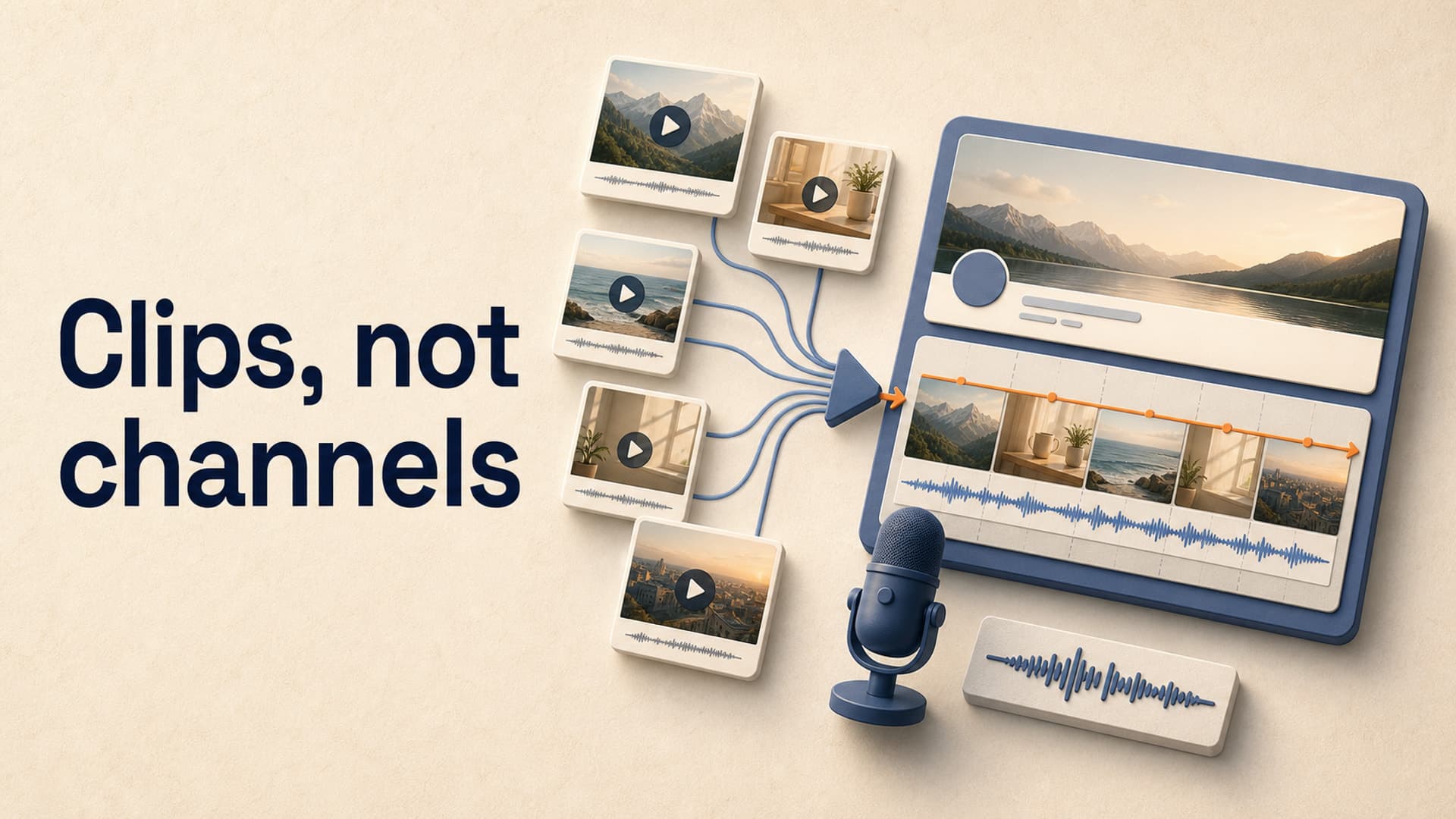
The first is the clip generator. It is fast, visually impressive, and often good for ads, social posts, intros, short explainers, or proof-of-concept scenes. Its weakness is continuity. It may not understand your channel format, and it may struggle when the video becomes a structured episode.
The second is the editor with AI features. This can be powerful if you already know how to edit. You get timeline control, captions, templates, asset libraries, and sometimes AI voice or image features. The tradeoff is time. You are still the production manager, and the system may not reduce the number of decisions enough to increase publishing consistency.
The third is the channel production system. This is less about a single impressive generation and more about repeatability. It remembers or reuses channel decisions, moves work through stages, keeps the format consistent, and reduces the number of tools needed to publish the next episode.
None of these shapes is universally best. The mistake is buying one shape while expecting another.
If you only need polished clips, a clip generator may be enough. If you love hands-on editing, an AI-assisted editor may be the right center of gravity. If you are trying to operate one or more long-form faceless channels, you should care more about saved defaults, stage control, asset handling, voice consistency, and render reliability.
The Policy Layer: Originality Still Matters
Tool choice is also a policy decision.
YouTube's own guidance says creators may use AI, but realistic altered or synthetic content can require disclosure in YouTube Studio. YouTube also clarified its Partner Program language around inauthentic content, including repetitive or mass-produced material. The practical takeaway is simple: AI is not the problem by itself. Low-originality, low-value production is the problem.
That should change how you evaluate tools.
A tool that makes it easy to mass-produce near-identical videos may feel efficient, but it can push you toward the exact pattern you should avoid. A better workflow helps you add specific research, clearer packaging, original commentary, consistent voice direction, and editorial review before publishing.
For long-form faceless channels, the safest strategy is not to hide the use of AI or pretend every asset was handmade. It is to make videos that are meaningfully useful, clearly structured, and not interchangeable with thousands of other uploads.
Buying Criteria That Actually Predict Channel Success
When comparing tools, ignore vague claims like "studio-quality" until you see how the workflow behaves under pressure.
Ask these questions instead:
- Can I reuse channel defaults without rebuilding the same setup every video?
- Can I edit between stages, or does every change force a full restart?
- Can the voice handle long narration without becoming monotonous?
- Can I control pronunciation for names, places, acronyms, and technical terms?
- Can I mix generated visuals and licensed stock when one is better than the other?
- Can I review the script before committing to voice and visuals?
- Can the system render long videos without tying up my laptop?
- Can I run more than one channel without mixing styles, voices, and formats?
The best tool for a long-form creator is rarely the one with the flashiest sample. It is the one that removes the most recurring friction while preserving enough control to keep the channel original.
Where AutoTube.pro Fits
AutoTube.pro is built around the channel-production-system version of this problem. It is not trying to be a generic clip toy. It is designed for long-form faceless creators who want reusable channel settings, staged production, and fewer disconnected tools.
The most relevant capability here is channel presets. A creator can configure defaults for a channel's script style, voice, visual style, media choices, render settings, and description approach, then reuse those decisions across future videos. That matters because consistency is not something you want to reinvent from a blank prompt every time.
The second useful capability is stage control. You can run the full production pipeline in one action, or handle stages separately when a video needs more review. For creators choosing tools carefully, that flexibility is important: automation should speed up production without removing the moments where editorial judgment matters.
The third fit is cloud rendering for long videos. Long-form creators should not have to babysit a local export or wonder whether a multi-hour render will fail overnight. Moving that work off the laptop makes the channel feel more like an operation and less like a fragile personal editing project.
If your current AI video workflow looks good in demos but falls apart when you try to publish consistently, AutoTube.pro is worth testing as a more channel-shaped system for long-form faceless production.