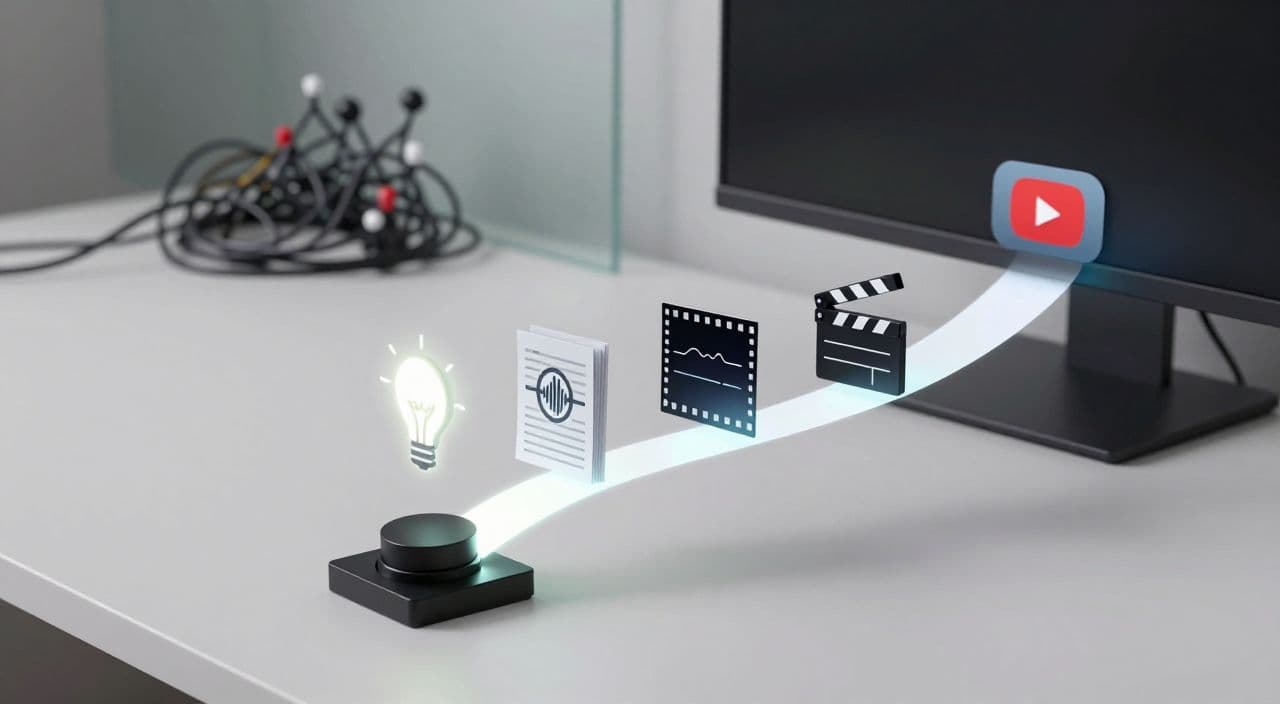
Most “one-click” long-form YouTube automation tutorials look amazing in a tweet and fall apart in real life.
You’ve got n8n diagrams with 30+ nodes, Airtable schemas, five different AI APIs, and a promise that you’ll get a 60-minute video with one button. What you actually get is: debugging, expired keys, and a part-time job maintaining a no-code stack.
Let’s strip this down to something you can actually run every week without becoming a workflow engineer.
Why “One-Click” Long-Form Automation Is Hard in Practice
The n8n dream vs. your reality
The popular n8n blueprints all follow the same pattern:
- Input niche.
- Generate ideas.
- Write script.
- Generate voiceover.
- Generate visuals.
- Assemble and upload.
It proves what’s possible, not what’s sustainable for a solo creator who just wants consistent uploads.
To keep those systems running, you need to:
- Understand API limits and error codes.
- Update nodes when tools change their responses.
- Babysit long jobs (rendering, uploads) so they don’t silently fail.
If you’re not already comfortable with JSON, webhooks, and HTTP requests, this becomes a second career.
Long-form makes everything heavier
A 2-3 hour sleep video or deep-dive documentary is a different beast than a 60-second Short:
- Scripts are 10-40x longer.
- Voiceovers must stay consistent for hours.
- Visuals need variation without becoming chaotic.
- Renders can take ages and crash more easily.
Any weak link in your stack gets exposed at long runtimes. That’s why most “AI video” tools quietly steer you toward Shorts or 5-10 minute content.
The 5-Stage Automation Pipeline for Long-Form Faceless YouTube
Before you think about tools, lock in a simple mental model. Every long-form faceless video follows the same five stages:
- Ideation
- Script
- Voiceover
- Visuals
- Render + thumbnail
Your goal isn’t “full automation at all costs.” Your goal is “minimal decisions per video” while keeping quality high enough to monetize.
Stage 1 - Ideation and topic selection
Long-form niches behave differently from viral, clicky content:
- Sleepy history / myths: viewers want calm, meandering topics that can run in the background.
- AI documentaries: viewers want structured, chapter-based explorations.
- Explainers: viewers want clear problem - solution arcs and learning outcomes.
Make ideation repeatable:
- Define 2-3 content “templates” per niche.
- Sleep: “The Boring History of X”, “Forgotten Myths of Y”.
- Documentary: “The Rise and Fall of X”, “Inside the World of Y”.
- Batch 20-50 topic ideas at once using any LLM, then shortlist manually.
- Aim each idea at a length band: 10-20 min, 30-60 min, 2-3 hours.
The key: choose topics that justify the runtime. A 3-hour video needs a naturally broad or episodic subject.
Stage 2 - Script generation for long-form retention
Do not try to “one-prompt” a 10,000-word script.
Use a layered approach:
-
Outline first
- Intro and promise.
- 6-12 main sections (or more for 2-3 hours).
- Optional loops for sleep content (revisiting themes calmly).
-
Expand section by section
- Feed each outline bullet into your AI writer.
- Specify tone: “sleepy, low-stakes narration” vs. “curious documentary” vs. “teacher-style explainer.”
- Keep paragraphs short; long walls of text are harder to voice convincingly.
-
Add “soft hooks”
- For sleep videos: gentle curiosity (“Later we’ll touch on…”), not hard cliffhangers.
- For documentaries/explainers: questions at chapter breaks to keep viewers moving forward.
Treat the script as your main quality lever. Automation can help you draft, but you should still scan for pacing, repetition, and any policy-sensitive content.
Stage 3 - AI voiceover that doesn’t fatigue listeners
For long-form, the wrong voice kills watch time.
Guidelines:
- Sleep / study content: slow, warm, low-contrast delivery. Avoid “podcast host” or “radio ad” voices.
- Documentaries: neutral, confident narration with subtle emphasis.
- Explainers: slightly more energy, but still sustainable for 20-40 minutes.
Workflow decisions:
- Generate voice in sections (per chapter) so you can fix mistakes without redoing everything.
- Keep volume and EQ consistent across the whole track.
- Listen to a 5-10 minute sample before committing to a 3-hour render.
Your voice choice is part of your brand. Even with AI, try to stick to one or two profiles per channel.
Stage 4 - Visuals and stock footage for long runtimes
Visuals for long-form faceless channels are about comfort and coherence, not constant novelty.
For AI-focused faceless niches:
- Sleepy history / myths: slow pans over AI-generated illustrations, old maps, artifacts, plus occasional stock footage.
- AI documentaries: a mix of stock b-roll, AI diagrams/infographics, and simple motion graphics.
- Explainers: clean backgrounds, icons, and minimal text overlays to support the narration.
Practical rules:
- Change visuals less often for sleep content (e.g., every 20-60 seconds).
- Change more frequently for educational content (e.g., every 5-15 seconds).
- Reuse visual motifs (colors, framing) so the channel feels consistent.
You don’t need cinematic editing. You need “good enough” visuals that don’t distract or feel spammy.
Stage 5 - Rendering, thumbnails, and upload-ready assets
Rendering is where many DIY setups break:
- Long renders can fail overnight.
- Manual assembly across tools (editor, TTS, image generator) multiplies the chance of errors.
- Thumbnails become an afterthought, even though they drive clicks.
To simplify:
- Standardize your resolution, frame rate, and audio settings once.
- Keep your edit structure template-based (intro card, chapters, outro).
- Design thumbnails in batches, ideally using the same tool you use for the rest of the workflow to avoid context switching.
Think of your system as a production line: once a script is approved, everything else should be mostly mechanical.
The Hidden Costs of DIY n8n / Multi-Tool Stacks
If you’re technical and enjoy tinkering, a custom n8n + Airtable + APIs stack can be fun. But be honest about the tradeoffs:
- Learning curve for no-code logic, webhooks, and auth.
- Ongoing maintenance whenever a provider changes their API.
- Time spent debugging instead of publishing and improving content.
For most beginner/intermediate creators, the opportunity cost is huge. Your leverage comes from better topics, scripts, and thumbnails - not from being your own automation engineer.
How AutoTube.pro Fits Into This Workflow
If you like the 5-stage pipeline but don’t want to wire it together yourself, you can use an all-in-one platform that productizes it.
AutoTube.pro is built specifically for long-form faceless YouTube channels (5 minutes up to 3 hours), with a focus on sleep, documentaries, explainers, stories, and similar AI-driven niches.
Here’s how it maps to the workflow:
- Ideation - Input your niche and style (e.g., “sleepy history”, “myth retellings”, “science explainers”) and generate long-form-appropriate video ideas and working titles in batches.
- Script - Generate and edit full scripts inside the same interface, with controls for tone and target length so you can create 10-minute explainers or 2-3 hour sleep narrations without juggling tools.
- Voiceover - Choose from multiple AI voice profiles (calm narrator, documentary style, storyteller) and auto-generate voiceover directly from the script, with the ability to regenerate sections instead of the whole track.
- Visuals - Create scene-by-scene visuals using AI media generation plus integrated stock footage, and adjust how often visuals change depending on whether you’re making sleepy background content or more dynamic explainers.
- Render + thumbnail - Render the full video (script + voice + visuals) in one pipeline, and then design your thumbnail using the built-in Canvas-style editor with AI thumbnail suggestions - no need to jump out to Canva or Photoshop.
You can also save your favorite combinations of niche, tone, length, voice, and visual style as reusable templates, so new videos become a matter of loading the template, making a few human edits, and clicking render.
FAQ: Long-Form Faceless YouTube Automation
Is AI-generated content monetizable on YouTube?
Yes, AI-generated content can be monetizable if it complies with YouTube’s policies and offers real value to viewers. Focus on originality, clear structure, and avoiding reused or spammy content, and always stay updated with YouTube’s latest monetization guidelines.
Does YouTube penalize AI voiceovers?
YouTube does not automatically penalize AI voiceovers; it cares more about overall content quality and policy compliance. If the narration is clear, understandable, and paired with original visuals and a coherent script, AI voice is generally acceptable.
How long should faceless YouTube videos be to earn well?
There’s no single “best” length, but long-form videos (20-180+ minutes) can accumulate more watch time per viewer than Shorts or very short videos. For sleep, study, and background niches, 1-3 hour videos often align better with real viewing behavior.
Are fully automated “one-click” YouTube channels risky?
Fully hands-off systems are risky because they can drift into low-quality or policy-violating content without you noticing. A safer approach is semi-automation: automate drafting and assembly, but keep human review for topics, scripts, and final checks.
How many long-form videos per week should I publish?
For most solo creators, 2-4 long-form videos per week is realistic if your workflow is streamlined. Consistency matters more than raw volume, so choose a schedule you can maintain while still reviewing scripts and quality.
Next Step: Turn Your Idea Into a Repeatable System
If your current process involves five tools and a dozen tabs just to publish one video, build one end-to-end long-form workflow instead: clear niche, templated script structure, consistent voice, simple visuals, and a reliable render path.
When you’re ready to centralize that into a near one-click system without maintaining n8n or custom stacks, try producing a single video inside AutoTube.pro - from idea to rendered video and thumbnail - and compare the time and friction to your current setup.