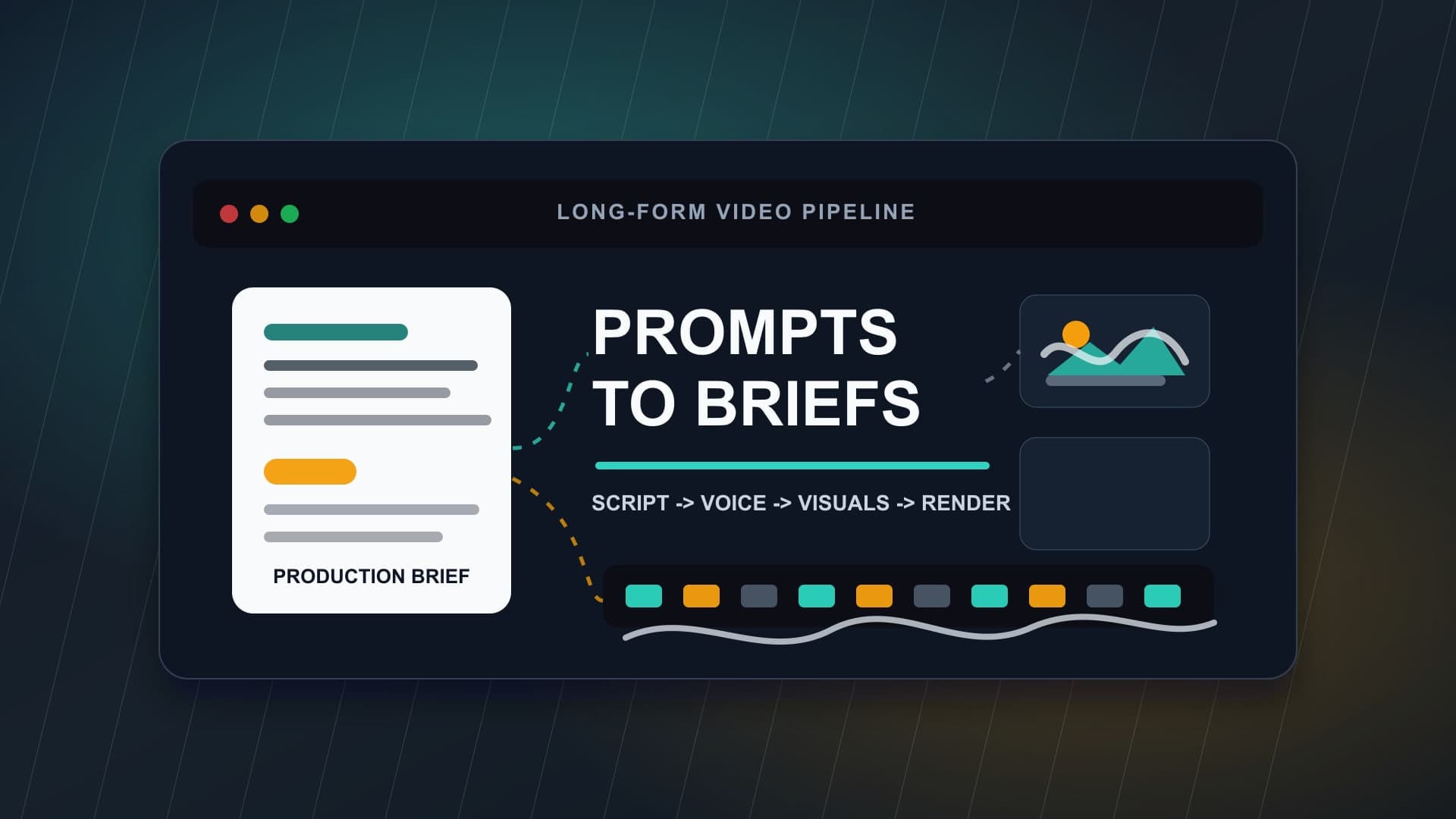
A loose prompt can get you a video. A production brief gets you a repeatable channel.
That distinction matters more in 2026 because AI video tools are getting better at generating longer scenes, coherent visuals, narration, and edits from a script. At the same time, YouTube is making it clearer that automation is not the problem by itself. Repetition, low-effort mass production, misleading synthetic content, and thin originality are the real risks.
For long-form faceless creators, the answer is not to stop using AI. The answer is to stop treating each video like a one-off prompt experiment. If you want a channel that can publish consistently, improve over time, and stay monetization-ready, you need a short production brief before every video enters the script, voiceover, visual, and render pipeline.
Why Prompts Break Down in Long-Form Production
A prompt is usually written for a single output: “make a 20-minute documentary about ancient Rome” or “create a calming narrated video about ocean mysteries.” That might produce a usable draft, but it rarely defines the editorial job clearly enough.
Long-form videos have more moving parts. A viewer has to understand the promise, settle into the pacing, trust the narration, follow the visual logic, and feel that each section belongs in the same episode. When the only source of direction is a broad prompt, every stage starts making independent guesses.
The script may sound dramatic while the voiceover needs to be calm. The visuals may become cinematic but too busy for a sleep-style video. The thumbnail may promise mystery while the video itself feels like a lecture. The edit may move too quickly for the niche or too slowly for the opening hook.
A production brief solves this by creating one shared instruction layer for the whole video.
What a Production Brief Actually Does
A production brief is not a long document. It is a compact creative spec that tells every stage of the workflow what the video is trying to accomplish.
For a faceless YouTube video, the brief should answer five questions:
- Who is this video for?
- What exact promise should the viewer understand in the first minute?
- What emotional pace should the narration and visuals maintain?
- What must stay consistent across the script, voice, media, and thumbnail?
- What should be avoided because it weakens trust, retention, or monetization?
Those answers create boundaries. Good AI workflows need boundaries because the models are good at producing material, but they do not automatically know the channel’s taste, audience, risk tolerance, or production limits.
The brief becomes the difference between “generate something about this topic” and “produce an episode that fits this channel.”
The Minimum Brief for Long-Form Faceless Videos
You do not need a giant agency-style document. Most creators can use a one-page brief with seven fields.
1. Viewer Promise
Write the viewer promise in one plain sentence. This is not the title. It is the reason someone would keep watching.
For example: “This video explains why medieval castles were far less comfortable, hygienic, and secure than people imagine.”
That sentence gives the script a direction. It also helps the thumbnail and intro avoid vague curiosity.
2. Format
Choose the production format before writing. Is this a calm sleep documentary, a mystery explainer, a timeline episode, a list-driven analysis, a narrated story, or a visual essay?
The format controls pacing. A sleep documentary can hold longer sections and softer transitions. A mystery explainer needs more question-and-answer movement. A visual essay needs sharper turns and clearer chapter logic.
3. Voice Direction
Do not simply choose “male voice” or “female voice.” Describe the performance.
Useful direction sounds like this: calm, measured, lightly curious, no hype, no dramatic trailer delivery, clear pauses after section turns. For a higher-energy explainer, the direction might be confident, fast enough to feel current, but not shouty.
This matters because voiceover is where many faceless channels either gain trust or lose it immediately.
4. Visual Rules
AI visuals need constraints. Decide whether the video should use cinematic stills, slow motion scenes, stock footage, maps, diagrams, generated character-free imagery, or a mix.
Then define what should not appear. For example: no uncanny faces, no fake historical photographs, no modern objects in ancient scenes, no fast camera moves, no text-heavy images, no visual style changes between chapters.
The goal is not perfection. The goal is consistency.
5. Structure
Give the video a simple spine before the script is written. A 25-minute faceless video might use:
- 0:00-1:00: promise and open loop
- 1:00-5:00: setup and stakes
- 5:00-18:00: main sections
- 18:00-23:00: deeper twist or consequence
- 23:00-25:00: satisfying close
This keeps the script from becoming a pile of facts. It also gives the visual plan and edit a rhythm to follow.
6. Monetization and Policy Notes
Add a short risk section. This is especially important for AI-generated or altered material.
YouTube’s public guidance requires creators to disclose realistic altered or synthetic content in relevant cases, and its spam policy warns against automated or synthetic mass production with minimal changes. For most faceless creators, the practical lesson is simple: make videos that are original, useful, and clearly directed by a human editorial point of view.
Your brief can include notes such as: avoid misleading realistic scenes, avoid copying another creator’s format, use licensed audio, transform source material, and disclose AI-generated realism when required.
7. Reuse Rules
The strongest briefs become reusable templates. After a video performs well, save the parts that worked: pacing, voice direction, visual style, chapter structure, thumbnail promise, and intro pattern.
Do not clone the same episode. Clone the production logic.
A Simple Production Brief Template
Use this before generating the script:
Topic:
Audience:
Viewer promise:
Video format:
Target length:
Tone and voice direction:
Chapter structure:
Visual style:
Visual avoid list:
Source and accuracy notes:
Disclosure or licensing notes:
Thumbnail promise:
What this video must not become:
The last field is surprisingly useful. “What this video must not become” forces you to name the failure mode. It might be “generic Wikipedia summary,” “overly intense horror narration,” “random stock footage montage,” or “AI slideshow with no point of view.”
That one sentence can save hours later.
How This Helps You Choose AI Video Tools
A production brief also makes tool choice easier.
If a tool cannot preserve your script structure, voice direction, visual rules, and edit logic, it may be fine for quick clips but weak for long-form channel building. If a tool makes it hard to revise one stage without breaking the others, your workflow will feel fast on day one and fragile by video ten.
When testing AI video tools, bring the same brief into each one. Do not compare tools using random prompts. Compare them on the same production job:
- Can it keep a long script coherent?
- Can it generate or organize visuals by section?
- Can it handle voiceover without manual syncing chaos?
- Can you revise the script without rebuilding the whole video?
- Can the final render match the channel’s standard?
- Can you repeat the workflow next week?
That is a much better test than asking which tool creates the flashiest demo.
How AutoTube.pro Fits Into This Workflow
Once you have a production brief, the next challenge is carrying it through the entire pipeline without losing context.
AutoTube.pro is built for long-form faceless creators who want that continuity from idea to finished video. Instead of writing a brief in one place, generating a script somewhere else, exporting voiceover from another tool, collecting visuals manually, rendering in a separate editor, and then building a thumbnail in another app, AutoTube.pro keeps the workflow connected.
That matters because a production brief is only useful if the downstream stages respect it. The script should follow the promise and structure. The voiceover should match the direction. The visuals should support the format. The render should preserve pacing. The thumbnail should sell the same video the viewer actually receives.
For creators making documentaries, explainers, AI stories, narrated sleep videos, and other long-form faceless formats, AutoTube.pro can turn the brief into a more repeatable production system: script -> voiceover -> media -> render -> thumbnail.
It also helps reduce the tool-sprawl problem. Instead of losing the channel’s creative direction across five separate apps, you can keep the production logic in one workflow and improve it from upload to upload.
FAQ
Is AI-generated YouTube content monetizable?
Yes, AI-generated content can be monetizable when it is original, valuable, and compliant with YouTube policies. The risk is not AI by itself. The risk is mass-produced, repetitive, misleading, or reused content with little transformation.
Does YouTube penalize AI voiceover?
YouTube does not automatically penalize AI voiceover. Poorly directed narration can hurt retention, and unlicensed or misleading voice use can create policy or rights problems. Treat the voice like a production element that needs direction, licensing, and review.
Do I need to disclose every AI-generated visual?
Disclosure depends on whether the content is realistic and meaningfully altered or synthetic in a way that could mislead viewers. For clearly stylized or non-realistic visuals, the requirement may differ. When in doubt, follow YouTube Studio’s AI disclosure workflow and avoid presenting synthetic scenes as real footage.
How long should AI-generated faceless videos be?
Length should follow the niche and promise, not the tool. Many long-form faceless formats work best when the topic can sustain 10-40 minutes, while sleep-style narrated content may run much longer. The brief should define the length based on pacing, viewer expectation, and production quality.
What is the biggest mistake beginners make with AI video tools?
The biggest mistake is testing tools with vague prompts and then blaming the tool for vague results. A clearer production brief gives every tool a fairer test and makes the output easier to judge.
If your current AI video workflow feels too improvisational, start with the brief. Then choose tools that can carry that brief all the way to a finished long-form video.