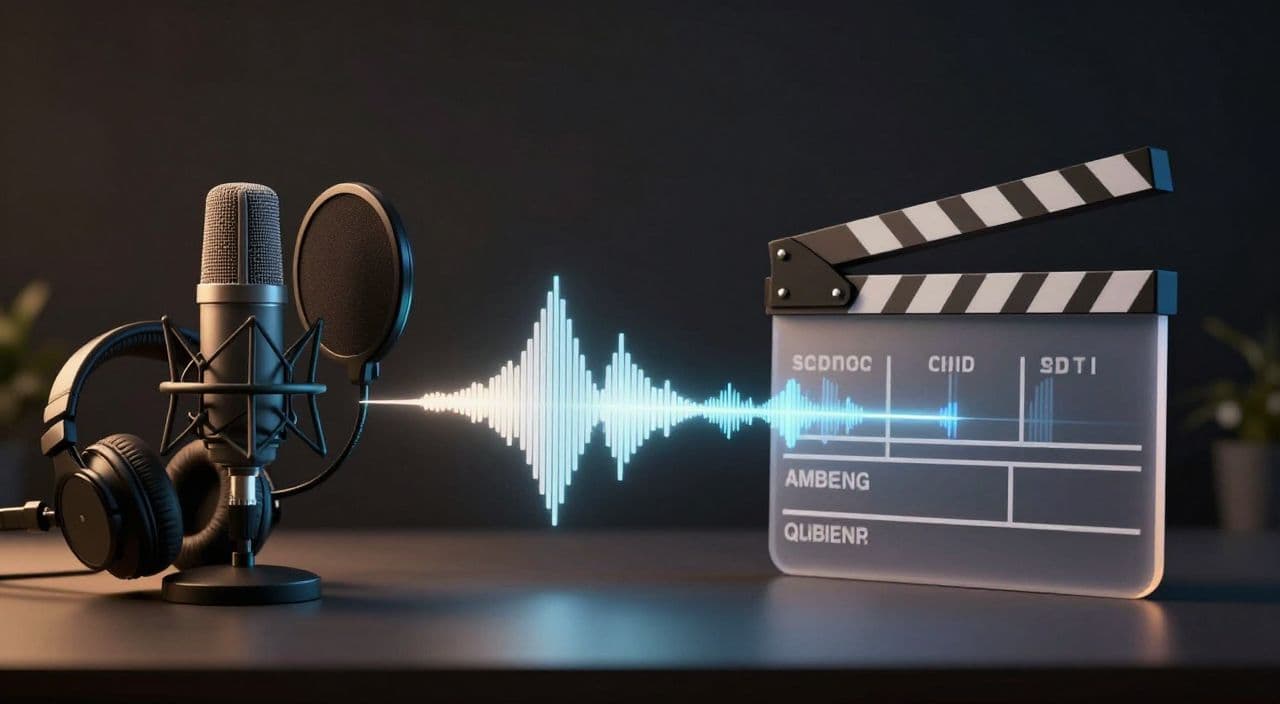
AI video tools are getting better at generating clips with motion, atmosphere, and even native audio. That is exciting for creators, but it creates a trap for long-form faceless YouTube channels: if the voice, visuals, music, and scene timing all come out of one generation step, the video can become hard to control.
For a 20-minute explainer, a 45-minute documentary, or a 2-hour narrated sleep video, control matters more than novelty. Viewers may forgive one imperfect shot. They are less forgiving when narration feels uneven, music fights the voice, or a visual scene ends before the idea is finished.
The more serious your channel becomes, the more you need to treat audio and visuals as separate production layers.
Native AI Audio Is Useful, But It Is Not a Full Long-Form Workflow
Native audio in AI video generation is genuinely useful. Google has described Veo 3 as adding sound, including background audio and dialogue, alongside generated video, and newer AI filmmaking tools are clearly moving toward richer all-in-one scene creation.
That matters for testing mood, making cinematic clips, and producing short illustrative moments. But a long-form YouTube video is not just a sequence of impressive clips. It is a narrated argument, story, lesson, or atmosphere that must hold together across many minutes.
When the generator controls both the image and the sound, you often lose three things:
- The ability to keep one consistent narrator across the entire video.
- The ability to revise wording without regenerating a full scene.
- The ability to mix voice, music, ambience, and silence with intention.
Those tradeoffs are easy to miss when testing a 10-second clip. They become painful when you are trying to publish every week.
Start With the Narration Track
For most faceless long-form formats, narration is the spine of the video. Documentary channels, history channels, science explainers, finance explainers, and narrated sleep channels all depend on a voice that can carry attention.
That means the script and voiceover should usually be planned before the final visuals.
A good narration-first workflow looks like this:
- Write the full script with clear sections and transitions.
- Generate or record the voiceover as one continuous production asset.
- Review pacing, pronunciation, tone, and emotional arc.
- Mark where visuals, graphics, stock footage, or AI scenes should support the narration.
- Render the final video around the approved audio track.
This keeps the video from becoming a pile of disconnected scenes. The viewer experiences one coherent piece, even if the visuals come from several sources.
Why Long-Form Videos Break When Audio Is Locked Into Clips
Long-form creators need revision loops. You may notice that a paragraph drags, a term is mispronounced, a scene needs a slower pace, or a transition needs one more sentence.
If the narration is locked into generated video clips, every fix becomes expensive. You are not just replacing a line. You may be regenerating a visual, re-checking lip sync, adjusting timing, and hoping the new clip still matches the previous one.
Separate voiceover makes revision cleaner. You can swap a sentence, regenerate a small audio segment, or adjust a pause without rebuilding the entire scene stack.
It also helps with quality control. You can listen to the whole video without looking at visuals and ask simple questions:
- Does the story make sense?
- Does the narrator sound consistent?
- Are there dead sections where attention drops?
- Are transitions clear enough for someone multitasking?
- Does the pacing match the intended niche?
If the audio works on its own, the visuals have a much easier job.
Use AI Video for Visual Moments, Not the Whole Structure
AI video generation is strongest when you give it a specific visual job: a cinematic establishing shot, a stylized historical scene, an abstract science visualization, a slow atmospheric sequence, or a short moment that would be hard to film.
It is weaker when you ask it to be the entire editorial system.
For long-form faceless YouTube, think in layers:
- Script: the argument, story, or journey.
- Voiceover: the main performance.
- Visual plan: what the viewer sees at each beat.
- Media: AI clips, AI images, stock footage, screenshots, charts, or simple motion.
- Audio mix: voice, music, ambience, effects, and silence.
- Render: the final assembled video.
This layered approach also lines up with current platform expectations. YouTube's guidance around altered or synthetic content focuses on whether viewers could reasonably mistake realistic synthetic media for real people, events, or places. Keeping a clear production record of what was generated, edited, narrated, and assembled makes it easier to upload responsibly.
Match the Workflow to the Channel Format
Not every faceless channel needs the same balance of voice and generated video.
A historical documentary may use a strong narrator, chapter structure, maps, archival-style visuals, and occasional AI reenactments. A science explainer may need diagrams, careful terminology, and a calmer voice. A narrated sleep channel may need a slower cadence, gentle visuals, and very stable audio levels over 1-3 hours.
The rule is simple: the more the viewer depends on narration, the more dangerous it is to let a video generator decide the voice track scene by scene.
For most long-form channels, native audio is best treated as optional scene texture. The primary narration should be separate, reviewed, and mixed deliberately.
A Practical Separation Checklist
Before producing a long-form faceless video, decide these items separately:
- Main narrator voice: tone, accent, pace, and pronunciation rules.
- Script sections: intro, chapters, transitions, payoff, and outro.
- Visual style: realistic, illustrated, cinematic, archival, animated, or hybrid.
- Scene purpose: each visual should support a specific beat in the narration.
- Background audio: music and ambience should sit under the voice, not compete with it.
- Revision process: know which parts can be changed without rebuilding the whole video.
- Disclosure notes: track where realistic synthetic people, events, or places appear.
This checklist prevents the common beginner mistake: generating assets first, then trying to force them into a coherent video later.
FAQ
Should I use AI video generators with built-in audio for YouTube?
Yes, but use them deliberately. Built-in audio can be useful for short cinematic scenes, ambience, or experiments, but long-form videos usually need a separate narrator and mix. The longer the video, the more important edit control becomes.
Does YouTube penalize AI voiceover?
YouTube does not ban AI voiceover by default. The bigger risks are low-effort, repetitive, misleading, or reused content. A faceless channel should focus on original scripting, clear structure, meaningful editing, and accurate disclosure when synthetic media could mislead viewers.
Is AI-generated content monetizable on YouTube?
AI-generated content can be monetizable when it adds original value and follows YouTube Partner Program policies. Channels get into trouble when videos feel mass-produced, repetitive, copied, or misleading. Treat AI as a production tool, not a replacement for editorial judgment.
How long should faceless YouTube videos be?
The right length depends on the niche and viewer intent. Many educational, documentary, storytelling, and sleep formats can work well as long-form videos when the pacing is intentional. Do not stretch a weak idea just to hit a target duration.
Should music be generated with the video or added later?
For serious long-form production, add music later. Separate music gives you control over volume, mood, transitions, and licensing records. It also makes it easier to replace a track without rebuilding visuals.
How AutoTube.pro Fits Into This Workflow
This is exactly where an all-in-one long-form production system becomes useful. AutoTube.pro is built around the idea that a faceless YouTube video should move through a controlled pipeline: script -> voiceover -> media -> render -> thumbnail.
That matters because each layer can be reviewed as its own production step. You can shape the script before narration, generate the voiceover before final assembly, build visuals around the approved audio, and render the finished video without bouncing between a pile of disconnected tools.
For creators making documentaries, explainers, AI stories, or narrated sleep videos, that separation is not just cleaner. It makes the channel easier to scale because every upload follows the same production logic.
AutoTube.pro also includes thumbnail creation, so the final packaging can stay connected to the video concept instead of becoming a last-minute Canva scramble.
If your current workflow starts with random AI clips and ends with a messy editing timeline, try rebuilding it around the narration track first. Then use AutoTube.pro to turn that structure into a repeatable long-form production system.