Most faceless creators treat audio as a voiceover problem. They spend hours testing AI voices, fixing pronunciation, and trimming awkward pauses, then drop a music track underneath the final edit five minutes before export.
That works for a simple upload. It does not work well for a repeatable long-form channel.
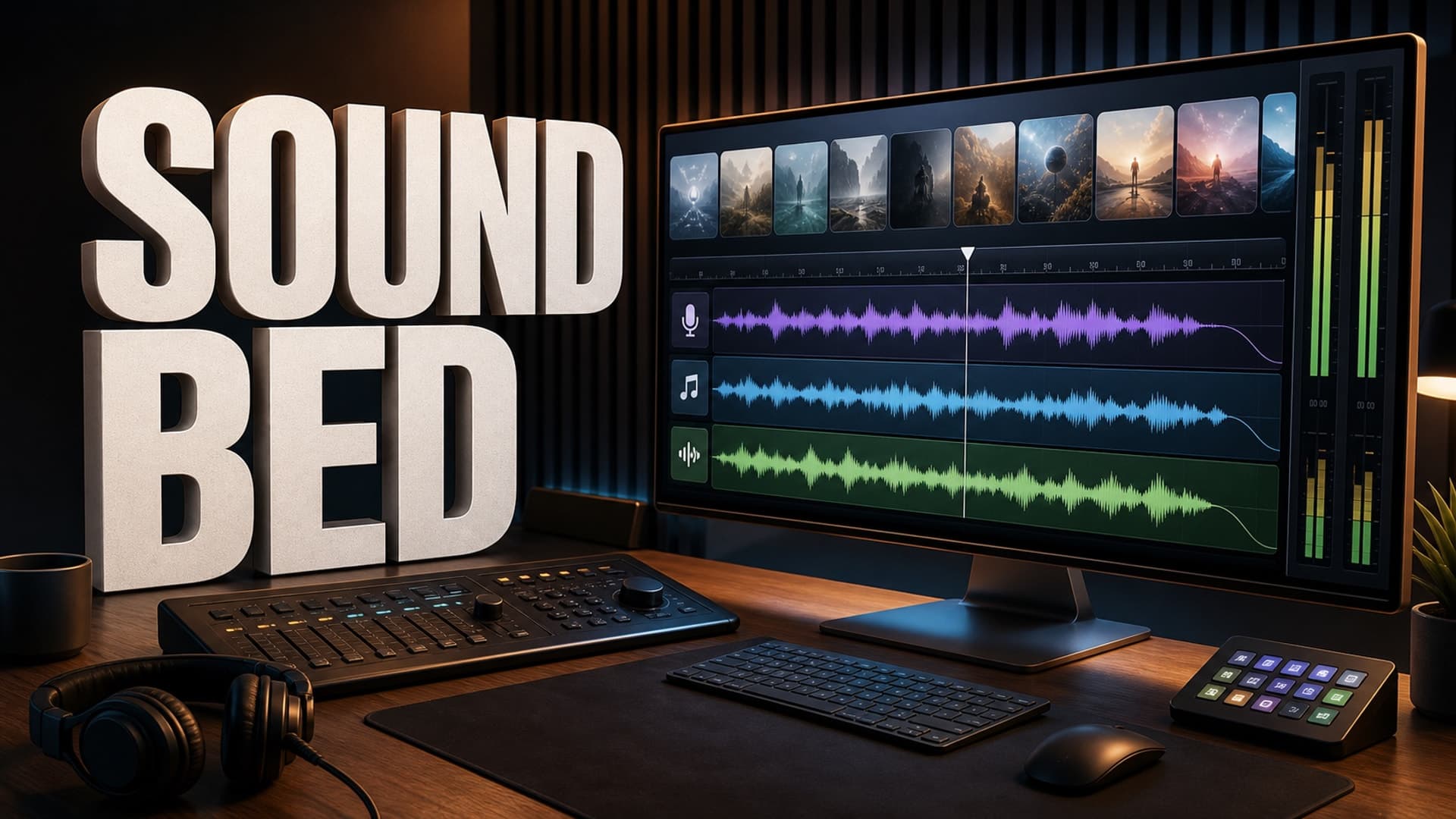
A 20-minute explainer, 45-minute documentary, or 2-hour narrated sleep video needs more than a clean voice. It needs a sound bed: the controlled layer of background music, ambience, transitions, and volume choices that supports the narration without fighting it. Done well, the viewer barely notices it. Done badly, the video feels cheap, tiring, or unsafe for monetization.
The point is not to become a sound designer. The point is to create a repeatable audio system before every new episode becomes a one-off editing session.
What a Sound Bed Actually Does
A sound bed is the audio environment underneath the narration. It can include soft music, low ambience, subtle scene cues, intro and outro stings, and transition sounds.
For long-form faceless videos, the sound bed has four jobs.
First, it gives the video continuity. Faceless channels often use a mix of AI images, stock footage, generated clips, and simple motion. Audio can make those visuals feel like one coherent episode instead of a folder of assets.
Second, it controls energy. A documentary section may need tension. A sleep-history section may need calm. A science explainer may need gentle forward motion. The same narrator can feel very different depending on the bed underneath.
Third, it hides small production seams. Tiny visual changes, stock footage shifts, and scene transitions feel less abrupt when the audio environment is stable.
Fourth, it protects attention. Long-form viewers may not consciously praise your background music, but they will leave if the mix is harsh, repetitive, or distracting.
Start With the Viewing Mode
Before choosing music, define how the video is supposed to be watched.
A sleep video needs an almost invisible bed. The music should be slow, low-contrast, and predictable. Big drops, bright melodies, and frequent sound effects are usually a mistake because they pull the listener back into active attention.
A documentary can handle more shape. You may want subtle tension during a mystery section, quieter air during exposition, and a slightly stronger lift near a conclusion. Still, the voice must remain the lead instrument.
An explainer needs clarity. Music should add pace without making the viewer work harder to understand the argument. If the topic includes numbers, dates, instructions, or policy details, keep the bed simpler.
A story channel can use more emotional color, but the danger is melodrama. If every scene has huge cinematic music, nothing feels important.
This viewing-mode decision matters because it turns audio from taste into a production rule. You are not asking, "What track sounds cool?" You are asking, "What sound bed supports this kind of watch session?"
Build a Simple Audio Map Before Editing
A practical sound bed starts in the script or outline, not in the final export timeline.
Create a simple audio map with five fields:
- Segment name
- Desired energy
- Background layer
- Transition cue
- Notes for silence or emphasis
For example, a 40-minute faceless documentary might use:
- Cold open: low tension, no melody, short impact cue at the reveal
- Context section: quiet pulse, warm ambience, no sound effects
- Main explanation: steady neutral bed, very low volume
- Turning point: darker texture, brief transition cue
- Resolution: calmer bed, wider ambience, slower pace
For a sleep-history video, the map may be even simpler:
- Intro: soft bed, no percussion
- Main chapters: same bed family, minor variation every 15-20 minutes
- Closing: fade music lower before the final signoff
This map keeps you from making random audio decisions while tired. It also helps if you use AI tools, contractors, or templates, because everyone can see what the episode is supposed to feel like.
Keep the Voice in Charge
In faceless long-form content, narration usually carries the value. The music should not compete with it.
A useful rule: set the voice first, then mix everything else around it. Clean the voiceover, normalize levels, remove obvious mouth clicks or glitches, and make sure the pacing works before adding music. If the voice is weak, a louder sound bed will not fix it. It will just make the weakness harder to diagnose.
Once the voice is set, bring music up only until the video stops feeling empty. Then bring it slightly back down. Most beginner mixes are too loud because creators judge the music while staring at the timeline, not while passively watching the finished video.
Listen once without looking at the screen. If the words require effort, the bed is too busy or too loud.
Use Safe Audio Sources and Keep Records
Background music is one of the easiest ways to create avoidable YouTube problems.
YouTube’s own help docs recommend using copyright-safe sources such as the YouTube Audio Library or Creator Music for longer videos. YouTube also warns that simply writing "free song" in a description does not guarantee a track is safe from claims.
That does not mean every creator must use the same library. It means every creator needs a clear source policy.
For each track or effect, keep:
- Source URL or library name
- License type
- Download date
- Required attribution
- Project where it was used
- Any receipt or subscription proof
This is boring work. It is also much easier than trying to reconstruct your audio rights history after a claim, monetization review, or channel sale discussion.
AI-generated music adds another layer. Treat it like any other asset: understand the commercial-use terms, save proof of generation or license, and avoid imitating identifiable artists. If the tool cannot clearly explain usage rights, do not build a long-form channel around it.
Avoid the Loop Fatigue Problem
Many faceless creators use one background track for an entire long-form video. Sometimes that is fine, especially for sleep content. More often, it creates loop fatigue.
Loop fatigue happens when the viewer hears the same phrase, chord movement, or texture so often that the bed becomes noticeable. Once the viewer notices the loop, the video feels cheaper.
You can avoid this without overproducing the episode:
- Use music families instead of one track
- Change beds at major chapter turns
- Use ambience under dense information sections
- Add short silence before important reveals
- Fade changes slowly enough that they feel invisible
The goal is not constant novelty. The goal is controlled variation.
How AutoTube.pro Fits Into This Workflow
A sound bed becomes much easier to manage when the rest of the production pipeline is not scattered across six tools.
AutoTube.pro is built for long-form faceless YouTube production: ideation, script, AI voiceover, media generation, stock footage, rendering, thumbnail creation, and a Canvas-style thumbnail editor in one workflow. For this kind of audio process, the biggest advantage is structure.
Instead of treating narration, visuals, and render as disconnected tasks, you can plan the episode as a full production system. The script defines chapters. The voiceover gives you the pacing. The media plan follows the structure. The final render turns those pieces into one upload-ready video.
You will still need good judgment about music choice, licensing, and levels. No tool should make those decisions blindly. But an organized pipeline makes it easier to keep audio decisions attached to the episode rather than buried in a messy editing timeline.
For creators trying to publish consistent long-form faceless videos, that matters. The faster you can move from idea to finished episode without losing control of quality, the more sustainable the channel becomes.
FAQ
Does YouTube penalize AI voiceover in faceless videos?
No, not simply because a voiceover is AI-generated. The larger issue is whether the video provides original value and follows YouTube’s policies. Low-effort, repetitive, or misleading content is a much bigger risk than the existence of AI narration alone.
Is AI-generated background music safe for monetized YouTube videos?
It can be, but only if the tool or library gives you clear commercial-use rights. Save proof of the license or generation terms. Avoid tools with vague ownership language, especially if you plan to build a channel around repeated use.
Should background music run through an entire long-form video?
Sometimes, especially for narrated sleep videos. For documentaries, explainers, and story channels, it is usually better to use controlled variation across chapters. The music should support the viewing mode, not draw attention to itself.
Can copyrighted music be used if the video is transformative?
Do not rely on that as a production strategy. Copyright and monetization decisions can be complicated, and Content ID may still flag music even when you believe your use is defensible. Long-form faceless channels are better served by clear licenses and documented sources.
How loud should music be under narration?
Quiet enough that the viewer never has to strain to understand the voice. Set the narration first, then raise the music only until the video stops feeling empty. If the words become harder to follow, the bed is too loud or too busy.
A strong sound bed will not save a weak idea, but it can make a good long-form video feel far more watchable. Build the audio system once, reuse the rules, and each new episode becomes easier to finish without sounding rushed.