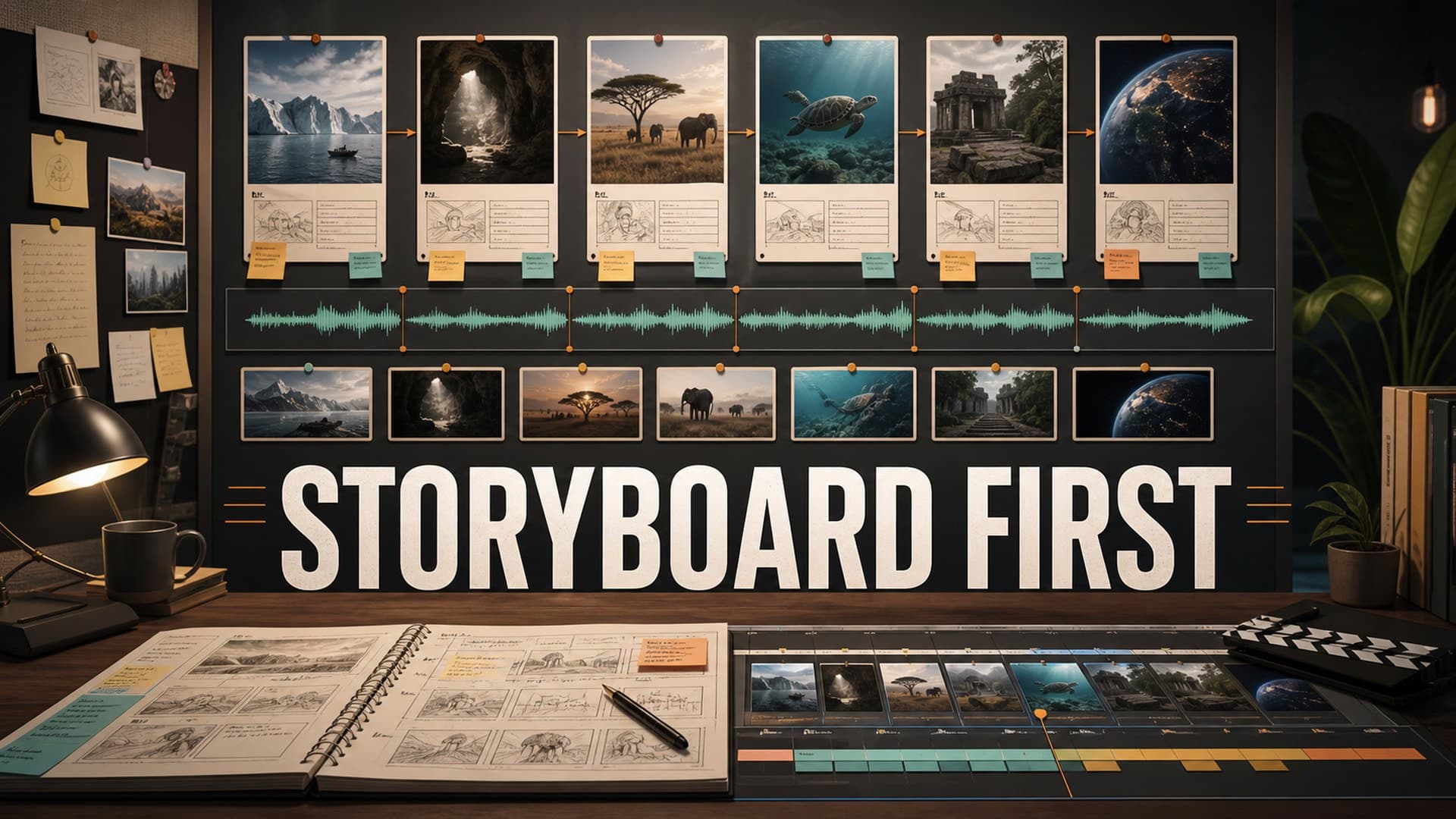
AI documentary production breaks down when creators treat visuals as decoration. The script gets written first, the voiceover gets generated, and then every scene becomes a separate visual search problem. That is how long-form videos end up with mismatched images, strange pacing, repeated shots, and a final edit that feels assembled instead of directed.
A storyboard fixes that before the expensive part starts.
For faceless YouTube creators, a storyboard does not need to look like a film-school sketchbook. It can be a practical production document: scene numbers, narration beats, visual intent, source needs, AI prompt notes, motion ideas, and risk checks. The goal is not to make pretty panels. The goal is to stop making hundreds of isolated visual decisions after the voiceover is already locked.
Why Storyboards Matter More for AI Documentaries
Traditional documentary editing often begins with available footage. AI documentary production works differently. You are often creating or sourcing the visual layer after the structure is already known. That gives you control, but it also creates a trap: every shot can drift away from the tone, evidence, and pacing of the video.
A storyboard gives the project a visual spine. It answers three questions before generation begins:
- What should the viewer understand in this scene?
- What type of visual best supports that idea?
- What must stay consistent across the whole video?
This matters because AI tools are getting better at creating individual shots, but long-form quality still depends on continuity. A single strong image does not save a 35-minute documentary if the next 40 visuals feel like they came from different channels.
The storyboard is where you decide the difference between an evidence scene, a mood scene, a transition scene, a map scene, a character scene, and a concept scene. Once those categories are clear, production becomes much easier.
Start With Narration Beats, Not Images
The worst way to storyboard an AI documentary is to paste the full script into an image tool and hope it understands the video. Long narration paragraphs usually contain too many facts, too many visual possibilities, and too little direction.
Start by breaking the script into narration beats. A beat is the smallest useful unit of meaning for the viewer. It might be one sentence, three sentences, or a full paragraph, depending on pacing.
For each beat, write a plain-language purpose:
- Introduce the setting
- Explain the problem
- Show scale
- Create tension
- Clarify cause and effect
- Give the viewer a resting moment
- Transition to the next chapter
This purpose matters more than the literal words. If the narration says, "By the winter of 1847, the decision had already become impossible to ignore," the visual does not need to show the exact sentence. It might need a cold landscape, a dim council room, a slow map move, or a symbolic close-up. The storyboard decides which one.
Use Scene Types to Avoid Visual Repetition
Long-form faceless documentaries often become visually repetitive because every scene is treated as a generic illustration. A better system is to assign scene types before generating anything.
Useful scene types include:
- Establishing scene: sets place, period, or context.
- Evidence scene: shows a document, artifact, chart, map, or source-based detail.
- Process scene: explains how something worked.
- Character scene: shows a person, group, or role without needing a perfect likeness.
- Atmosphere scene: supports tone during slower narration.
- Contrast scene: compares before and after, rich and poor, safe and dangerous, official and hidden.
- Transition scene: visually moves the viewer between chapters.
This gives the final video more rhythm. A 40-minute documentary cannot be all dramatic portraits. It also cannot be all maps, all stock footage, or all abstract AI visuals. Scene types help you build contrast on purpose.
Write Visual Intent Before AI Prompts
Creators often jump straight from script to prompt. That is too early. A prompt is an execution instruction. Visual intent is a creative decision.
For each storyboard row, write the visual intent first. Keep it simple:
- "Show the city as crowded, wealthy, and unstable."
- "Make the viewer feel the scale of the journey."
- "Explain how the machine changed the workday."
- "Create a quiet pause before the next reveal."
Only after that should you write prompt notes. The prompt notes can include subject, setting, time period, composition, mood, color, camera angle, and style constraints. If the visual intent is weak, the prompt will usually become overstuffed. If the intent is clear, the prompt can stay focused.
This also makes revisions easier. When an image fails, you can ask whether the intent was wrong, the prompt was wrong, or the tool simply missed the target.
Add Continuity Rules Before Generation
AI visuals often fail across a sequence, not inside one frame. The individual image may look good, but the series does not belong together.
Your storyboard should include continuity rules before any images are generated:
- Aspect ratio and safe framing
- Color palette
- Lighting style
- Level of realism
- Historical or technical constraints
- Recurring locations
- Character age, clothing, and silhouette
- Map style and label rules
- Whether faces should be detailed, obscured, or avoided
For historical, science, and explainer channels, continuity also protects trust. A video about a real event should not accidentally change uniforms, architecture, geography, or technology every few scenes. You do not need to be perfect, but you need a system that catches obvious drift.
Build a Render-Friendly Shot Plan
A storyboard is not finished until it respects the edit. Many AI creators generate beautiful visuals that are difficult to use because they lack motion room, have awkward crops, or do not match the pacing of the voiceover.
Add simple edit notes to each storyboard row:
- Estimated duration
- Motion idea, such as slow push, pan, parallax, or hold
- Whether the scene needs text overlays
- Whether a map, stock clip, or generated image is the better choice
- Whether the scene needs a visual change halfway through the narration
This is especially important for long-form videos. A 12-second narration beat can often survive on one strong image. A 55-second section usually needs internal variation: a wide shot, a detail shot, a source shot, and a transition.
Do this planning before rendering, not after. Rendering should execute the plan, not become the place where the plan is invented.
How AutoTube.pro Fits Into This Workflow
Once the storyboard exists, production becomes much easier to systematize. This is where AutoTube.pro can fit naturally into a long-form faceless workflow.
The main advantage is that the production stages live closer together. Instead of managing a script in one tool, voiceover in another, visuals somewhere else, rendering in an editor, and thumbnails in a separate design app, AutoTube.pro is built around the full pipeline: script -> voiceover -> media -> render -> thumbnail.
For a storyboard-driven AI documentary, that means you can think in scenes rather than scattered assets. The storyboard can guide the script structure, narration pacing, media choices, and final render plan. If a scene needs generated visuals, stock footage, or a thumbnail concept later, the workflow has a clearer production trail.
This does not remove the creator's judgment. You still need to decide what each scene is doing, what deserves evidence, and where the viewer needs a pause. But it reduces the tool sprawl that makes long-form production fragile.
FAQ
Do AI documentaries need a storyboard?
Yes, if the video is long enough to need visual continuity. A five-minute explainer can survive with a loose shot list, but a 20-60 minute documentary benefits from a storyboard because it connects narration, visuals, pacing, and edit decisions before generation starts.
Is AI-generated documentary content monetizable on YouTube?
AI-generated content can be monetizable when it follows YouTube's policies and provides original value. The bigger risk is low-effort, repetitive, misleading, or reused content. Strong research, original commentary, careful sourcing, and clear production decisions matter more than whether AI was used.
Does YouTube penalize AI visuals or AI voiceover?
YouTube does not automatically penalize a video just because it uses AI visuals or AI voiceover. Creators still need to follow disclosure rules for realistic altered or synthetic content and avoid misleading viewers. Quality, originality, viewer satisfaction, and policy compliance remain the practical focus.
How detailed should an AI documentary storyboard be?
It should be detailed enough that another person could understand the visual plan. You do not need polished drawings. Scene number, narration beat, visual intent, scene type, continuity notes, prompt notes, source needs, and edit notes are usually enough.
Should I generate visuals before or after voiceover?
For most faceless documentary workflows, lock the script structure first, then create a rough storyboard, then generate voiceover and visuals with timing in mind. If visuals are central to the story, test a few key scenes early so you know the style is possible before producing the full video.
Final Thought
A storyboard turns AI documentary production from a pile of prompts into a directed process. It helps you decide what each scene is supposed to do, which visuals deserve generation, where evidence is needed, and how the final edit should feel.
If you are building long-form faceless videos and want fewer disconnected tools between script, narration, visuals, render, and thumbnail, AutoTube.pro is worth trying as a more unified production workflow.