AI narration is no longer the strange part of a faceless YouTube workflow. The strange part is how many creators still treat voiceover like a one-click export.
They write a script, paste it into a voice tool, pick a voice that sounds decent for 30 seconds, and generate the whole thing. Then they wonder why a 28-minute documentary feels flat after the first few minutes.
For long-form videos, voice is not just sound. It is pacing, trust, tension, emphasis, topic clarity, and viewer comfort. A good faceless channel can survive simple visuals if the narration carries the episode. A weak voiceover makes even expensive visuals feel disposable.
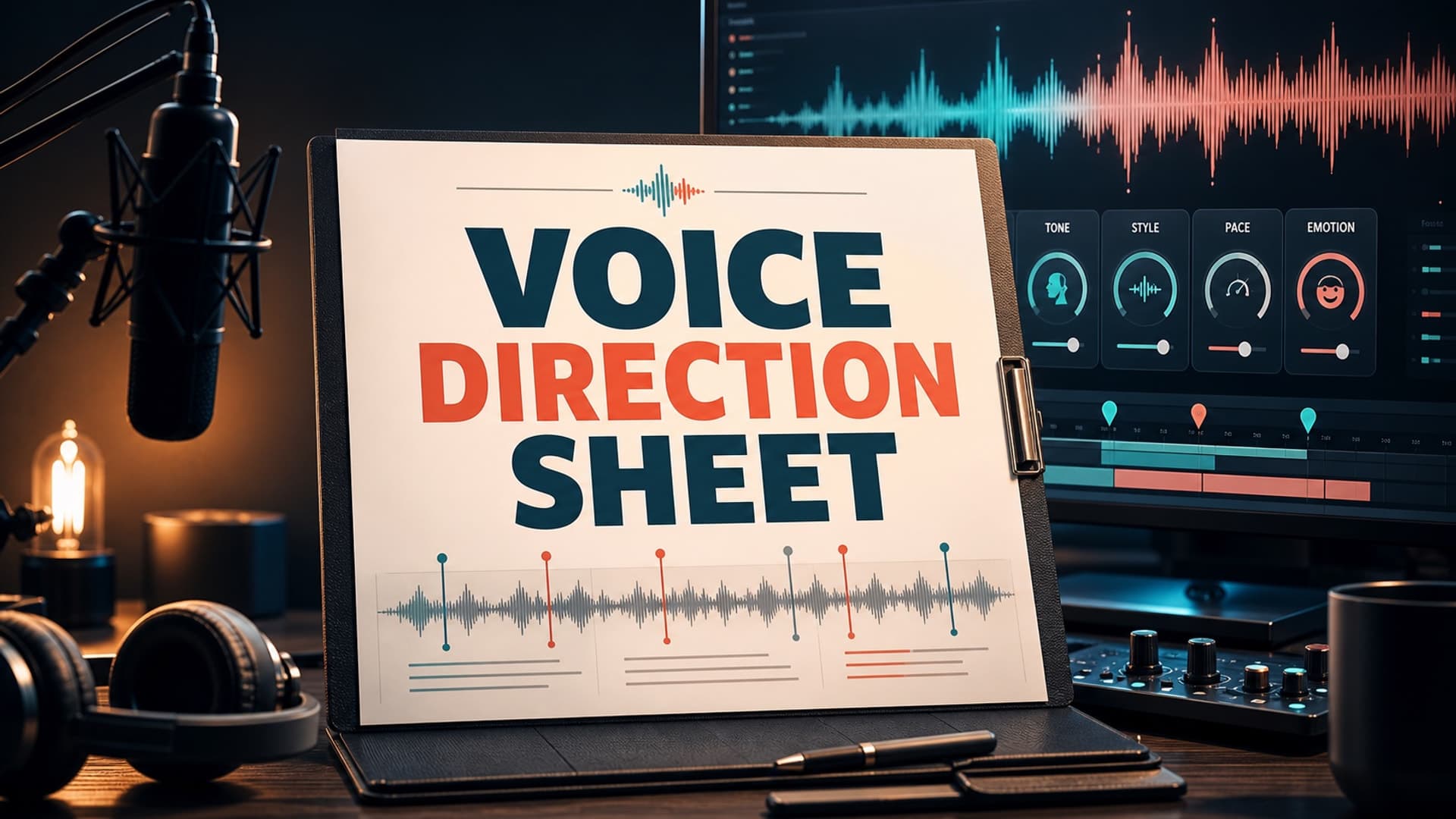
The fix is not only a better AI voice model. The fix is a voice direction sheet: a short production document that tells the voice system, editor, and human reviewer how the narration should behave before the audio is generated.
Why Long-Form Narration Needs Direction
A two-minute script can get away with a generic voice preset. A 45-minute explainer cannot.
Long-form faceless videos have more tonal shifts. The intro needs confidence. The setup needs clarity. The middle needs enough movement to prevent drift. The climax needs contrast. The ending needs resolution without sounding like a sales page.
Without direction, AI narration tends to average everything out. Serious moments sound only slightly more serious than transitions. Important names, dates, and claims get the same weight as filler sentences. Paragraphs blur together because the pacing never changes enough for the listener to feel structure.
That matters for retention. Viewers may not think, "this voice has poor dynamic range." They simply stop caring. On long-form YouTube, that small loss of attention compounds over time.
A voice direction sheet gives the episode a performance plan. It turns narration from an output file into a production decision.
What a Voice Direction Sheet Should Include
Keep the sheet simple enough that you will actually use it. The goal is not a theater script. The goal is repeatable direction.
Start with the channel voice. Define the narrator in one practical sentence: calm documentary guide, dry mystery host, patient sleep-history narrator, sharp business explainer, or warm science storyteller. Avoid vague words like "engaging" unless you explain what they mean.
Then define the pacing range. For a slow sleep-style video, the pace may stay gentle, but it still needs variation at chapter openings and transitions. For a documentary or explainer, the pace can rise during conflict, discovery, or payoff moments, then slow down for important details.
Next, mark emphasis rules. Decide what gets extra weight: names, dates, surprising facts, warnings, chapter turns, or emotional reversals. If everything is emphasized, nothing is.
Add pronunciation notes for names, places, technical terms, acronyms, and niche vocabulary. This is especially important for history, science, finance, mythology, and true-story channels where one bad pronunciation can make the whole video feel careless.
Finally, include a list of avoidances. Examples: no exaggerated influencer energy, no fake suspense on ordinary sentences, no rushed lists, no dramatic pauses every line, no cheerful tone during serious material.
A Practical Template You Can Reuse
Here is a simple format that works for most long-form faceless channels:
Episode tone: Calm, clear, curious, never overdramatic.
Narrator role: A knowledgeable guide explaining the story to an intelligent viewer.
Pacing: Medium-slow in setup, medium in explanation, slower before major reveals.
Energy range: 4/10 baseline, 6/10 for turning points, 3/10 for reflective sections.
Emphasis: Names, dates, consequences, chapter transitions, final lesson.
Pronunciation: Add phonetic notes for all non-obvious terms before generation.
Pause rules: Short pause after section hooks, longer pause after major reversals.
Avoid: Hype voice, robotic list-reading, fake mystery tone, identical paragraph rhythm.
Review check: First 90 seconds, one middle chapter, final 2 minutes.
The most important line is often the narrator role. If the role is unclear, the voice will drift between styles. A "documentary guide" and a "story narrator" may use the same words, but they should not perform them the same way.
Mark the Script Before Generating Audio
A direction sheet is useful, but it becomes much stronger when the script carries the same intent.
Before voice generation, mark the script in layers. First, identify chapter openings. These need slightly more clarity because viewers use them to re-enter the story. Second, mark the sentences that carry the main argument or emotional turn. Third, flag pronunciation risks.
You do not need to annotate every line. Over-marking creates a brittle workflow. The best system marks only the places where the default voice would probably make the wrong choice.
For example, a documentary script might include notes like:
[slower, grounded]
By the winter of 1916, the problem was no longer ambition. It was survival.

[slight lift]
And this is where the plan changed.

[pronunciation: Ypres = EE-pruh]
The fighting near Ypres had already reshaped the assumptions of both armies.
These notes help you think like a producer instead of a prompt operator. You are deciding what the viewer should feel and understand at each point.
Review Voiceover in Sections, Not After the Whole Render
The worst time to discover a voice problem is after the video is fully edited.
Review narration before visuals are locked. For long-form videos, check three sections: the opening, one dense middle section, and the ending. The opening reveals whether the voice can earn attention. The middle reveals whether it can carry complexity. The ending reveals whether it can land the episode without sounding abrupt or artificial.
Listen for rhythm first. Does every sentence land the same way? Are paragraph breaks audible? Can you tell when a new idea begins without looking at the script?
Then listen for trust. Does the voice sound like it understands the material, or like it is reading tokens? This matters more as YouTube continues to distinguish original, authentic content from mass-produced or repetitive uploads. YouTube's monetization guidance has made clear that channels using AI can still be eligible, but the content still needs original value, rights discipline, and policy compliance.
Also check disclosure obligations when synthetic or altered content could be mistaken for real people, places, scenes, or events. YouTube's AI disclosure guidance is not a reason to avoid AI narration, but it is a reason to build a more deliberate workflow.
Common Mistakes That Make AI Narration Feel Cheap
The first mistake is choosing a voice based only on a short sample. Many voices sound impressive for 20 seconds and tiring for 20 minutes. Test a full page of your actual script before committing.
The second mistake is using the same voice settings for every niche. A sleep history channel, a business documentary, and an animated mystery channel need different energy, pace, and silence.
The third mistake is ignoring post-processing. Even strong AI narration may need volume normalization, noise control, breath handling, and music-bed balancing. Bad audio mixing can make a good voice feel amateur.
The fourth mistake is generating too much at once. If the first ten minutes have the wrong tone, the next forty minutes probably do too. Generate in sections and review before scaling.
The fifth mistake is letting the voice hide weak writing. Better narration cannot save a script with no structure, no curiosity, and no reason to keep listening.
How AutoTube.pro Fits Into This Workflow
A voice direction sheet works best when it sits inside the whole production pipeline instead of living as a forgotten note in a separate doc.
AutoTube.pro is built for long-form faceless YouTube creators who want the script, AI voiceover, media, rendering, and thumbnail workflow in one place. That matters because narration decisions are connected to everything around them.
If the script has clear chapters, the voiceover can respect those turns. If the voiceover has clean pacing, the visual plan can support the rhythm instead of fighting it. If the render workflow is tied to the same project, you are less likely to lose track of which script version, voice pass, and media timeline belong together.
For creators making 20-minute, 45-minute, or 1-3 hour videos, that continuity is the difference between a repeatable channel system and a pile of disconnected exports.
You can still use a voice direction sheet with separate tools. The key advantage of an all-in-one workflow is that the sheet can become part of the project habit: define the episode, generate the script, direct the narration, create visuals, render, and package the thumbnail without rebuilding context at every step.
FAQ
Does YouTube penalize AI voiceover?
No, AI voiceover is not automatically penalized just because it is AI. The bigger risk is low-effort, repetitive, misleading, or unoriginal content. A strong script, clear value, proper rights, and honest disclosure practices matter more than the voice tool alone.
Is AI-generated narration monetizable on YouTube?
It can be monetizable when the overall channel follows YouTube Partner Program policies. AI-assisted videos still need original value and should not feel mass-produced or reused. Treat AI narration as a production method, not as the substance of the video.
How long should faceless videos be for good RPM?
Length alone does not create good RPM. Long-form videos often have stronger monetization potential because they can support deeper viewer intent and more natural ad placement, but only if retention and topic quality hold up. Choose a length your script can genuinely sustain.
Should I disclose AI narration in every video?
Disclosure depends on whether the content is altered or synthetic in a way that could realistically mislead viewers, especially around real people, places, scenes, or events. Check YouTube's current disclosure guidance for your format and niche. When in doubt, build a transparent workflow you can defend later.
What is the best AI voice for faceless YouTube?
The best voice is the one that fits your niche for the full episode, not the one that sounds most impressive in a demo. Test it on real scripts, listen for fatigue, and compare how it handles names, pauses, emotion, and dense information.
A voice direction sheet is small, but it changes the whole production posture. You stop asking, "which AI voice sounds good?" and start asking, "what should this episode sound like?" That is the better question for any serious long-form faceless channel.
If you want that direction connected to the full production pipeline, AutoTube.pro gives you one place to move from script to voiceover to media to render to thumbnail without losing the thread.