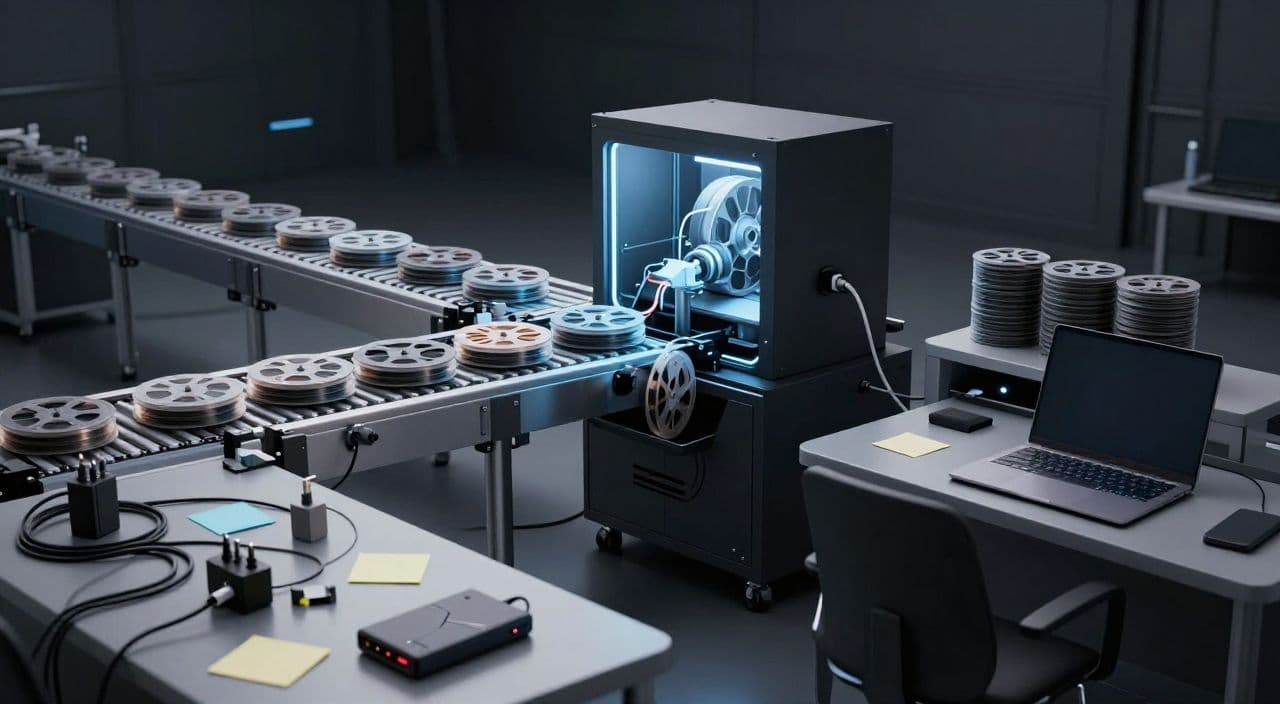
Most long-form faceless channels don’t die because of the algorithm. They die because the workflow is so painful that the creator taps out before 20 uploads.
If you’re under 20 videos and already dreading the next render, this is for you. Let’s walk through the traps that quietly kill long-form production, and the systems that actually scale to 50-100 uploads.
Why Long-Form Feels So Hard (But Is Worth It)
Long-form (10-180 minutes) is a better business than Shorts for faceless creators:
- More watch time per viewer
- More room for mid-roll ads and higher RPM niches (history docs, explainers, sleep)
- Deeper audience trust when someone spends 30-90 minutes with you
The catch: long-form exposes every weakness in your workflow. A messy process that “kind of works” for a 6-minute explainer completely collapses at 60 minutes or a 2-hour sleep story.
Your goal isn’t to “work harder.” It’s to design a workflow that’s boringly repeatable.
Trap 1: Treating Every Video as a One-Off Project
If every video starts with a blank page, blank timeline, and new style, you’ll burn out fast.
Instead, think in terms of production lines:
- One standard intro and outro
- One default structure per series (e.g., “sleep story,” “history doc,” “top 10 explainer”)
- One baseline visual style and font set
Example formats:
- Sleep: 2-3 minute soft intro → repeated story pattern (scene → reflection → gentle transition) → calm outro.
- Documentary: cold open hook → context → chronological sections → key takeaways.
- Explainer: question → high-level overview → 3-5 main points → recap and next question.
Decide this once and reuse it. Your creativity goes into ideas and research, not reinventing the container.
Trap 2: Unstructured AI Scripts That Don’t Hold Attention
Most beginners paste “write a 30-minute script about black holes” into an AI and hope it works. That’s how you get shallow, repetitive content.
You need structure first, then AI.
For example:
-
60-minute history documentary
- Hook (2 minutes)
- Background (8 minutes)
- Key turning points (3-5 chapters, 8-10 minutes each)
- Consequences (10 minutes)
- Reflection / “what if” (5 minutes)
-
90-minute sleep story
- Wind-down scene (10 minutes)
- Main journey in repeating beats (5-7 beats, 8-10 minutes each)
- Gentle resolution (10-15 minutes)
Outline your sections manually, then have AI fill in each section with clear guidance: tone, pacing, and target duration. Save these outlines as templates so every script starts from a proven skeleton.
Trap 3: Voiceover as a Completely Separate, Manual Job
If your current flow is:
- Write script
- Paste into TTS site
- Download MP3
- Drag into editor
- Manually cut and sync
…that’s fine for your first 3 videos and a nightmare by video 15.
Better patterns:
- Lock your script before generating the voiceover. Avoid rewriting mid-edit.
- Use the same voice for a series so you’re not re-tuning settings every time.
- Generate voiceover in chapters (matching your script sections) so you can fix or swap segments without redoing the entire track.
For AI-heavy niches (sleep, AI stories, explainers), consistency of tone and pacing matters more than “perfectly human” nuance. Pick a voice that fits your niche and stick with it.
Trap 4: B-Roll and Visuals as a Daily Treasure Hunt
Spending two hours per video hunting stock clips is a tax you can’t pay at scale.
You need a mapping system between script and visuals:
- Break your script into scenes or paragraphs.
- For each scene, define 1-2 visual keywords or concepts.
- Decide your default visual style:
- Stock-heavy (documentaries, listicles)
- AI-generated stills (myths, sci-fi stories, abstract explainers)
- Simple motion / zooms on static images for sleep and narration content
Once you have this mapping, you can batch: collect visuals for 10 scenes at a time, or generate 10 AI images per chapter. The key is to stop “browsing until it feels right” and start following a repeatable rule.
Trap 5: Doing Everything in a Traditional Timeline Editor
Premiere, DaVinci, CapCut are powerful - but they’re overkill and fragile if you’re manually building every 60-180 minute video from scratch.
Timeline editing is ideal when:
- You’re doing heavy motion graphics
- You need precise cuts synced to music
- You’re working with lots of raw footage
For most faceless long-form channels (sleep stories, narrated docs, explainers), you’re assembling:
- Voiceover
- Background music
- Simple transitions
- B-roll or generated images
You don’t need frame-perfect cuts; you need reliability and speed. Consider a workflow where your main job is approving scenes and order - not dragging hundreds of clips on a timeline. Save the full editor for special projects or once the channel is already working.
Trap 6: Scattered Files and Version Chaos
Early on, it feels harmless to drop everything into “YouTube Stuff” on your desktop. By video 15, you can’t find anything.
Minimum viable system:
- One folder per video:
2025-05-16_black-holes-docscript/audio/visuals/renders/
- Consistent naming:
v01,v02_final,v03_final-uploaded
Even if you’re using cloud tools, mirror this logic. It makes it easier to:
- Fix an old video
- Reuse a successful structure
- Hand off work to an editor or VA later
Trap 7: Over-Editing Early Videos Instead of Shipping
The “20-video wall” is real. Many creators spend 20-30 hours per video tweaking micro-transitions, then quit before they have any data.
For your first 30-50 uploads:
- Set a hard time budget per video (e.g., 4-6 hours total).
- Pick 1-2 quality levers to care about (e.g., script clarity and audio quality).
- Let everything else be “good enough.”
You’re not optimizing for perfection; you’re optimizing to learn what your audience actually responds to. Once a format works, you can justify upgrading visuals, music, and custom animations.
Trap 8: No Defined End-to-End Workflow
If your process is just “open a bunch of tabs and figure it out,” you’ll never feel in control.
Write down your pipeline in 5-7 steps, for example:
- Research & idea
- Outline & script
- Voiceover
- Visuals & B-roll
- Assembly & render
- Thumbnail & upload
Then ask: where am I losing the most time? Where am I repeating manual steps that could be templatized or automated?
Once that’s clear, you can decide which tools or platforms to consolidate around.
How AutoTube.pro Fits Into This Workflow
If you’ve recognized yourself in several of these traps, the fix usually isn’t “more tools”-it’s fewer moving parts.
AutoTube.pro is one option if you want to run the entire long-form faceless pipeline in a single place, specifically for 5-180 minute videos like:
- 90-minute sleep stories
- 30-60 minute AI documentaries
- 15-30 minute explainers and AI stories
The platform covers:
- Ideation and AI script generation tuned for long-form formats
- AI voiceover with multiple voice options, generated directly from your script
- Scene-by-scene media creation: AI images plus integrated stock footage
- Automated video assembly and rendering designed to handle very long runtimes
- A built-in thumbnail editor (Canvas-style drag-and-drop) so you don’t have to bounce to Canva or Photoshop
The key advantage isn’t a single feature; it’s the end-to-end flow: idea → script → voice → visuals → rendered video → thumbnail without switching tools or moving files around. That makes it realistic to aim for 50-100 uploads a year instead of stalling out before 20.
FAQ: Long-Form Faceless YouTube & AI Workflows
Is AI-generated faceless content monetizable on YouTube?
Yes, AI-generated faceless content can be monetized as long as it complies with YouTube’s policies and provides original value. Focus on unique scripts, clear educational or entertainment angles, and avoid simply reusing existing content or violating copyright.
Does YouTube penalize AI voiceovers?
YouTube does not automatically penalize AI voiceovers; what matters is overall content quality and policy compliance. Use clear, natural-sounding voices and make sure your videos deliver genuine value so viewers watch and engage.
How long should my faceless videos be for good RPM?
There is no single best length, but many profitable faceless niches work well in the 10-60 minute range, with sleep and deep-dive documentaries extending to 90-180 minutes. Longer videos allow more watch time and mid-roll ads, but only if you can maintain viewer interest with a solid script and pacing.
Are long-form videos better than Shorts for faceless channels?
For building a durable faceless business, long-form is usually better because it creates deeper viewer sessions and more ad inventory per view. Shorts can help discovery, but they’re harder to monetize directly and don’t replace the revenue potential of strong 10-60+ minute videos.
How many tools should I use for long-form faceless production?
You should use as few tools as possible while still covering script, voice, visuals, rendering, and thumbnails reliably. The more separate tools you add, the more time you lose to file management, re-exports, and troubleshooting.
Next Step: Run One Workflow Experiment
Pick one upcoming video - maybe your next 30-minute explainer or 60-minute sleep story - and commit to running it through a clearly defined, end-to-end pipeline instead of juggling random tools. If you want to test a consolidated stack, try producing that video entirely inside AutoTube.pro and compare the total time and friction against your usual multi-tool workflow.