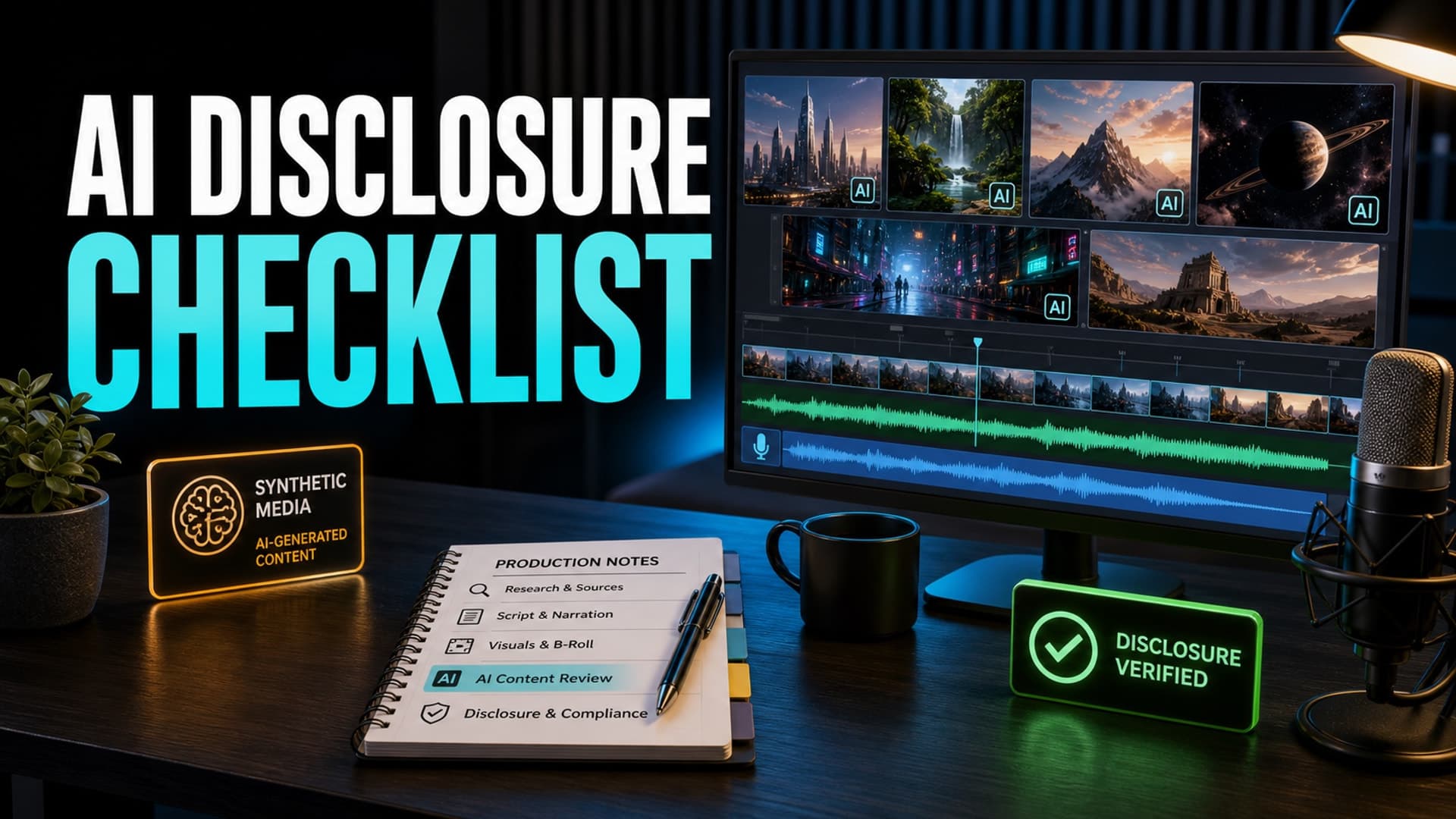
AI disclosure is no longer something creators can leave until the final upload screen. If your long-form video uses synthetic visuals, AI voiceover, generated scenes, recreated people, fictionalized events, or realistic edits, the question is not just "did AI help?" The better question is: could a reasonable viewer mistake this for real footage, a real voice, or a real event?
That question matters because long-form faceless production now combines scripts, narration, stock footage, generated images, motion, sound beds, and editing decisions across many small steps. A disclosure mistake usually does not happen because one person tried to hide something. It happens because nobody tracked which parts of the video became realistic enough to need a second look.
A simple checklist turns disclosure from a nervous last-minute judgment into a repeatable publishing habit.
Why AI Disclosure Belongs in the Production Workflow
YouTube's own guidance says creators need to disclose altered or synthetic content when it appears realistic. The platform gives examples around realistic people, events, and places, and separates that from obvious animation, special effects, or ordinary production assistance.
For faceless creators, the tricky part is that the line can move during production. A script about a historical event may be harmless as text. A generated image of a generic ancient street may be harmless as atmosphere. But a realistic scene that implies a specific event was filmed, or an AI voice that imitates a real person, deserves a different review.
The checklist should sit before publishing, but it should be informed by the whole workflow. The goal is not to scare yourself away from AI. The goal is to know what you made.
The Core Question: Could This Mislead a Viewer?
Start every disclosure review with one plain-language test:
Could a normal viewer believe this video shows something that actually happened, was actually said, or was actually recorded?
If the answer is clearly yes, you should slow down and review. If the answer is clearly no, you may still document your reasoning, but the risk is usually lower. If the answer is "maybe," treat it as a disclosure candidate and make the upload decision deliberately.
This is especially important in long-form documentary, mystery, history, finance, science, and commentary formats. Those niches often borrow the visual language of evidence: archival footage, news-style captions, maps, reenactments, courtroom imagery, expert narration, and realistic faces. Viewers may not know which elements are sourced, reconstructed, generated, or illustrative unless your production makes that clear.
A Practical AI Disclosure Checklist
Use this checklist before upload, and keep the answers with your project notes.
1. People
Ask whether the video shows a realistic person who did not appear on camera. This includes generated presenters, recreated historical figures, altered celebrity clips, synthetic interviews, and realistic crowd scenes.
Also ask whether the video changes what a real person appears to do or say. A generic narrator voice is different from a voice designed to sound like a specific public figure. A stylized portrait is different from a realistic fake interview.
2. Places
Review scenes that show real locations. A generated skyline, battlefield, courtroom, disaster site, laboratory, city street, or home interior can imply documentary evidence if it looks like footage.
For educational and sleep-history formats, many visuals are illustrative. That is fine, but your internal notes should distinguish illustration from evidence. If a generated image looks like an archival photograph, decide whether the viewer needs clearer context.
3. Events
Look for scenes that depict something specific happening: a speech, arrest, explosion, trial, medical event, market crash, rescue, crime scene, or confrontation. The more specific and realistic the event, the more carefully you should review disclosure.
This is where faceless channels can accidentally drift into misleading territory. A script says "imagine the room." The image prompt says "photorealistic." The edit adds camera shake and grain. Suddenly an illustrative scene feels like recovered footage.
4. Voiceover
AI voiceover by itself is not automatically a problem. Many creators use synthetic narration as a production method. The risk rises when the voice suggests a real person is speaking, when it mimics a recognizable person, or when the narration format implies a firsthand recording.
Keep a note of the voice used, whether it is original or cloned, and whether any real person's likeness or voice was intentionally referenced. This protects your workflow later if a video is questioned.
5. Labels, Description, and Viewer Context
Disclosure is partly a platform field, but viewer context also matters. If a scene is a reenactment, concept visual, dramatization, or generated illustration, your script, on-screen labels, or description can reduce confusion.
Do not over-explain every image. That can make the video feel stiff. But for realistic synthetic moments that carry factual weight, a short contextual phrase is often worth it.
Build the Checklist Into Your Review Queue
The best place for this review is after the rough cut, before final render. At that point, the script, voiceover, visuals, pacing, and labels are visible together. You can judge the actual viewer experience instead of reviewing assets in isolation.
Create a simple project note with four columns: timestamp, asset or scene, disclosure concern, decision. Most videos will only have a few entries. The value is not bureaucracy. The value is having a clean trail of judgment.
For teams, assign one person to review disclosure separately from editing. Editors often become blind to the realism they created because they watched the scene evolve from prompts and timelines. A second reviewer sees it more like the audience will.
Common Mistakes to Avoid
The first mistake is treating AI disclosure as a yes-or-no judgment for the whole channel. It is usually scene-specific. One video may use AI for harmless background visuals, while another uses realistic synthetic reenactments.
The second mistake is assuming faceless means low risk. Faceless channels often rely more heavily on generated visuals, narration, and reconstruction, so the disclosure review may matter more, not less.
The third mistake is confusing monetization strategy with compliance. A video can be efficient to produce and still need careful labeling. A video can be labeled and still need better originality, commentary, sourcing, or viewer value.
FAQ
Does YouTube penalize AI voiceover?
Not simply because it is AI voiceover. The bigger issue is whether the content is misleading, repetitive, low value, or impersonates a real person without proper rights and context. A clear original script with a suitable synthetic narrator is very different from mass-produced imitation content.
Is AI-generated content monetizable on YouTube?
AI-generated content can be monetizable when it follows YouTube policies and provides original value. The risky cases are misleading synthetic media, reused or repetitive content, and videos that rely on automation without meaningful creative input. Treat AI as a production method, not a substitute for editorial judgment.
Do I need to disclose every AI image in a video?
Usually the key question is whether the image is realistic enough to mislead viewers about real people, places, or events. Abstract backgrounds, obvious illustrations, or ordinary production assistance are different from realistic synthetic scenes presented like evidence. When in doubt, document your decision and choose clarity.
How long should faceless videos be for better monetization?
Length should follow the niche and viewer intent. Many long-form creators aim for enough depth to support strong watch time and natural ad breaks, but a padded video usually performs worse than a focused one. Start with the promise of the topic, then choose the shortest length that fully delivers it.
Should disclosure happen before or after rendering?
Review before the final render whenever possible. Once a long video is rendered, small fixes become slower and more annoying. A pre-render review lets you adjust labels, descriptions, narration, or scene choices while changes are still cheap.
How AutoTube.pro Fits Into This Workflow
A disclosure checklist is easier to maintain when your production pipeline is not scattered across seven tools and half a dozen folders. AutoTube.pro is built for long-form faceless creators who want a more organized path from idea to finished video.
Because the workflow keeps scripts, AI voiceover, media generation, stock footage, rendering, and thumbnails closer together, it becomes easier to review a project as a whole instead of chasing assets after the fact. That matters for disclosure because the final meaning of a scene depends on the script, narration, visuals, and edit working together.
For creators making sleep history, explainers, AI stories, documentaries, or other long-form faceless formats, AutoTube.pro can help turn production into a repeatable system: script -> voiceover -> media -> render -> thumbnail. You still make the editorial calls, but the workflow gives you a cleaner place to make them.
If your current process makes disclosure feel like a last-minute guess, build the checklist first. Then move more of the production into one organized workflow so every upload is easier to review before it goes live.