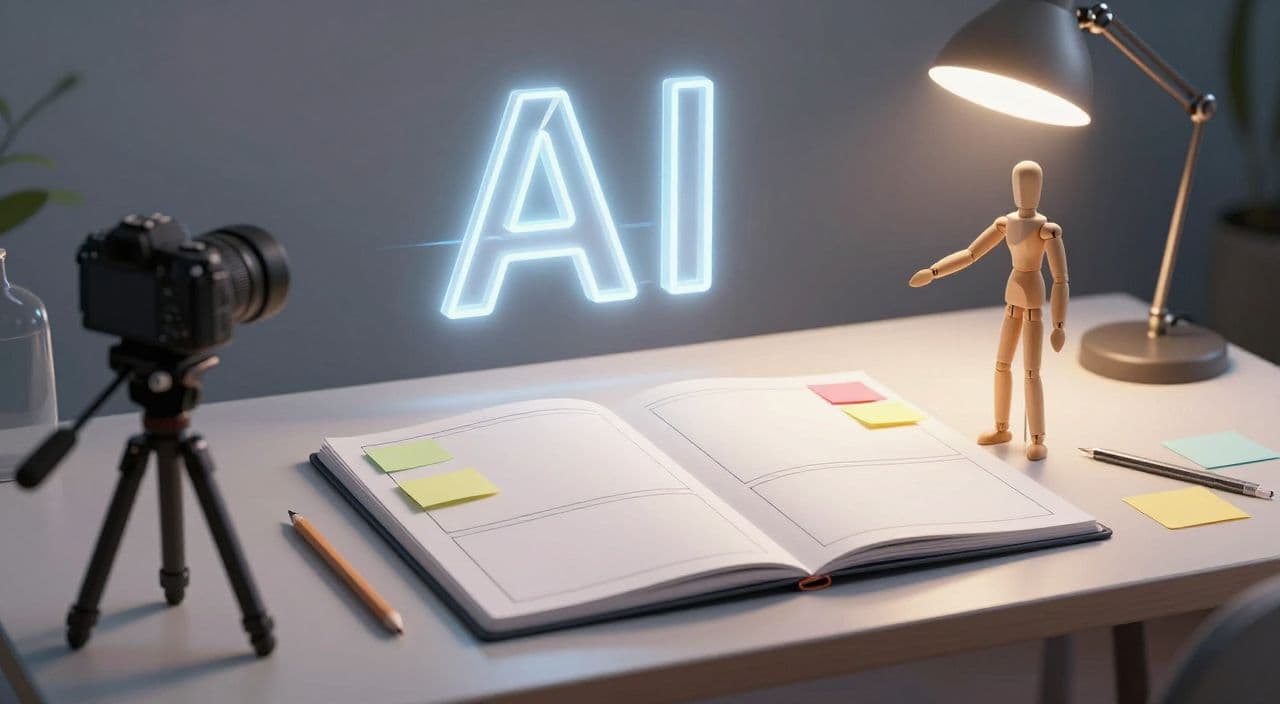
AI video production is getting faster, but faster does not automatically mean better. For long-form YouTube, the real advantage is not pressing generate more often. It is knowing exactly what should happen before anything gets generated.
That is where storyboarding becomes valuable.
A storyboard is not only for film studios or animators. For faceless YouTube creators, it can be a simple production map that connects the script, narration, visuals, pacing, and editing decisions before the workflow becomes expensive or messy. If you are making documentaries, explainers, history videos, science breakdowns, narrated sleep content, or AI stories, a storyboard gives the episode a spine.
Without one, AI production often turns into a chain of disconnected outputs: a script that sounds fine, visuals that look impressive in isolation, a voiceover that does not quite match the mood, and a final video that feels strangely flat after 12 minutes.
Why Storyboarding Matters More as AI Video Gets Easier
The easier generation becomes, the more important direction becomes.
When creators had to manually edit every scene, friction forced them to think. They had to decide what visual belonged where, what needed emphasis, and how each section should feel. With AI tools, it is tempting to skip that thinking and ask the system to fill in the gaps.
That usually creates three problems:
- The video repeats the same visual language every few minutes.
- The script makes claims or transitions that the visuals do not support.
- The episode has no clear rhythm, so viewers feel the length instead of moving through it.
Long-form YouTube rewards watchability. A 25-minute explainer cannot survive on a good intro alone. A 90-minute narrated sleep documentary cannot feel randomly assembled. A faceless documentary needs enough visual variety to hold attention, but not so much that it feels chaotic.
Storyboarding is how you make those choices while they are still cheap to change.
What a Practical AI Storyboard Should Include
You do not need a hand-drawn panel for every sentence. For faceless YouTube, a useful storyboard can be a structured table or outline with five columns:
- Section purpose - what this part of the video must accomplish.
- Narration beat - the key idea or emotional turn in the script.
- Visual direction - what the viewer should see on screen.
- Motion or edit note - whether the scene should be slow, cinematic, archival, diagram-like, or text-supported.
- Risk note - anything that may create policy, accuracy, or quality problems.
That last column matters. YouTube's own guidance asks creators to disclose meaningfully altered or synthetic content in certain realistic scenarios, and its monetization policies continue to emphasize original, non-repetitive work. A storyboard gives you a place to catch problems before they become a finished upload.
For example, a documentary about an unsolved historical event might need a note like: "Do not depict a real person committing an unverified action." A science explainer might need: "Use abstract diagrams here, not fake laboratory footage." A finance explainer might need: "Avoid showing fabricated charts unless clearly labeled as illustrative."
Those notes are not bureaucracy. They are production guardrails.
The Simple Storyboard Workflow for Long-Form Videos
Start with the episode promise. Before writing the full script, define the question the video answers. A strong long-form video usually has one central promise, not a pile of loosely related facts.
Then break the video into chapters. For a 20-40 minute explainer, that might mean 5-8 sections. For a 1-3 hour narrated sleep video, it may mean slower chapters with repeated mood and lower-stimulation visuals. For an AI story, it may mean acts, turning points, locations, and recurring character details.
Once the chapters are clear, assign a visual job to each one. Some sections need proof. Some need atmosphere. Some need contrast. Some need a simple diagram. Some need recurring motifs so the video feels coherent.
Only then should you generate the assets.
A strong order looks like this:
- Define the video promise.
- Build the chapter outline.
- Create the storyboard.
- Write or refine the script around the storyboard.
- Generate voiceover from the approved script.
- Generate visuals from the storyboard notes.
- Render and review the full episode.
- Create a thumbnail that matches the video's actual promise.
This order prevents the common AI creator problem where each tool makes a separate creative decision. The storyboard becomes the shared source of truth.
How Storyboards Help With Retention
Retention is not only about hooks. It is about how well the video keeps renewing attention.
In faceless long-form videos, viewers often leave when the video starts to feel visually or structurally predictable. A storyboard helps you plan changes in pace before the audience gets tired.
You can mark where the episode needs:
- a visual reset after several similar scenes
- a stronger example after an abstract explanation
- a slower atmospheric passage after a dense section
- a diagram instead of another cinematic image
- a chapter transition that makes the next section feel earned
This is especially important for AI-generated visuals because models can produce beautiful sameness. The first few images feel impressive. By minute 18, the sameness becomes fatigue.
The point is not to make every scene louder. The point is to give the video rhythm.
Storyboards Also Make Production Easier to Scale
Many creators try to scale by creating more prompts. That helps a little, but it does not solve the main problem: every new video becomes a fresh set of decisions.
A repeatable storyboard format lets you scale judgment instead of chaos.
For example, a documentary channel might use this template:
- cold open
- context chapter
- main conflict
- deeper explanation
- consequences
- modern relevance
- closing reflection
A sleep-history channel might use:
- quiet opening
- setting and atmosphere
- slow chronology
- side characters and details
- gentle recap
- low-stimulation ending
An explainer channel might use:
- problem setup
- mistaken assumption
- core mechanism
- example
- implications
- practical takeaway
Once the format is clear, AI can help fill the production pipeline without reinventing the episode every time.
How AutoTube.pro Fits Into This Workflow
A storyboard is most useful when it connects directly to production. Otherwise, it becomes another document sitting between too many tools.
AutoTube.pro is built for long-form faceless YouTube creators who want the full pipeline in one place: script -> voiceover -> media -> render -> thumbnail. That makes it a natural fit for storyboard-led production because the creative plan can flow into the actual assets instead of being copied between separate apps.
A practical workflow inside AutoTube.pro would be:
- Start with a strong topic and episode angle.
- Use the storyboard logic to shape the script structure.
- Generate narration that matches the intended pacing.
- Create visual prompts based on each storyboard beat.
- Render the finished long-form video.
- Build a thumbnail that reflects the strongest promise of the episode.
For creators making 20-minute explainers, 60-minute documentaries, or 1-3 hour narrated sleep videos, the main benefit is consistency. You are not just generating assets. You are producing from a plan.
FAQ
Do AI YouTube videos need a storyboard?
They do not strictly need one, but long-form AI videos usually improve when they have one. A storyboard helps connect script, visuals, narration, and pacing before production starts, which reduces random-feeling scenes and repetitive visuals.
Is AI-generated YouTube content monetizable?
AI-generated content can be monetizable when it is original, valuable, and not mass-produced or repetitive. Creators should review YouTube's monetization and synthetic-content guidance, especially when videos include realistic altered media, reused assets, or low-effort repetition.
Does YouTube penalize AI voiceover?
YouTube does not automatically penalize a video simply because it uses AI voiceover. The bigger question is whether the final video provides original value, has enough human direction, and avoids repetitive or misleading content.
How detailed should a storyboard be for a 30-minute faceless video?
A 30-minute video usually does not need hundreds of panels. A chapter-level storyboard with 20-40 visual beats is often enough to plan variety, pacing, transitions, and risk notes before generating assets.
Should the script or storyboard come first?
Start with a rough outline, then build a storyboard, then write the full script. This keeps the script grounded in what the viewer will actually see instead of treating visuals as an afterthought.
A good storyboard makes AI video production feel less like guessing and more like directing. If you want to turn that plan into scripts, voiceovers, visuals, renders, and thumbnails without stitching together a pile of separate tools, AutoTube.pro is built for exactly that kind of long-form workflow.