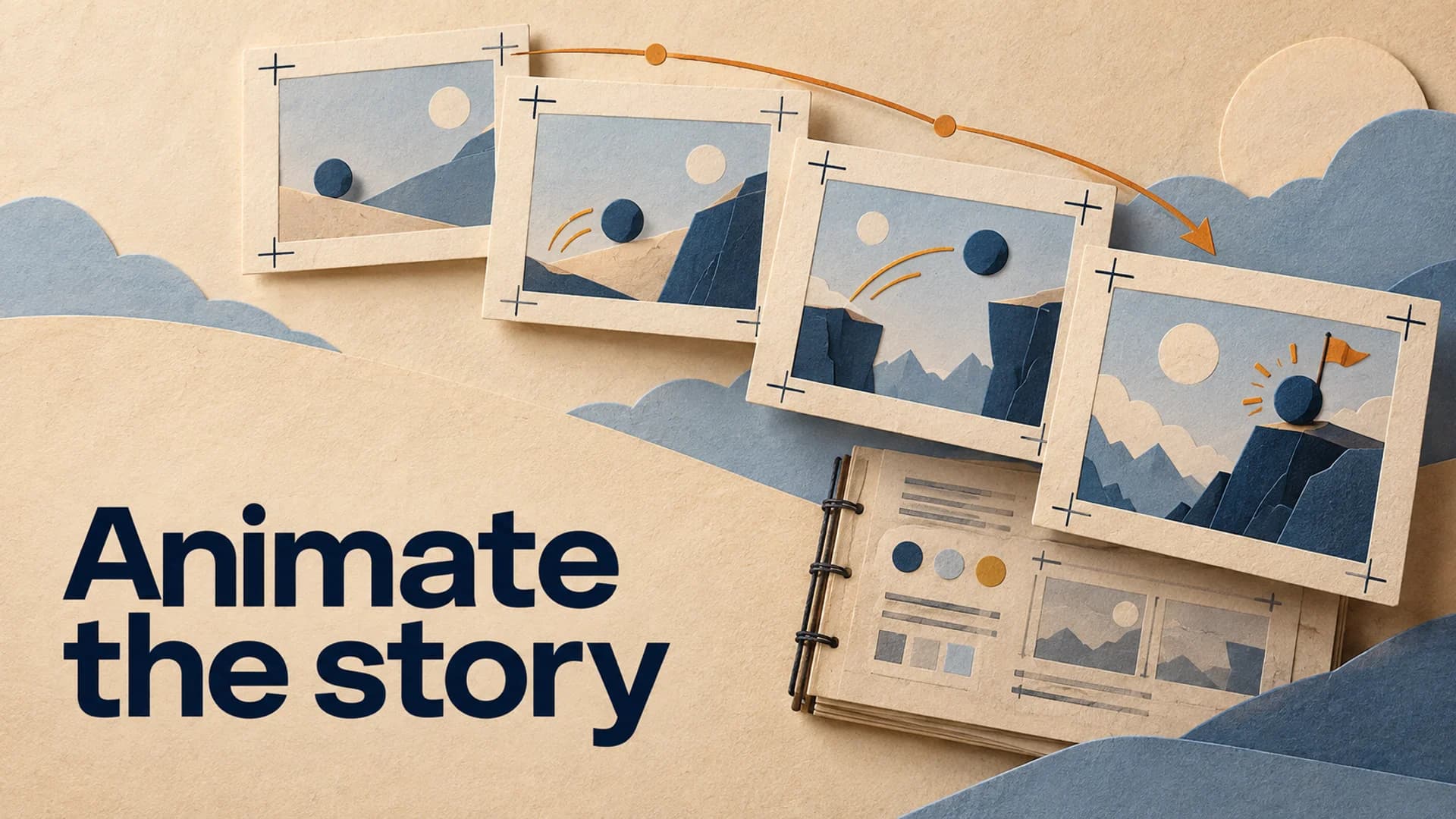
AI animation makes it easier to create movement, but it does not make a long-form video animate itself. The common failure is a sequence of individually impressive clips that do not share a character, a visual rule, or a reason to appear when they do.
That is why the first decision is not which generator to open. It is what kind of animated experience you are building: an illustrated documentary, a recurring-character story, a diagram-led explainer, or an atmospheric history format. Each needs a different production method. Trying to make them all with one generic prompt produces the same result - visual motion without narrative momentum.
How to Make AI Animation Videos for YouTube Starts With a Format
Pick one repeatable visual grammar before writing the first scene. A long-form animated video becomes manageable when the audience can learn how to watch it.
For an illustrated documentary, the narration carries the argument while animation establishes place, scale, and transitions. For a character-led story, the audience needs to recognize who is speaking, acting, or changing across chapters. For an explainer, diagrams and motion should reveal a process one step at a time rather than decorate every sentence.
Write this in one sentence: “This channel explains [subject] through [visual device] for viewers who want [feeling or outcome].” For example: “This channel explains strange historical systems through calm, hand-drawn maps and miniature reconstructions for viewers who want to understand the story without being rushed.”
That is the production brief. It keeps a beautifully generated but off-format clip from hijacking the episode.
Build the Script Around Animated Questions
Long-form animation gets expensive and incoherent when a script describes everything equally. Instead, mark the sentences that require the viewer to see a change. Those are your animated questions:
- What changes over time?
- What is too large, small, fast, slow, or abstract to explain with a still image?
- What relationship becomes clear only when two things move or transform?
- Where does a character’s decision change the next event?
Each question earns an animated sequence. Everything else can be handled by an illustration, a source image, a diagram, or a deliberate pause. This makes the visual plan more honest: not every line needs kinetic spectacle.
For a 20-minute video, aim for 5-7 animated anchor sequences rather than trying to animate every beat. Between anchors, use stills with subtle camera movement, maps, text only when it clarifies a term, and evidence that proves the narration’s claims. The alternation gives the important motion somewhere to land.
Before generating, turn the script into a long-form storyboard. A storyboard reveals when three consecutive scenes are all doing the same job, long before you spend time trying to repair the result in an editor.
Make a Continuity Sheet Before You Generate
The continuity sheet is the small document that prevents each scene from starting over. It is not a prompt library. It is a list of things that should stay true while the story moves.
Keep it to one page:
| Field | What to lock | Example |
|---|---|---|
| World | Era, place, material feel | 19th-century port, faded ink and wood textures |
| Palette | Two base colors and one accent | charcoal blue, parchment, restrained gold |
| Camera language | Repeatable framing choices | wide map, medium action, close artifact detail |
| Characters | Silhouette, clothing, scale, manner | same coat, round hat, deliberate gestures |
| Motion | What movement feels native? | slow parallax, hand-drawn reveals, measured pans |
| Sound role | What does music support? | chapter transitions, never the factual explanation |
Then write a scene packet for each animated anchor: the narration line, the visual job, the subject’s action, the camera distance, and one continuity rule. “Show a merchant crossing a harbor” is too vague. “Medium side view: the same navy-coated merchant crosses the rain-soaked harbor left to right; keep the parchment-blue palette and slow lateral camera drift” is a usable brief.
This is also why an animation channel needs more than a pile of style references. If you are still choosing the format itself, use these animation-channel ideas for faceless creators to test whether the concept can carry a real series before you build a full visual world around it.
Generate for Sequences, Not Standalone Clips
Do not treat every generated clip as an independent lottery ticket. Plan a sequence as a small visual sentence:
- Orient: show where the viewer is and what is at stake.
- Focus: move closer to the person, object, or mechanism that matters.
- Change: reveal the action, comparison, or consequence the narration just introduced.
- Release: cut to a simpler image, diagram, or evidence card before the next idea.
The useful unit is usually three to five shots. They can share one setting and camera logic while still changing the viewer’s understanding. A single cinematic clip may look impressive, but a sequence gives it a job inside the episode.
Generate variations only after you know what failed. If the character’s clothing drifted, correct the character reference and regenerate the affected shot. If the scene feels flat, change the camera distance or action. Do not replace the entire visual language because one clip missed its mark.
Assemble the Edit Against the Narration
Animation timing should follow meaning, not a fixed number of seconds per shot. Hold on an image while the viewer is absorbing a new concept. Cut when the narration changes the question, not simply because a timer reached its end.
Use the voiceover as the spine. Place the anchor sequences first, then fill the connective material around them. On a second pass, check whether the scene changes support the chapter boundaries. On a third pass, mute the video and look for visual repetition: three similar close-ups in a row, a map that never resolves into action, or movement that continues after its point is made.
YouTube’s monetization policies emphasize original, authentic content and specifically flag videos without a clear narrative arc or logical progression, including stitched collections of unrelated or inconsistent AI clips. The practical response is not to avoid generated animation. It is to make each scene answer the story you wrote and visibly belong to the same production.
Use AI Animation Without Misleading Viewers
Animation is often obviously imaginative, but the context matters. YouTube’s disclosure guidance distinguishes clearly unrealistic animation from realistic altered or synthetic depictions that could mislead viewers. If an animated reconstruction could be mistaken for a real historical event, a real location, or a real person doing something they did not do, review the disclosure requirement before publishing.
More broadly, label your evidence in the script and edit. A reconstruction should not impersonate archival footage. A visual metaphor should not appear at the exact moment the narration makes a factual claim unless the viewer can tell what it represents. This protects trust and makes the animation feel intentional instead of evasive.
Keeping an Animated Format Intact
AutoTube.pro is useful when the creative direction is set and the production challenge is keeping it intact across a series. Its channel presets retain the visual style, voice, media, and render preferences you define, so a repeatable animated format does not have to be rebuilt from scratch for every episode.
For character-driven channels, the consistent-character workflow helps carry a defined cast across scenes. The AI visuals workflow combines generated media with licensed stock footage timed to narration, which lets animated anchors sit beside evidence and atmospheric transitions without manual asset hunting. It is still your job to make the continuity sheet, choose the animated questions, and review the final story - the tool preserves a format; it does not invent one worth watching.
Give Motion a Reason
Start your next episode by marking five moments the viewer must see change. Build those as sequences, support them with simpler evidence and illustrations, and let a continuity sheet keep the world coherent. That is how AI animation becomes a long-form format rather than a stream of disconnected demonstrations.