Faceless YouTube used to feel simple from a rights perspective: avoid stolen footage, license your music, write an original script, and keep the editing clean. AI has made that checklist more complicated.
The risky part is not that a channel is faceless. The risky part is publishing realistic synthetic people, cloned voices, manipulated public figures, fake events, or AI visuals that look like evidence when they are really invention. That matters more now because YouTube has been building more visible systems around AI disclosure, privacy complaints, and likeness detection.
For long-form creators, this is not a reason to avoid AI. It is a reason to build a production system that separates useful automation from identity risk.
Why Likeness Risk Is Becoming a Production Issue
YouTube's AI disclosure guidance says creators must disclose AI-generated or meaningfully altered photorealistic content when it could make viewers believe a real person, place, or event is being shown. YouTube's own examples include making a real person appear to say or do something they did not do, altering footage of a real event or place, or generating a realistic scene that did not actually happen.
That guidance is paired with a broader push around identity. YouTube's likeness detection documentation explains that enrolled users can review possible AI-altered or generated videos featuring their face and request removal through the privacy complaint process. The feature is still experimental, but the direction is clear: platforms are treating realistic identity simulation as a distinct category of risk.
A May 2026 report from The Verge also noted that YouTube was expanding likeness detection to adult users more broadly, not only well-known creators or public figures. Whether a small channel ever receives a complaint is not the point. The point is that realistic synthetic identity is no longer invisible infrastructure. It is reviewable, reportable, and increasingly searchable.
The Safer Rule: Invent, Don’t Imitate
The cleanest rule for faceless creators is simple: invent characters, hosts, experts, witnesses, and scenes instead of imitating real people.
That means avoiding prompts like “make this look like a famous actor,” “use the voice of this creator,” or “show a realistic news anchor saying this.” It also means being careful with unnamed but recognizable people. A generated face that resembles a public figure too closely can create the same problem even if you did not intend it.
For documentary, history, finance, science, and mystery channels, the safer approach is to use AI visuals as illustration rather than evidence. If the scene is reconstructed, make it feel like a reconstruction. If the narrator is synthetic, choose an original voice rather than a clone. If the video discusses a living person, use licensed or permitted source material when you need realism, and use clearly illustrative visuals when you do not.
This protects the channel in three ways: fewer privacy complaints, fewer disclosure mistakes, and less viewer distrust.
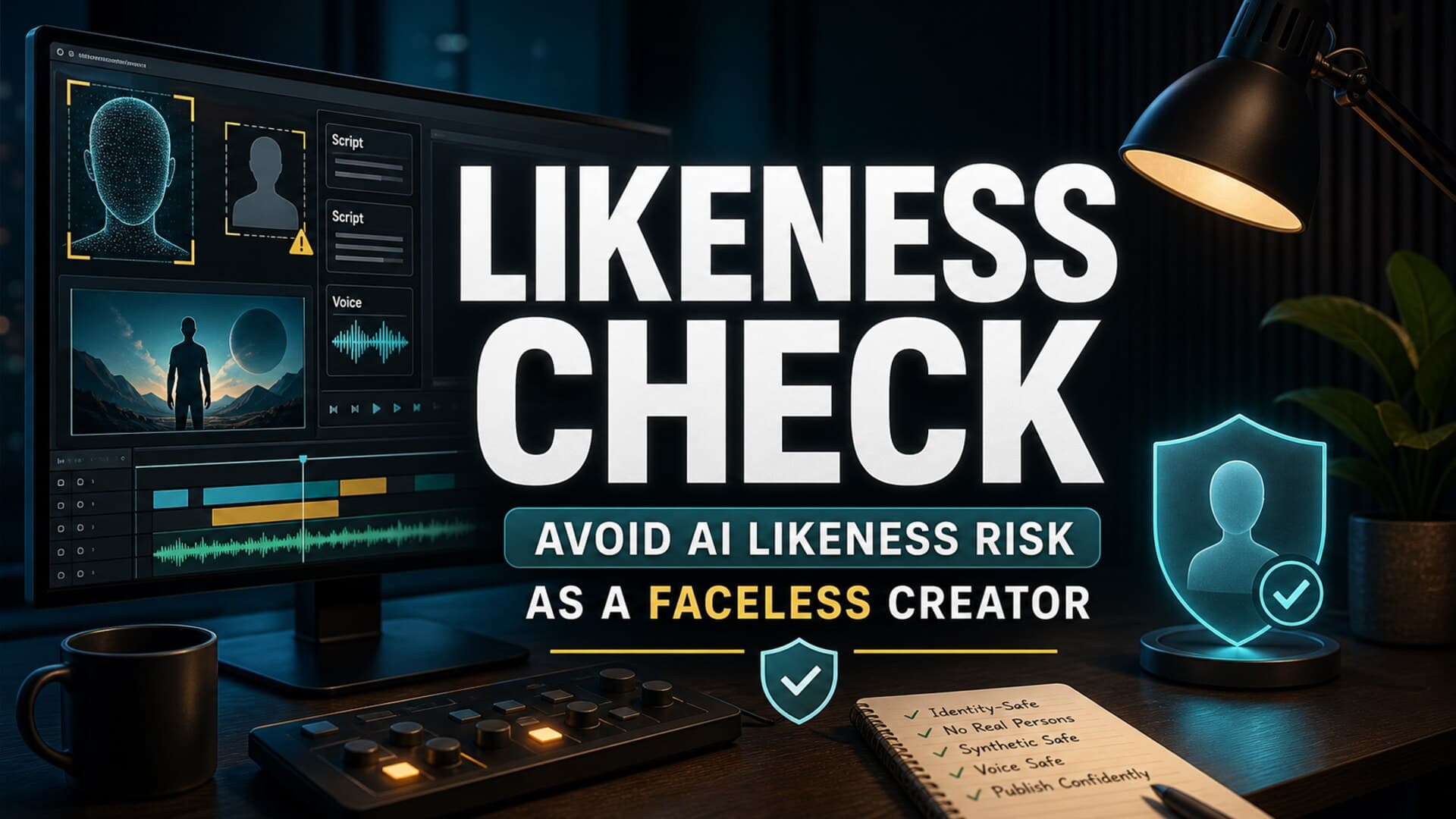
Build a Likeness Check Into the Workflow
Most creators do not need a legal department. They need a repeatable review step before a long-form video is rendered.
A practical likeness check can be short:
- Does any generated face look like a real identifiable person?
- Does any generated voice imitate a living person, creator, actor, politician, or celebrity?
- Does any scene look like real footage of an event that never happened?
- Does the thumbnail imply a real person said or did something that is not in the video?
- Does the title frame an AI reconstruction as documented fact?
- Does the upload need YouTube's AI disclosure setting because the synthetic content is realistic?
Run this check at script, visual, voiceover, and thumbnail stages. Waiting until final upload is too late, because the expensive decisions have already been made.
Scripts Should Mark What Is Real and What Is Reconstructed
The script is where most likeness mistakes begin.
A narrator line like “the CEO admitted defeat” is very different from “critics described the launch as a defeat.” A scene note like “show the scientist in the lab discovering the result” is very different from “show an abstract lab environment representing the discovery.” The first version pushes the production toward false realism. The second keeps the visual team inside safer illustrative territory.
For long-form videos, add simple production tags inside the script:
verified source: direct claims that need citation or source support.illustration: visuals that should not appear to be real footage.reconstruction: scenes that can be cinematic but must not imply actual footage.avoid likeness: moments where real people are discussed but should not be visually imitated.disclosure check: places where realistic synthetic media may trigger YouTube's AI use setting.
These tags reduce ambiguity when you move from script to voiceover, media generation, editing, and upload.
Voiceover Needs Its Own Boundary
AI voiceover is usually safe when it is an original licensed synthetic voice used consistently for narration. The risk rises when the voice sounds like a real person the audience can identify.
Avoid celebrity-style voices, creator impressions, cloned podcast voices, or “make it sound like this person” references. Even when a tool technically allows voice cloning, the channel still needs permission, documentation, and a clear reason to use it.
For faceless channels, an original narration voice is usually better anyway. It becomes part of the channel's format. Viewers learn the pacing, tone, and trust signals. That is more valuable than borrowing familiarity from someone else's identity.
Thumbnails Are Part of the Risk Surface
Creators often think of AI likeness risk as a video problem, but thumbnails can be the first place a complaint starts.
A thumbnail that shows a realistic fake person, a public figure in a fabricated scene, or an exaggerated emotional reaction can create a misleading promise before the viewer clicks. If the video is educational or documentary, the thumbnail should sell the topic without pretending to show proof that does not exist.
Good long-form thumbnails can still be dramatic. Use symbolic objects, stylized scenes, readable text, strong contrast, and clear subject framing. The line to avoid is fake evidence: fabricated mugshots, invented screenshots, synthetic celebrity reactions, or realistic disaster imagery that looks like news footage.
How AutoTube.pro Fits Into This Workflow
A safer AI production system is easier when the whole pipeline is visible in one place. AutoTube.pro is built for long-form faceless creators who want to move from script -> voiceover -> media -> render -> thumbnail without stitching together five disconnected tools.
For this specific likeness-risk workflow, the advantage is continuity. You can plan the script, generate narration, create visuals, render the video, and build the thumbnail while keeping the same production intent across each stage. That makes it easier to preserve tags like illustration, avoid likeness, and disclosure check instead of losing them between tools.
The built-in Canvas-style thumbnail editor also matters because thumbnails are often where faceless videos drift into risky exaggeration. Keeping thumbnail creation close to the script and video context helps you design a clickable image that still matches what the episode actually contains.
AutoTube.pro is not a replacement for creator judgment. It is a production environment that makes judgment easier to apply repeatedly.
FAQ
Does YouTube penalize AI voiceover?
No, not simply because a video uses AI voiceover. The bigger issues are originality, viewer value, disclosure when realistic synthetic content is involved, and whether the voice imitates someone without permission. A consistent original narration voice is much safer than cloning a recognizable person.
Is AI-generated content monetizable on YouTube?
AI-generated content can be monetizable when it adds original value and follows YouTube's policies. Low-effort, repetitive, misleading, or mass-produced content is the higher-risk category. Long-form videos should have clear structure, original scripting, useful narration, and careful visual choices.
Do faceless creators need to disclose every use of AI?
No. YouTube says creators do not need to disclose AI used for production assistance such as outlines, scripts, titles, thumbnails, or minor edits. Disclosure becomes important when AI realistically generates or alters content in a way viewers could mistake for a real person, place, scene, or event.
How long should faceless videos be for good RPM?
There is no universal length that guarantees better RPM. Longer videos can create more ad opportunities, but only if retention, topic value, and viewer satisfaction hold up. A 25-minute documentary that people finish is usually healthier than a stretched 90-minute video with weak pacing.
Can AI visuals cause copyright or privacy problems?
Yes, especially if they imitate copyrighted characters, recognizable people, private individuals, or real events in a misleading way. Use original visual directions, licensed sources when needed, and clear internal notes for reconstructions. The goal is to make the video useful without making false realism the hook.
The Bottom Line
Faceless AI channels do not need to become timid. They need to become more deliberate.
Use AI to increase production capacity, not to borrow another person's identity. Keep scripts clear about what is real, reconstructed, or illustrative. Treat voice, visuals, and thumbnails as separate review points. When the workflow is repeatable, likeness safety becomes a normal production habit instead of a last-minute panic.
For creators building long-form faceless channels, AutoTube.pro can help turn that habit into a cleaner end-to-end production system.