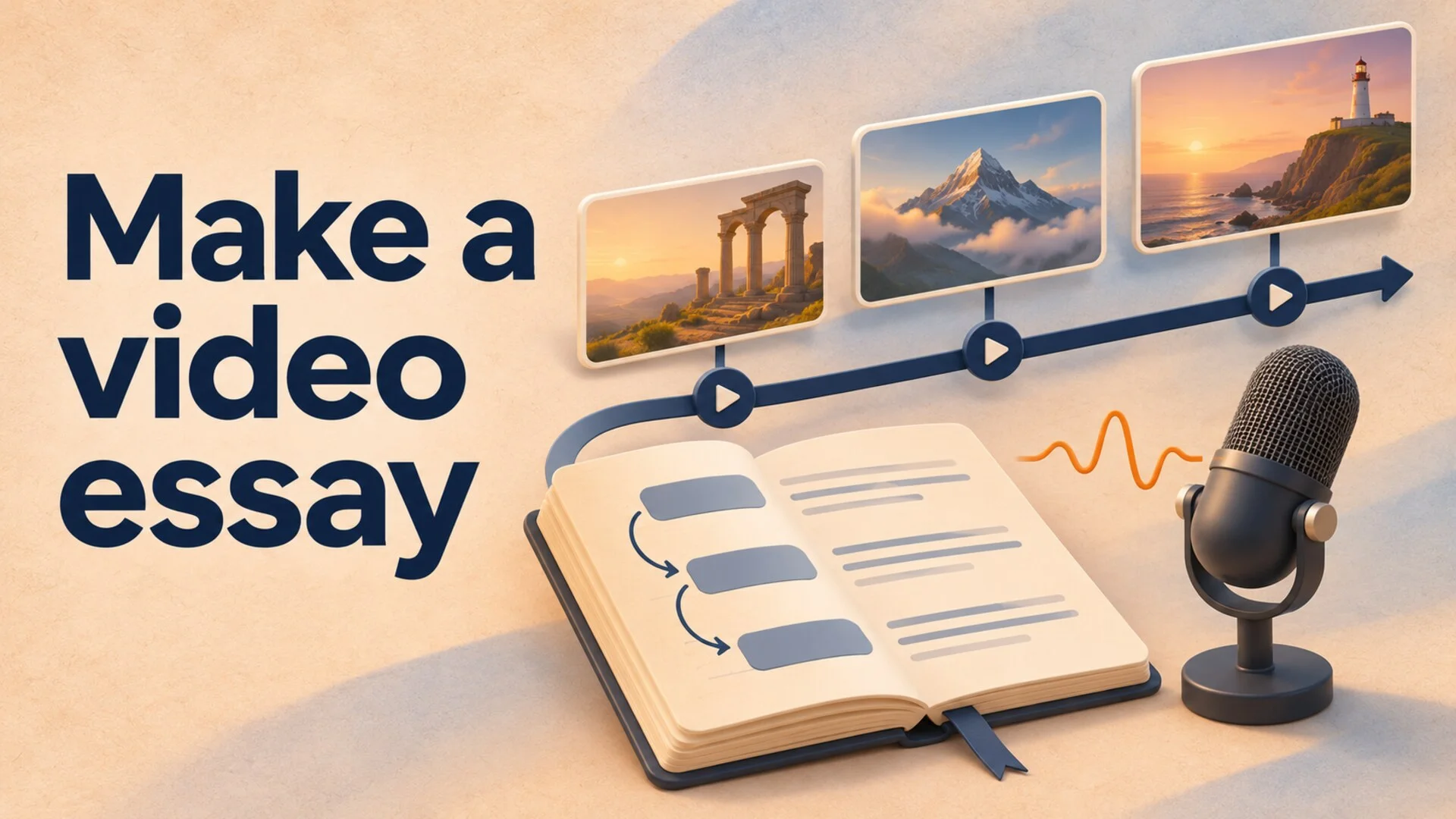
A folder full of clips does not tell you what your video believes. Before you record narration or choose an editor, finish this sentence: “After watching, the viewer should understand why ___.”
This walkthrough uses an invented eight-minute essay, “Why a Busy Café Can Still Feel Empty,” to show how to move from a broad observation to a finished visual explanation. Its café examples are hypothetical, not research findings.
How to Make a Video Essay: Start With a Claim
A topic names the territory. A claim gives you something to demonstrate.
“Café design” could become a tour, a shopping guide, or a history lesson. “A café can be crowded but feel socially empty when its layout discourages interaction” is a position you can examine. It also raises a useful challenge: perhaps customers want privacy, and the layout is serving them well.
Write three lines before collecting material:
- Question: Why do some busy cafés feel less sociable than others?
- Working answer: Seating arrangements can affect whether customers notice and interact with one another.
- Boundary: This essay examines two illustrative layouts, not every reason people feel lonely.
For a repeatable way to assess whether the question is worth an episode, use this guide to researching YouTube video ideas.
Gather Evidence You Can Actually Show
For each major claim, save the source, the precise passage or observation you need, and the visual that would help a viewer understand it. Separate what the source establishes from your interpretation.
A floor plan establishes where furniture sits. It cannot establish that strangers talked more or customers preferred the room. Those claims need different evidence.
Use three visual categories:
| Visual role | Café example | What it can do |
|---|---|---|
| Evidence | Your documented observation of a particular room | Support a specific description of that room |
| Explanation | An original diagram comparing two hypothetical layouts | Make your proposed mechanism understandable |
| Atmosphere | A licensed close-up of coffee being poured | Establish setting while narration carries the argument |
Do not use atmosphere to impersonate evidence. If the narration describes a specific café, unrelated stock footage should not quietly become a depiction of that place. Label an illustrative diagram when viewers could otherwise mistake it for a measured plan.
Keep asset permissions and attribution requirements with each file. If a source is unavailable or its use is unclear, resolve that before building a sequence around it. The separate AI-generated video copyright checklist covers questions to investigate when generated material enters the project.
Map an Eight-Minute Argument Before Writing Every Line
Here is a suggested structure for the hypothetical café essay. These timings are planning choices, not a formula for audience retention.
| Time | Argument job | Planned screen content |
|---|---|---|
| 0:00-0:40 | Present the puzzle | Two clearly labeled illustrative room layouts |
| 0:40-1:30 | Define “socially empty” | A concrete description, with limits on the claim |
| 1:30-3:10 | Explain the first mechanism | A diagram showing sightlines between seats |
| 3:10-4:50 | Examine a contrasting arrangement | The same diagram redrawn with shared seating |
| 4:50-6:10 | Test the objection | Privacy and solo-work uses shown alongside social uses |
| 6:10-7:20 | Refine the answer | Side-by-side comparison of what each layout supports |
| 7:20-8:00 | Resolve the opening question | Return to the initial layouts with a narrower conclusion |
Draft for Speech, Then Measure the Voiceover
Write what the viewer needs to hear while looking at each planned visual. Avoid describing every object already visible. Use narration to explain the relationship: “These two customers occupy adjacent seats, but both face away from the shared space.”
For a timing example, assume your chosen delivery measures 135 words per minute in a test recording. Eight minutes would hold 1,080 words of continuous speech. Reserve forty seconds for visual pauses and transitions, and the spoken budget becomes about 990 words: 7⅓ minutes multiplied by 135.
Measure your own delivery with a representative paragraph, including pauses. If the draft runs long, remove a weak claim before speeding up every sentence.
Edit One Difficult Minute Before the Whole Essay
Choose the minute containing your most important explanation, not the easiest opening montage. In this example, test the sightline diagram with narration and a transition into the contrasting layout.
Watch it once with sound off. Can you tell which seat arrangement changed? Then listen without looking. Does the explanation make sense? Finally, play both together and check whether the relevant detail appears when the sentence refers to it.
Three specific failures are worth catching here:
- The visual arrives late. The narrator says “this corner” before the corner appears. Move the image earlier or rewrite the reference.
- The image requires too much reading. Replace a paragraph on screen with one emphasized detail, and let narration explain its significance.
- Every cut resets the viewer. Keep the same diagram orientation while changing one feature so viewers can compare it without relearning the room.
If you generate realistic illustrative scenes, check YouTube’s current disclosure requirements. Its guidance requires disclosure for realistic AI-generated or meaningfully altered content, including realistic scenes that did not occur. It separately lists outline and script assistance among examples that do not require disclosure. A disclosure does not turn an illustration into documentary evidence: describe the material accurately too.
Producing Narrated Essays With AutoTube.pro
For a recurring channel built around narrated explanations, AutoTube.pro is one option for reducing the production work between an approved idea and a reviewable video. It is most relevant when the essay can be carried by narration and illustrative media, rather than precise analysis of individual film frames.
Three capabilities fit that situation:
Research-backed scripting. The long-form script writer develops scripts using web research and structured outlines. Give it the question, the scope, and the distinctions your essay must preserve. Review the resulting claims and interpretation before moving on. A researched draft still needs your judgment about whether the evidence supports the conclusion.
Narration with a consistent voice. A saved AI voice or your own voice clone can keep delivery consistent across episodes. Audition the paragraph with your most difficult explanation, rather than choosing from a short greeting. Listen for whether pauses and emphasis make the reasoning easier to follow.
Illustrative media timed to narration. The visual generation features combine AI images, clips, and stock footage with automatic timing. That can help with setting, atmosphere, and general illustration. Specific evidence still needs to be accurate and identifiable; an attractive generated room cannot substitute for a documented observation of a real one.
Use the step-by-step workflow when you need to review a draft between stages. The café example benefits from that pause: if the script overstates what a layout proves, correct the argument before producing its supporting media.
A conventional editor remains the better fit when your interpretation depends on exact cuts, intricate custom diagrams, or detailed manipulation of source footage. Choose around the hardest minute of the essay you actually want to make.
Finish One Essay Before Expanding the Format
Your first deliverable can be modest: one question, one defensible answer, one serious objection, and visuals that let viewers inspect your reasoning. Review the complete export for missing media, narration errors, unreadable evidence, and a conclusion that answers the opening.
If that format suits your channel, explore AutoTube.pro’s long-form production workflow with one tightly scoped episode. Use the finished result to decide which steps deserve automation and which need more of your attention.
Sources
- Leiden University: How to Make Video Essays - preparation, scripting, recording, and editing guidance.
- YouTube Help: Disclosing Use of GenAI Content - current disclosure requirements and examples.