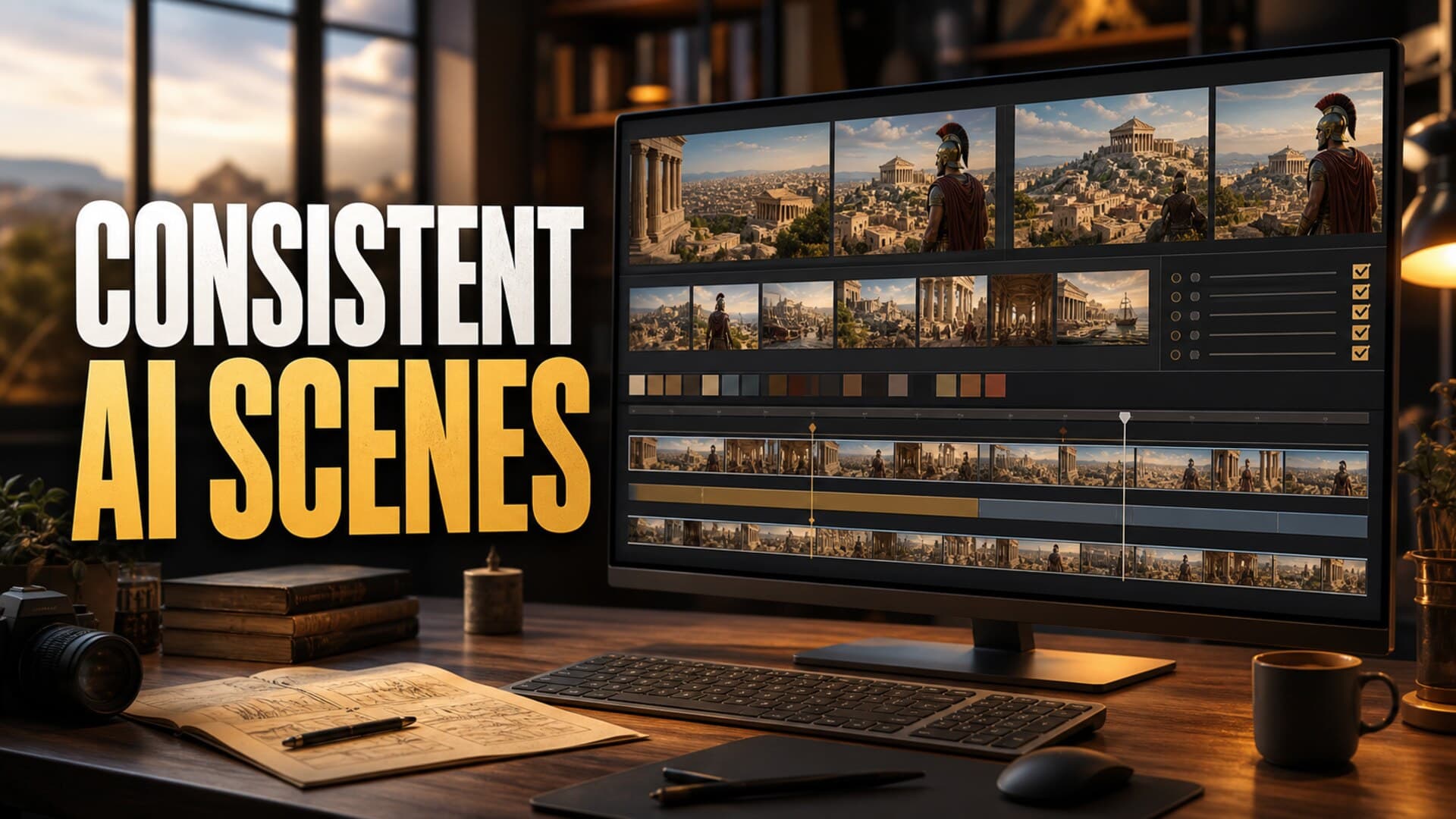
AI video has reached the point where a single creator can produce documentary-style scenes that would have looked impossible a few years ago. That is exciting, but it also creates a new production problem: long-form videos expose inconsistency.
A 30-second clip can survive a slightly different costume, a drifting face, or a background that changes between shots. A 25-minute explainer or 90-minute sleep documentary cannot. Viewers may not know the exact technical reason something feels wrong, but they can sense when a character, setting, era, or visual style keeps resetting.
Recent coverage of AI history channels makes the tradeoff visible. Business Insider reported on the creator behind Chloe VS History, where long-form AI videos can take weeks and cost up to $1,070 because the workflow includes scripting, image generation, voice creation, editing, and repeated fixes for errors. The Guardian also noted that AI-generated history scenes can pick up glitches such as anachronistic details. That is the real shape of long-form AI production: not one magic prompt, but a system for preventing drift.
Why Scene Consistency Matters More in Long-Form
Long-form YouTube is built on trust and attention. If the viewer is watching a faceless documentary, story, explainer, or sleep-friendly history video, they need the world to feel stable enough that they can stay inside it.
Consistency affects several layers at once:
- Character identity: the same narrator, historical figure, avatar, or recurring subject should not look rebuilt from scratch in every scene.
- Era and setting: a Roman street should not suddenly contain modern glass, electric cables, or clothing from the wrong century.
- Lighting and color: scenes should feel like they belong to the same video, not a folder of unrelated AI samples.
- Shot language: if one section feels cinematic and another feels like product photography, the video loses shape.
- Visual density: a calm sleep documentary needs softer visual rhythm than a fast investigative explainer.
This matters commercially because long-form channels usually need repeatable output. If every video requires emergency visual repair, the creator eventually stops publishing consistently.
Start With a Visual Bible, Not a Prompt
The weakest version of AI video production starts each scene from a blank prompt. The better version starts with a visual bible.
A visual bible is a short production document that defines what the video should look like before any scene is generated. It does not need to be complicated. For a faceless documentary, it might include:
- the visual era and location rules
- the main color palette
- recurring character references
- forbidden objects or anachronisms
- preferred shot types
- image aspect ratio and framing
- texture rules, such as archival, cinematic, illustrated, or realistic
- the level of motion expected in each scene
For example, a video about ancient Alexandria might define warm stone, dusty gold light, linen clothing, Mediterranean architecture, crowded markets, and no modern signage. That gives every generation step a shared target.
The point is not to make AI less creative. The point is to stop the video from becoming visually random.
Use Reference Frames as Production Anchors
Reference frames are the closest thing AI creators have to continuity stills on a film set. Before generating a full timeline, create a small set of approved anchor images:
- one main environment frame
- one close-up frame
- one wide establishing frame
- one recurring character or host frame, if the format uses one
- one texture or mood frame
These frames become the visual source of truth. When a later scene feels off, compare it against the anchors. Is the lighting similar? Is the clothing still in the same world? Does the camera language match? Is the subject recognizable?
This is especially important for AI history, science, mythology, and story channels. Those niches often need enough visual richness to hold attention, but not so much novelty that every minute feels like a different channel.
Batch Scenes by Location and Visual Mode
A common mistake is generating scenes in script order. That feels natural because the script is linear, but it can make visual drift worse.
Instead, batch scenes by shared visual mode. Generate all desert scenes together. Then all palace interiors. Then all map or diagram scenes. Then all recurring character shots. This keeps prompts, references, and art direction fresh in one session.
Batching also makes review easier. If five palace shots sit side by side, it is obvious when one has the wrong architecture, palette, or costume logic. If those shots are scattered across a 40-minute timeline, the inconsistency is easier to miss until the edit is nearly finished.
For long-form production, the goal is not to generate faster at any cost. The goal is to reduce rework per finished minute.
Separate Script Beats From Visual Beats
A script beat is what the narration says. A visual beat is what the viewer sees. They overlap, but they are not the same thing.
If the script says, "the city became a center of trade," the visual beat might be a harbor, a market, a merchant ledger, a map, or a slow aerial reconstruction. Each option creates a different production burden.
Before generating visuals, mark each section with a simple visual type:
- establishing shot
- character moment
- object close-up
- process explanation
- map or diagram
- archival-style transition
- atmosphere or pacing shot
This prevents the timeline from becoming a sequence of generic images. It also helps you decide where consistency matters most. A recurring character needs stricter control than a one-off cutaway. A calm atmospheric shot can be looser than a factual reconstruction.
Build a Scene Review Checklist
YouTube's altered or synthetic content guidance says creators should disclose realistic content that viewers could mistake for a real person, place, scene, or event. Its monetization policies also care about whether reviewers can understand how a creator produced or transformed the content. That makes review discipline more than a quality preference.
Before rendering, run every scene through a checklist:
- Does the scene match the era, location, and topic?
- Are there modern objects, impossible details, or visual contradictions?
- Does the same person or recurring subject still look consistent?
- Does the visual support the narration, or is it merely decorative?
- Is the scene meaningfully original for this video?
- Would a disclosure be needed because the scene looks realistic?
- Does the clip create any rights, likeness, or factual risk?
This is where many AI channels separate themselves. The tools can generate impressive material, but the channel earns trust through selection, correction, and restraint.
Keep a Reusable Prompt Library
After one or two videos, you should not be starting over. Save prompts that produce reliable results. Label them by function, not just by topic.
Useful categories include:
- opening cinematic scene
- calm background scene
- map transition
- historical close-up
- documentary reenactment
- chapter reset
- thumbnail-style dramatic frame
- low-motion sleep video visual
The best prompt library is boring in a good way. It helps your videos feel like they come from the same channel. It also makes outsourcing, batching, and future automation easier because the production rules are not trapped in your memory.
How AutoTube.pro Fits Into This Workflow
Once a creator has a repeatable visual system, the next bottleneck is connecting it to the rest of production. A long-form video is not just images. It is topic selection, script structure, voiceover, media generation, editing, rendering, description writing, and the thumbnail.
AutoTube.pro is built for creators who want that pipeline in one place instead of stitching together 4-7 tools for every upload. For a consistency-focused workflow, the useful part is that the video can move from script -> voiceover -> media -> render -> thumbnail without losing the production context at every step.
That does not remove the need for taste. You still need a clear format, strong references, and review gates. But it reduces the friction between stages, which is where many long-form faceless creators lose time. If the script, visuals, narration, and render are handled as one workflow, it is easier to keep the finished video aligned with the original production brief.
For channels that rely on strong packaging, the built-in Canvas-style thumbnail editor also helps keep the final click promise connected to the video itself. The thumbnail should feel like the sharpest version of the same world, not a separate design project made after the fact.
FAQ
How do I keep AI characters consistent across a long video?
Use approved reference frames, lock the character description, batch character scenes together, and reject outputs that drift. Consistency usually comes from repeated production controls, not one perfect prompt.
Does YouTube penalize AI-generated visuals?
YouTube does not ban AI-generated visuals by default. The bigger issues are disclosure, originality, reused content, misleading realism, and whether the video provides real value beyond automated output.
Is AI-generated content monetizable on YouTube?
AI-generated content can be monetizable when it is original, meaningfully produced, and compliant with YouTube's policies. Low-effort, repetitive, or minimally transformed content is much riskier.
How long should faceless AI videos be?
The right length depends on the niche and viewer intent. Explainers may work at 8-20 minutes, while documentaries and narrated sleep formats can run much longer if pacing, audio, and structure support it.
Should I generate visuals before or after the voiceover?
For long-form videos, script first, then voiceover, then visuals is usually cleaner. The voiceover gives timing and pacing, which makes it easier to choose the right number of scenes and avoid overproducing.
Final Thought
Scene consistency is not a small polish detail. It is one of the systems that makes long-form AI video feel intentional instead of assembled.
If you want to build that kind of repeatable faceless production workflow from idea to finished upload, AutoTube.pro is designed around the full long-form pipeline.