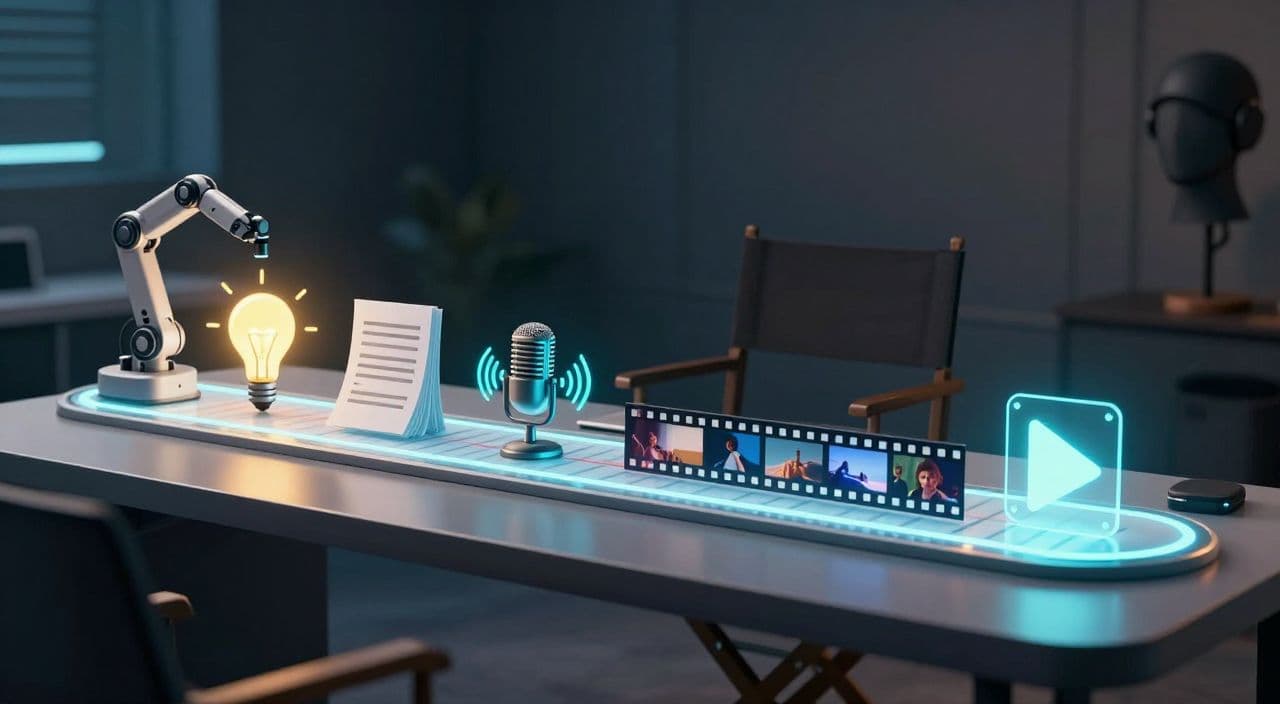
Most creators can publish a 5-10 minute faceless video. The wall hits when you try to do 20-60 minutes consistently: scripts balloon, voiceover becomes a chore, and editing a long timeline feels impossible. The way through is a simple, repeatable workflow that treats long-form as a system, not a one-off project.
Below is a practical, tool-agnostic workflow you can run every week, then we’ll look at how to compress it further with an all-in-one AI stack.
Why Long-Form Faceless Needs Its Own Workflow
Long-Form vs Shorts: Different Business Models
Shorts are about spikes of attention; long-form is about sessions and depth.
For faceless channels, 20-60 minute videos (and beyond) are higher-value because:
- Viewers often play them while sleeping, studying, or doing chores.
- One click can turn into 30-120 minutes of watch time.
- You can stack multiple mid-roll ads in a single session (if/when you’re monetized).
This is why “sleepy” narrated content, explainer docs, and long story videos are attractive: once someone hits play, they tend to stay.
The Real Bottlenecks: Script, Voice, Editing
The jump from 10 to 60 minutes multiplies your problems:
- Script: a 1,000-word script becomes 7,000-10,000+ words. Structure and pacing start to matter a lot.
- Voiceover: recording or generating 60 minutes of clean, consistent audio is non-trivial.
- Editing: manually syncing everything in a traditional editor is where most people burn out.
AI can handle a lot of the heavy lifting, but you still need a clear process and human judgment on structure and quality.
The Core Stages of a Long-Form Faceless Workflow
Think in six stages:
- Niche, angle, and video concept
- Long-form script generation and structure
- Voiceover that works for 20-60 minutes
- Visual system: AI media + stock footage
- Assembly, rendering, and quality control
- Thumbnail and publishing routine
You don’t need to be perfect at all six to start. You do need each box ticked.
Stage 1: Niche, Angle, and Concrete Concept
Choose a Long-Form-Friendly Niche
You’re looking for topics that naturally stretch:
- Sleepy narration: “boring” history, myths, biographies, science docs, timelines.
- AI explainers/docs: tech trends, business breakdowns, deep dives into tools.
- Storytelling/listicles: “10 Dark Mythologies,” “7 Lost Civilizations,” “50 Weird Space Facts”.
If a topic can’t comfortably hit 20 minutes, it’s probably not ideal for long-form.
Turn a Niche Into a 60-Minute Idea
Think in chapters from the start. Examples:
- “The Complete Story of the Roman Empire in 60 Minutes (Sleep Narration)”
- Chapters: Founding, Republic, Julius Caesar, Empire Peak, Decline, Fall, Legacy.
- “Why Sleepy AI Videos Are Quietly Making Money (45-Minute Breakdown)”
- Chapters: Concept, Viewer Behavior, Niches, Production, Monetization, Risks.
- “10 Dark Mythologies Explained Over 1 Hour”
- Chapters: One myth per 5-6 minutes.
Write your idea as: [Big Promise] + [Format/Duration], then list 5-8 chapter bullets.
Use AI for Idea Expansion (Without Overcomplicating It)
You don’t need n8n, Airtable, and a database just to brainstorm.
A simple pattern:
- Prompt: “Give me 10 long-form video ideas for a faceless sleep channel about ancient history. Each idea should be 45-60 minutes with 6-8 chapters.”
- Take 1-2 ideas that resonate.
- Ask for a deeper chapter outline for just one of them.
Keep ideation light; the heavy work is in script and structure.
Stage 2: Build a 20-60 Minute Script With AI
Why Long-Form Scripts Fail
Common issues:
- Repetition: saying the same idea three different ways.
- No arc: just facts stacked without a narrative.
- Weak intros: taking too long to answer “why should I care?”
- Flat pacing: no transitions, no recaps, no pattern breaks.
Long-form needs a rhythm: hook → sections → mini-resets → soft landing.
Structure for Watch Time
For a 60-minute documentary/sleep video, a simple template:
- 2-3 minutes - Hook and setup (what this covers, who it’s for, tone-setter).
- 6 chapters × 8-9 minutes - Each chapter focused on one sub-story or theme.
- Between chapters - 1-2 sentence transitions (“Now let’s move to…”).
- 2-3 minutes - Gentle outro, recap, and light CTA.
For 20-30 minute explainers, cut to 3-4 chapters of ~5-7 minutes.
Generating and Refining With AI
Treat AI as your first draft assistant:
- Feed your niche, title, and target length.
- Ask explicitly for chapters with approximate word counts.
- Review the outline; tweak chapter order and emphasis manually.
- Generate the script chapter by chapter, not all at once.
- Edit:
- Remove repetition.
- Insert transitions.
- Add 2-3 concrete facts or examples per chapter so it doesn’t feel generic.
Aim for “AI does 70-80%, you do 20-30% polishing.”
Stage 3: Create a Consistent Voiceover
Pick the Right Voice Profile
Long videos amplify voice issues. General rules:
- Sleep content: calm, low-variation, slightly slower than normal speech.
- Explainers/docs: neutral, clear, moderate pace; avoid overly “salesy” tones.
- Storytelling: a bit more expressive, but still sustainable for 30-60 minutes.
If you’re using AI TTS, always test 2-3 minutes of a chapter before committing.
Work Chapter by Chapter
Generate or record audio per chapter:
- Easier to fix mispronunciations without redoing everything.
- Lets you adjust pacing for specific segments (e.g., slow down for emotional parts).
- Keeps file sizes manageable during editing or upload.
Small script tweaks (commas, line breaks, alternative spellings) often fix AI voice quirks.
Stage 4: Visuals You Can Actually Maintain
You Don’t Need Hollywood-Level Visuals
For most long-form faceless niches, visuals are supporting, not leading:
- Sleep/history: slow pans over images, simple animations, static illustrations.
- Explainers/docs: B-roll, diagrams, text overlays.
- Story/listicles: relevant imagery per point, light motion.
Consistency beats complexity. Viewers often aren’t staring at the screen the whole time.
Combine AI Media and Stock Footage
A simple system:
- Use AI images for:
- Mythological scenes.
- Historical reconstructions.
- Abstract concepts (e.g., “the internet,” “consciousness”).
- Use stock footage for:
- Cities, landscapes, space, generic B-roll.
- Hands typing, people walking, time-lapses.
Plan visuals at the chapter level: 3-6 scenes per chapter, each 20-60 seconds.
Stage 5: Assembly, Rendering, and QC
Avoid Overbuilding in Heavy Editors (At First)
Editing a 60-minute timeline in Premiere or similar is doable, but slow. If you’re solo:
- Keep your structure simple: voiceover on one track, visuals on one track, optional music.
- Reuse transitions and title cards across videos.
- Save templates for each series (sleep, explainers, stories).
Before upload, run a quick QC pass:
- Watch the first 3-5 minutes normally.
- Jump to a random middle chapter and watch 1-2 minutes.
- Check 2-3 transitions between chapters.
- Listen to the last 2-3 minutes to ensure the outro lands cleanly.
Listening at 1.5x speed helps catch glitches fast.
Stage 6: Thumbnail, Title, and Publishing Cadence
Long-Form Thumbnail Strategy
For long-form faceless videos, you want clarity over chaos:
- Explicit promise: “1 Hour of Dark Mythology,” “60-Minute History of Rome.”
- 1-4 words of bold text max.
- A single strong visual that matches the niche (statue, galaxy, ancient map).
Set a realistic cadence: for most solo creators, 1-2 long videos per week is sustainable if you batch:
- Day 1: ideas + outlines + scripts.
- Day 2: voiceovers + visual planning.
- Day 3: assembly, render, thumbnail, upload.
How AutoTube.pro Fits Into This Workflow
If you like this workflow but hate stitching tools together, an all-in-one stack can remove most of the friction.
AutoTube.pro is built specifically for long-form faceless YouTube (5 minutes up to 3 hours). It covers the full pipeline:
- Ideation and scripts: Turn a niche and working title into chaptered long-form scripts, then refine weak sections without regenerating everything.
- AI voiceover: Generate consistent voices chapter by chapter, with options suited to sleep content, explainers, and storytelling.
- Visuals: Map your script to AI-generated images and integrated stock footage, so you don’t have to download and drag assets across tools.
- Rendering: Automatically assemble script, voiceover, and visuals into a YouTube-ready video, even for very long runtimes.
- Thumbnails: Use the built-in Canvas-style thumbnail editor and AI thumbnail suggestions to design covers without opening Canva or Photoshop.
Practically, that means you can run the entire “idea → 20-60 minute video → thumbnail” workflow inside one platform instead of juggling 5-7 subscriptions.
FAQs
Is AI-generated faceless content monetizable on YouTube?
Yes, AI-generated faceless content can be monetized as long as it follows YouTube’s policies. Focus on originality, added value, and clear narrative, rather than raw AI output that feels spammy or repetitive.
Does YouTube penalize AI voiceover?
YouTube doesn’t automatically penalize AI voiceover; it cares about viewer experience and policy compliance. If the audio is clear, natural enough, and paired with original, valuable content, AI narration is generally treated like any other voiceover.
How long should faceless YouTube videos be for good RPM?
There’s no magic length, but 8+ minutes unlock mid-roll ads and 20-60 minutes can benefit from longer watch sessions. For sleep, study, and documentary-style content, 30-90 minutes is common because viewers let videos run in the background.
Is long-form better than Shorts for faceless channels?
For building a durable, monetizable faceless channel, long-form is usually stronger because one viewer session can generate much more watch time and ad inventory. Shorts can help discovery, but long-form is where deep engagement and higher revenue potential typically live.
I’m worried long videos will be low quality if I use AI. How do I avoid that?
Use AI for structure and first drafts, then manually edit for clarity, pacing, and specificity. Add your own facts, examples, and transitions so the video feels like a crafted piece, not a raw AI dump.
If you want to publish your first 20-60 minute faceless video this week using the workflow above, you can run the entire process - idea, script, voiceover, visuals, render, and thumbnail - inside AutoTube.pro and focus on decisions instead of juggling tools.