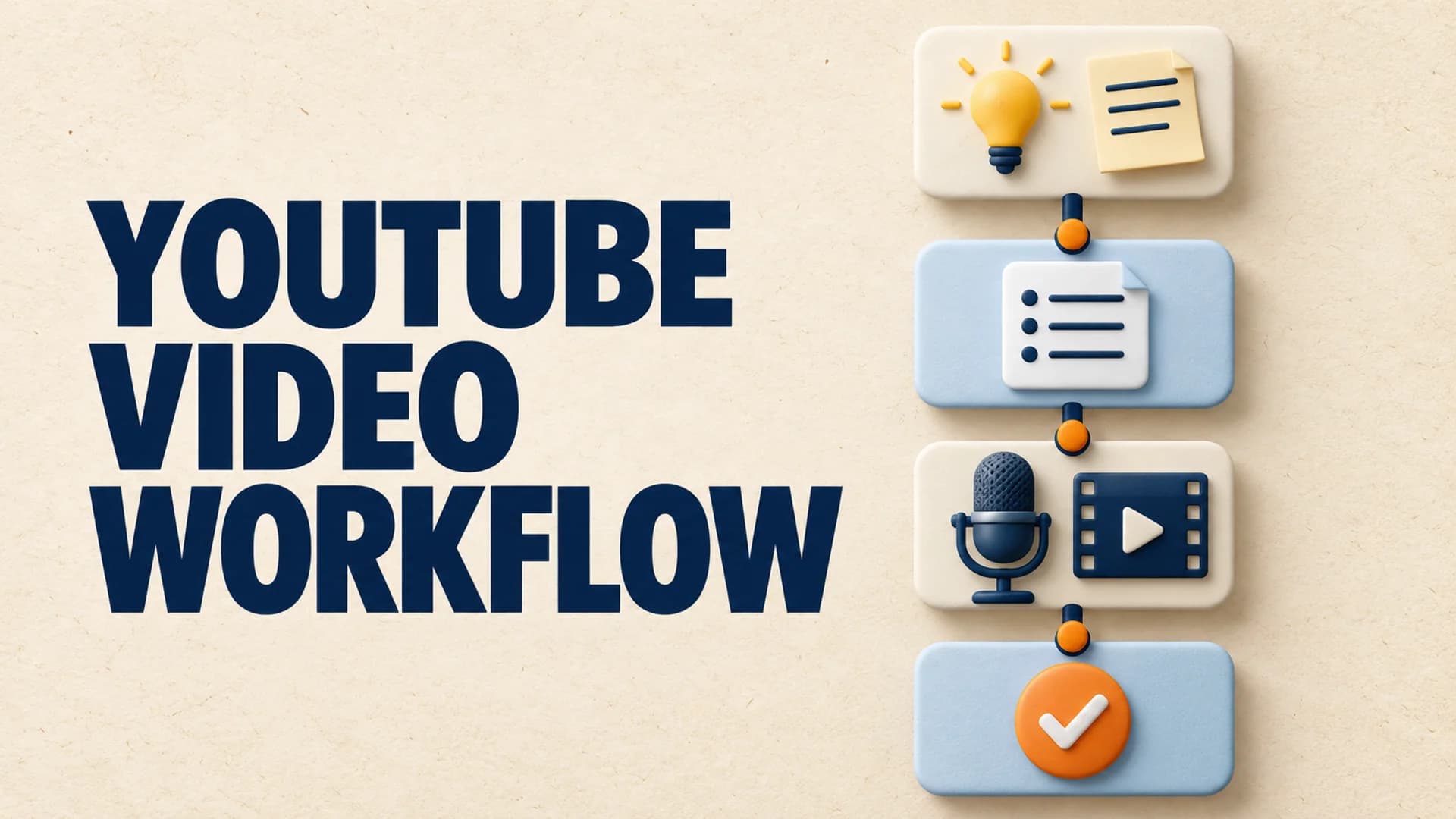
An effective YouTube video production workflow turns a promising idea into a finished long-form video without losing the reason a viewer clicked. It is not a pile of apps or a calendar full of due dates. It is a sequence of deliverables: each stage has a clear input, an inspectable output, and a condition that says the project is ready to move on.
That distinction matters when a channel publishes regularly. A weak topic can travel quickly into a polished script. An unsupported claim can become a persuasive-looking scene. A generic ending can lose the viewer who was ready for another video. The right production system catches those problems while they are still cheap to fix.
Use these six stages as a base. They work for solo creators, small teams, and AI-assisted channels because they describe the work, rather than prescribing a specific tool.
1. Choose a Specific Viewer Question
Begin with a question, tension, or promise that one defined viewer would care about. “The history of Rome” is a subject. “Why did Rome keep winning after early disasters?” is a video claim with direction.
Before research begins, write four short lines:
- The viewer this video is for.
- The question the title and thumbnail will promise to answer.
- The distinctive evidence, example, or frame the channel can provide.
- The next question a satisfied viewer is likely to have.
This protects the series as well as the individual video. A faceless YouTube content strategy becomes durable when every upload deepens a recognizable promise instead of competing for attention as an isolated idea.
Topic selection should finish with a one-sentence claim, not an open-ended subject. That claim lets you decide what research is necessary and makes it easier to reject a concept that has no clear payoff.
2. Build an Evidence Map Before the Script
Research is not a pile of browser tabs. Create a short evidence map with the claims the video needs to make, the source or example supporting each claim, and the role that claim plays in the story. Mark an uncertain point as a research gap rather than letting it become fluent-looking narration.
For an explainer, the map may include definitions, a worked example, a counterexample, and a practical consequence. For a documentary, it can include chronology, primary sources, expert context, and places where the record is disputed. The map gives the script a backbone and gives the visual plan something true to show.
YouTube’s monetization policies require content to be original and authentic rather than mass-produced or repetitive. Keeping an evidence map is one practical way to make the creative process accountable to that standard. It helps a reviewer see the difference between an illustrative image and proof for a factual claim.
3. Turn the Map Into a Chapter Contract
Make the outline in chapters. Every chapter needs a job: establish the question, reveal a complication, give proof, change the viewer’s understanding, or make the lesson useful. If two sections have the same job, combine them before drafting.
Write a sentence under every heading: “By the end of this section, the viewer understands ___ because they have seen ___.” This chapter contract prevents a common long-form failure mode where narration keeps moving but the argument does not.
A long-form storyboard workflow is useful here because it turns the chapter contracts into visible production choices while the logic is still easy to inspect. It is far easier to repair a redundant chapter before voiceover and editing have begun.
4. Write Narration and Scenes Together
The script and visual plan should be two views of one document. For every meaningful beat, label the visual job.
| Visual job | What it does | Example |
|---|---|---|
| Proof | Lets the viewer inspect a claim | Source excerpt, chart, map, or document |
| Context | Places a claim in a time, place, or system | Establishing footage, timeline, or diagram |
| Explanation | Makes an abstract relationship visible | Annotated graphic or worked example |
| Texture | Gives the eye room without carrying a factual claim | Relevant atmosphere or transition |
This prevents texture from pretending to be proof. It also creates an unambiguous brief for collaborators: they know which scenes need accurate source material and which can be illustrative. A video with fewer, purposeful visuals is usually clearer than a video that changes constantly without advancing the explanation.
Draft the opening after the argument is clear. The first minute should name the viewer’s question, show why the expected answer is incomplete, and give a credible reason to continue. It does not need a long channel introduction.
5. Review in Three Separate Passes
Do not try to judge everything in one viewing. Separate story, evidence, and viewer review so that feedback becomes actionable.
Story pass
Check comprehension. Does each chapter change what the viewer knows? Are key terms introduced before being used? Is the conclusion earned by the evidence rather than simply repeated from the opening?
Evidence pass
Check claims, captions, dates, quotations, charts, and sources. Remove a claim when the source does not quite establish it. Replace vague authority with a detail that lets a viewer understand why the claim is credible.
Viewer pass
Watch from the title-and-thumbnail promise. Does the opening deliver? Do the visuals change when the narration asks the viewer to hold a new idea? Does the final minute point naturally to another useful video?
Separate passes turn “this feels slow” into something a creator can repair: perhaps chapter three has no new proof, a definition arrives too late, or the visual track stays decorative through the main explanation.
6. Package and Release as Part of Production
Packaging is not an upload chore. The title and thumbnail should express the exact question the first minute answers, with a clear but defensible payoff. The description should help a new viewer understand scope, while the end screen and pinned path should point to the next relevant episode.
Before release, use a compact checklist:
- The title, thumbnail, and opening make the same promise.
- Major factual claims have a source or are clearly framed as analysis.
- Every chapter adds a new piece of understanding.
- The visual plan contains proof and explanation, not only filler.
- The final minute gives an interested viewer a useful next step.
Keep the checklist with the project instead of relying on memory. Over time, it becomes a record of the conditions behind your strongest work and a faster way to diagnose a weak upload.
Put the Repetition in a Channel Preset
After two or three projects pass through this workflow, save the repeatable parts: narration pace, scene labels, source standards, visual grammar, description structure, and the review checklist. That is a channel preset, not a content factory. It makes routine work faster while keeping topic choice, evidence, and release judgment visible.
Where AutoTube.pro Fits
AutoTube.pro supports the repeatable production work inside this system. Its AI Script Writer turns an approved research structure into a long-form draft, and AI Voiceover keeps approved narration consistent as projects evolve.
With channel automation, a creator can save the channel defaults that should not be rebuilt for every episode. The Long-Form Video Generator then carries an approved script and scene plan through to a finished render. Topic choice, evidence review, and the release decision remain the creator’s work.
Make the Workflow Easier to Trust
The best YouTube production workflow is one another person can inspect. They can see why the topic matters, where facts came from, what each chapter contributes, and what the viewer is meant to do next. Build those handoffs first, then automate the steps that repeat without hiding the judgment that makes the channel worth returning to.