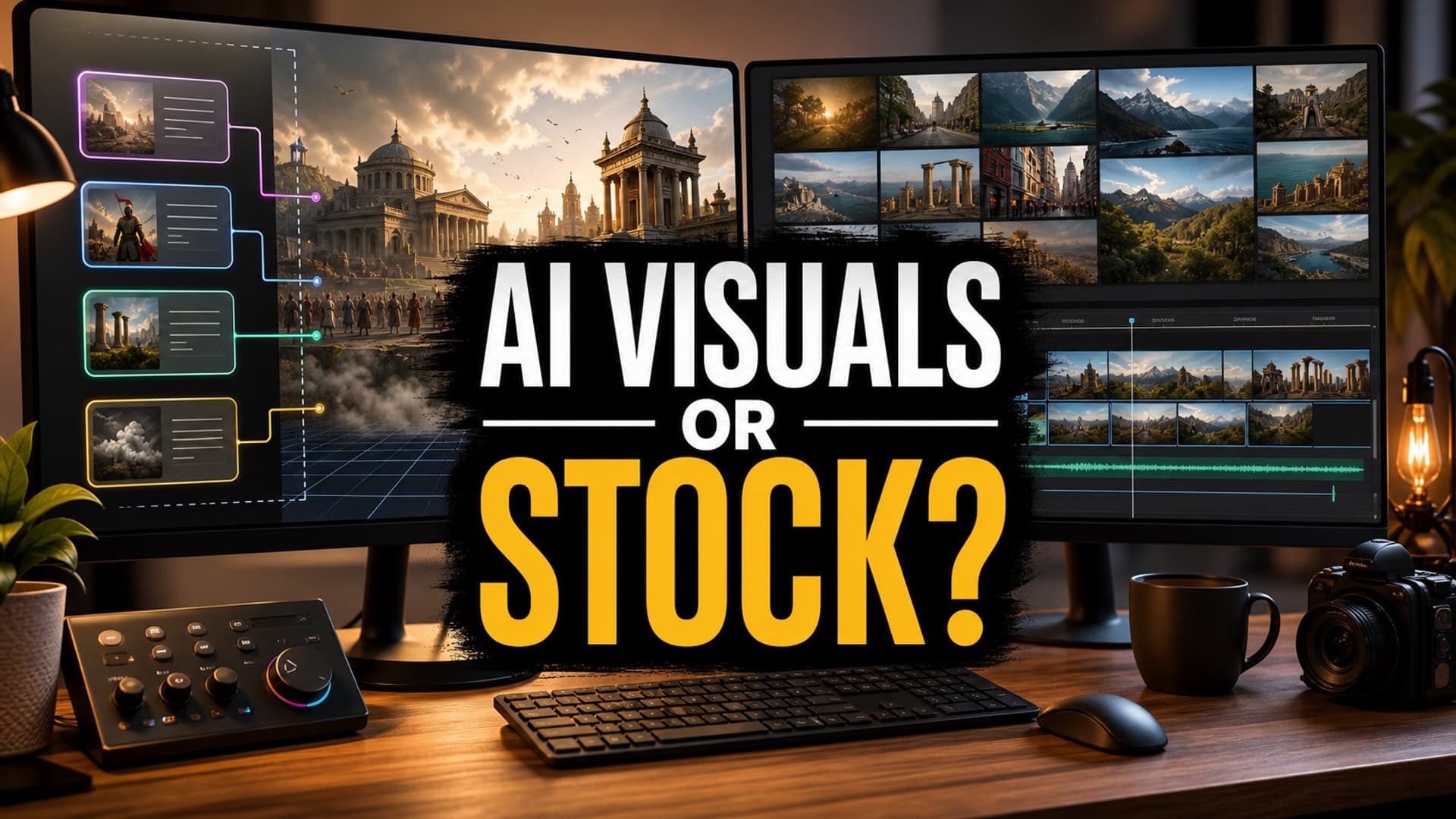
AI video creators are running into a practical problem: the tools are getting better, but the production choices are getting harder.
A long-form faceless video can now use generated scenes, stock clips, still images, motion graphics, screen recordings, archival material, or some mix of all of them. That sounds freeing until you are 40 minutes into a documentary-style script and every paragraph needs a visual decision.
Use AI for every shot and the video can become expensive, inconsistent, or strangely artificial. Use stock footage for everything and the video can feel generic, disconnected from the narration, or too similar to every other channel in the niche. The better answer is not choosing one side forever. It is building a decision system for each type of moment in the video.
Recent creator reporting around long-form AI history channels has made this clearer: polished AI video still takes planning, revisions, visual judgment, and budget. The channels that last are not simply generating more clips. They are deciding where custom visuals actually add value.
The Real Question Is Not AI or Stock
The real question is: what does this part of the video need the viewer to understand, feel, or remember?
Stock footage is strong when the viewer needs something familiar, grounded, and easy to process. A mountain road, city skyline, library aisle, factory floor, old map, ocean wave, or person walking through a street can support narration without demanding attention.
AI visuals are stronger when the script needs something specific that does not exist cleanly in stock libraries. That might be a historical reconstruction, a fictional location, a symbolic concept, a consistent character, or a visual metaphor that would be impossible to film cheaply.
For long-form faceless videos, the best workflow usually combines both. Stock footage carries broad context and pacing. AI visuals create the moments that feel tailored to the episode.
Use Stock Footage for Grounding Shots
Stock footage is useful when the shot is not the main point.
If your narrator says, “By the late 1800s, the port had become the center of trade,” you probably do not need to generate a perfect port scene from scratch. A licensed harbor shot, an old map, or a slow push over historical imagery may do the job better. The viewer needs the idea of scale and trade, not a hyper-specific reconstruction.
Stock also helps with trust. Real-world footage gives the audience visual rest between generated scenes. This matters in long videos because viewers can get tired of constant visual novelty. A 30-minute explainer with nothing but synthetic images can feel weightless, even when each image looks impressive on its own.
Good uses for stock footage include:
- Establishing locations and environments
- Showing ordinary actions or tools
- Adding texture between important story beats
- Creating calmer sections in sleep, documentary, or explainer videos
- Supporting factual claims without over-dramatizing them
The mistake is using stock as filler. If every sentence gets a loosely related clip, the video starts to feel assembled instead of directed.
Use AI Visuals for Specific Story Moments
AI visuals earn their place when specificity matters.
If your script describes a Roman merchant counting coins in a candlelit storeroom, a lost city imagined from archaeology, a fictional founder pitching an impossible machine, or a recurring narrator character moving through different eras, stock footage will probably not get you there. It may get you close, but close can feel cheap when the script promises something vivid.
AI visuals work best for:
- Historical scenes that need controlled setting, costume, and mood
- Fictional or speculative stories
- Consistent characters and recurring worlds
- Abstract concepts that need a visual metaphor
- Moments that deserve thumbnail-level drama inside the video
This does not mean every AI shot needs to move. Sometimes a sharp generated still with subtle motion, camera movement, or layered parallax is enough. For long-form videos, the goal is not constant spectacle. The goal is visual clarity that supports the voiceover.
Build a Simple Visual Decision Matrix
Before production, tag each scene in the script with one of four visual types.
Stock
Use this when a real-world, generic, or atmospheric clip will support the narration without distracting from it.
AI Generated
Use this when the scene needs specificity, character continuity, an impossible shot, or a custom visual idea.
Hybrid
Use this when stock footage can provide the base, but AI can add a custom layer: a map overlay, a stylized insert, a generated object, or a matching transition image.
Minimal
Use this when the best visual is simple: text on screen, a chart, a slow zoom on an image, or a quiet background. Not every sentence needs a new scene.
This matrix prevents the most common beginner mistake: treating visual production as a shot-by-shot panic instead of a planned system.
Think About Rights, Policy, and Viewer Trust
Stock footage needs licensing discipline. Keep a record of where each asset came from, what license applies, and whether it is safe for monetized YouTube use. This is especially important if you plan to reuse formats across many videos.
AI visuals need a different kind of discipline. You should check for misleading realism, historical errors, distorted objects, accidental likeness issues, and scenes that imply events happened exactly as shown when they are speculative. YouTube’s guidance on altered or synthetic content focuses on realistic AI-generated or altered material that viewers could mistake for real. If your video includes realistic synthetic scenes, disclosure may be required.
Monetization also depends on originality and value. YouTube’s channel monetization policies continue to push against repetitive, mass-produced, or inauthentic content. Using AI is not the problem. Publishing low-effort visual assemblies at scale is the problem.
Cost Is a Creative Constraint
AI video generation can get expensive quickly because the first output is rarely the final output. You may need several attempts to fix hands, faces, historical details, camera movement, or continuity. For long-form videos, those revisions multiply.
That is why the decision matrix matters. Spend AI generation budget on shots that make the episode feel original. Use stock, stills, charts, and minimal visuals for the connective tissue.
A useful rule: if the viewer would not remember the shot, do not overproduce it.
How AutoTube.pro Fits Into This Workflow
A good long-form workflow should keep the visual decision close to the script. If the script, voiceover, media, render, and thumbnail all live in separate tools, it becomes easy to lose the structure of the episode while chasing individual clips.
AutoTube.pro is built for creators who want that full pipeline in one place: script -> voiceover -> media -> render -> thumbnail. For this specific AI-versus-stock decision, the advantage is not just automation. It is keeping the production logic connected.
You can plan a long-form faceless episode, generate the script, produce voiceover, create AI media where custom visuals matter, bring the video together, render it, and then build the thumbnail with the built-in Canvas-style editor. That makes it easier to treat visuals as part of the format instead of a last-minute editing chore.
It is especially useful for documentary, explainer, story, and narrated sleep-style channels where videos need length, consistency, and a repeatable production rhythm.
FAQ
Is stock footage better than AI visuals for faceless YouTube videos?
Stock footage is better for grounded, familiar, or atmospheric moments. AI visuals are better when the video needs custom scenes, characters, worlds, or visual metaphors. Most strong long-form faceless videos use a mix of both.
Does YouTube penalize AI-generated visuals?
YouTube does not penalize a video simply because AI was used. The bigger issues are whether the content is misleading, repetitive, low-value, or missing required disclosure for realistic synthetic material. Original structure, commentary, and production judgment still matter.
Is AI-generated content monetizable on YouTube?
AI-generated content can be monetizable if it follows YouTube policies and adds real value for viewers. Channels are more likely to run into trouble when they mass-produce repetitive videos, reuse material without transformation, or mislead viewers about what is real.
How long should faceless videos be for good RPM?
There is no universal ideal length. Longer videos can create more monetization opportunities, but only if viewers stay engaged. A 20-minute video with strong retention is usually healthier than a 60-minute video padded with weak visuals and repetitive narration.
Should beginner creators pay for AI video generation before using stock?
Beginners should test both carefully. Stock footage can keep early production costs under control, while AI visuals can make key moments stand out. Start by spending AI budget only on scenes that define the episode’s originality.
The strongest faceless channels will not be the ones that use the most AI or the most stock footage. They will be the ones that know what each scene is supposed to do before production starts. If you want that planning, scripting, voiceover, media, render, and thumbnail process in one workflow, AutoTube.pro is built for exactly that kind of long-form production discipline.